10 minutes before a meeting, the worst time to test Gemini is when the document is already due. You paste a messy brief, ask for “a summary,” and get something clean enough to trust for five seconds. Then one name is wrong, one caveat disappears, and the saved time comes back as review debt.
My position is simple: the useful question today is not “What can Gemini do now?” It is “Which part of my work can I safely hand to Gemini without losing judgment?”
The trap is treating Gemini like a magic search box
Most office workers I know approach new AI tools the same way they approach a new app update: they look for the impressive feature first. A longer context window. A better image function. A smoother integration with Google Workspace. That instinct is understandable, but it often leads to the weakest use case.
The weak use case is this: ask a broad question, receive a fluent answer, feel productive, then spend the next 20 minutes checking whether the answer bent the facts.
I have made this mistake myself. Last week I used an AI assistant to compress a long planning memo into a one-page internal note. The tone was good. The structure was better than my rough draft. But it quietly removed the one sentence that mattered: the deadline was conditional on a partner reply. That missing condition would have changed how the team read the whole plan.
That is why I would not start today’s Gemini check with the newest demo. I would start with the most boring repeated task on your desk.
The better test is a small work loop you already repeat
The manifest source for today is thin: a Google share signal about Gemini, without enough source text here to verify exact product claims. So I would not build a confident article around a specific new feature. I would treat it as a prompt to check Gemini with discipline.
For non-developers, this is the more durable way to read AI news. A product may change every week. Your work patterns change more slowly.
Pick one loop. Not your whole job. Not “make me more productive.” One loop.
For example:
| Work loop | Bad Gemini test | Better Gemini test |
|---|---|---|
| Meeting prep | “Tell me everything about this client” | “Turn these 3 notes into 5 questions I should ask in the meeting” |
| Email drafting | “Write a reply” | “Draft a reply that says yes to A, no to B, and asks for C by Friday” |
| Document review | “Summarize this” | “List claims, missing evidence, and decisions required” |
| Weekly reporting | “Make this sound professional” | “Turn these bullets into a status update with risks separated from progress” |
| Learning a topic | “Explain Gemini” | “Explain this change as if I manage operations, not engineering” |
The difference is not small. The bad version asks Gemini to perform intelligence. The better version asks Gemini to carry a container you designed.
That is the shift I care about: AI becomes useful when you stop asking it to “know” and start asking it to process within boundaries.
A simple office analogy helps. You would not tell a new junior colleague, “Handle the client.” You would say, “Read these three emails, extract the open questions, flag anything that affects Friday’s deadline, and do not send anything yet.” Gemini deserves the same kind of instruction. Not because it is human, but because your work has hidden rules.
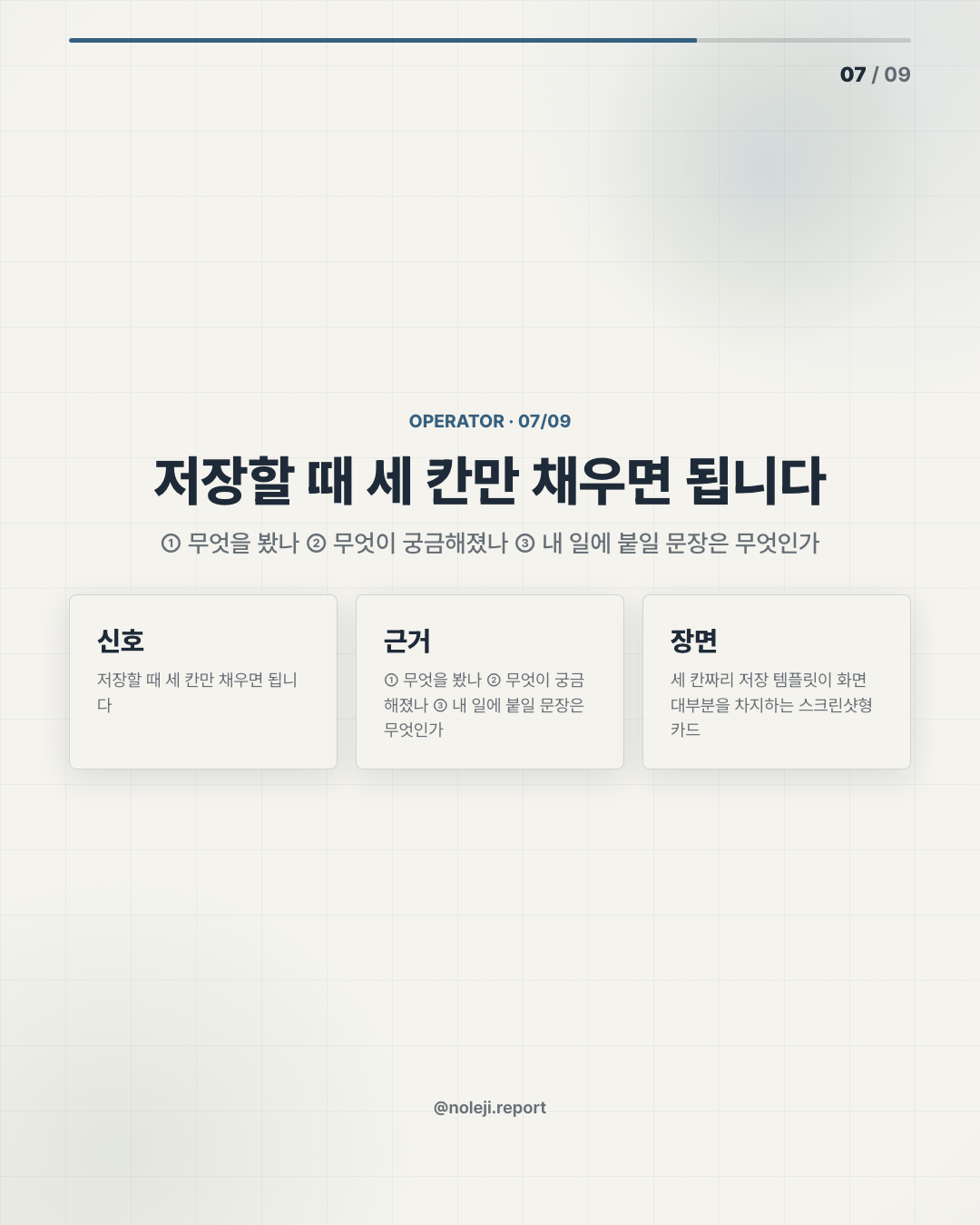
The practical test I would run today has 3 numbers:
① Give Gemini one task that takes you 20 to 40 minutes ② Limit the AI output to one page or fewer ③ Check whether review time stays under 5 minutes
If the review takes longer than that, you did not save time. You only moved the work from writing to policing.
The part people skip is the verification habit
Gemini sits close to Google’s ecosystem, so the temptation is to assume it carries Google-level reliability into every answer. That is not how I would use it. Product proximity is not the same thing as task trust.
The minimum useful check is this:
- What did Gemini change from my original material?
- What did it omit?
- What sounds confident but has no visible support?
- What decision would someone make if they trusted this output?
- Can I trace the important claims back to the source I actually gave it?
For today’s brief, the same standard applies. We have a Gemini-related source note, but not enough verified detail in the manifest to say exactly what changed. So the honest move is to separate the product watch from the work habit.
Product watch: check what Google is announcing or testing around Gemini. Work habit: test whether Gemini can reduce one repeated friction point without adding hidden review cost.
That second part is where the value usually appears.
Here is the line I would keep and reuse:
> “Use Gemini first where the cost of a wrong answer is low, the format is repeated, and the human review is quick.”
That sentence is not glamorous. It is usable.
This will not work for every task
There are cases where I would not use Gemini first.
I would not use it as the first reader for legal, medical, financial, or HR-sensitive material unless the organization already has rules for that. I would not let it rewrite anything where tone carries political risk inside a company. I would also avoid using it when the real problem is not writing, but decision ownership.
I have seen people hide uncertainty inside AI-polished language. The memo gets smoother, but the decision gets weaker. A confident paragraph can make a vague plan look finished before anyone has done the hard thinking.
So the limit is clear: Gemini can help you prepare, compress, compare, and reframe. It should not become the place where responsibility disappears.
Check one loop today, not the whole future
The best use of today’s Gemini news is not to chase every feature. It is to choose one repeated task and run a small test before the week gets noisy.
Use this 15-minute check:
① Choose one recurring task from this week ② Give Gemini the source material, not just a vague instruction ③ Ask for a constrained output: table, checklist, draft, or questions ④ Time your review ⑤ Keep the prompt only if the total time drops and the result is safer to reuse
My primary next step: save the checklist above and run it on one real task today.
Next edition, I’ll look at the question that matters after the first test: when should Gemini write for you, and when should it only prepare the material you will write yourself?
Take-aways
- 10 minutes before a meeting, the worst time to test Gemini is when the document is already due
- My position is simple: the useful question today is not “What can Gemini do now?” It is “Which part of my work can I safely hand to Gemini without losing judgment?”
- Most office workers I know approach new AI tools the same way they approach a new app update: they look for the impressive feature first
→ 한국어 버전 →
![카드 8 (action): 오늘 이 한 줄만 붙여서 시켜보세요 — “이 자료를 [누가] [언제] 바로 쓸 수 있게 [형태]로 정리해줘.”](/assets/cardnews/2026-06-30/ko/instagram/card-8.png)