One Google share link is not a workflow strategy
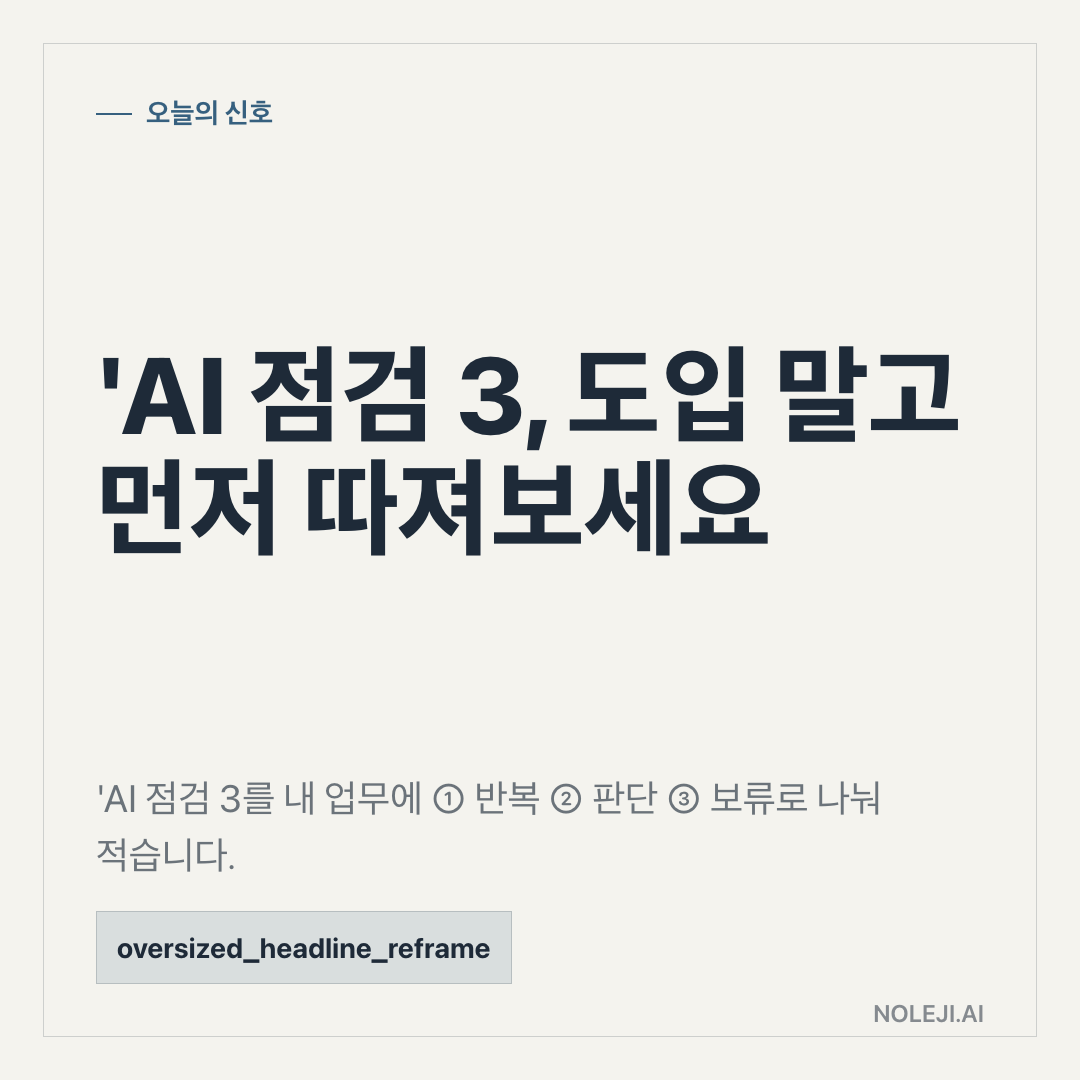
One source, one product name, one date: that is all today’s manifest gives us for Gemini.
That is enough to pay attention, but not enough to reorganize your work around it. I would not treat today’s Gemini item as “a new AI thing to try.” I would treat it as a prompt to check your own work system.
My position is simple: for non-developer professionals, the right Gemini question today is not “Is it powerful?” It is “Which part of my work am I willing to let Gemini touch, and what proof would make me comfortable?”
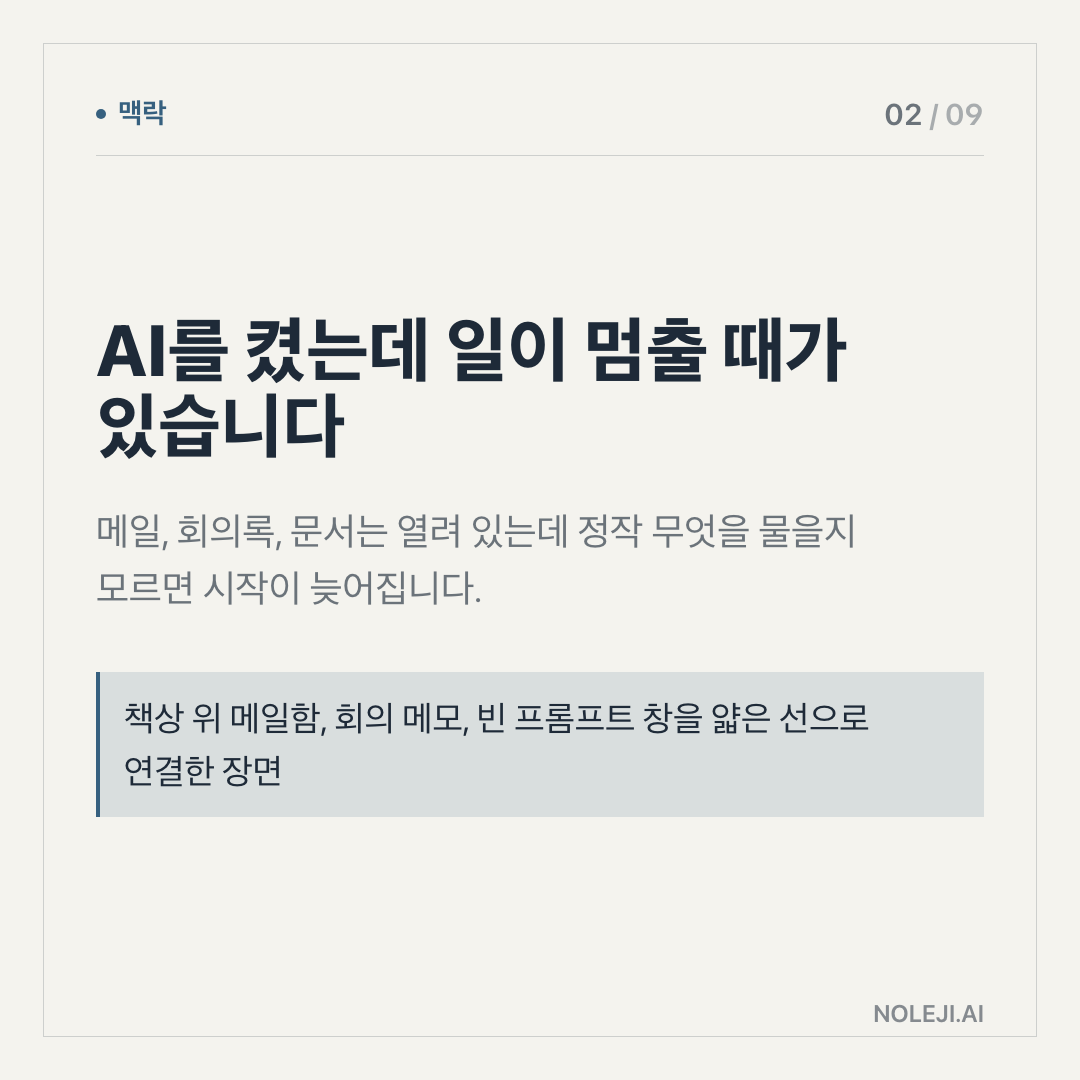
The trap is opening Gemini like a blank notebook
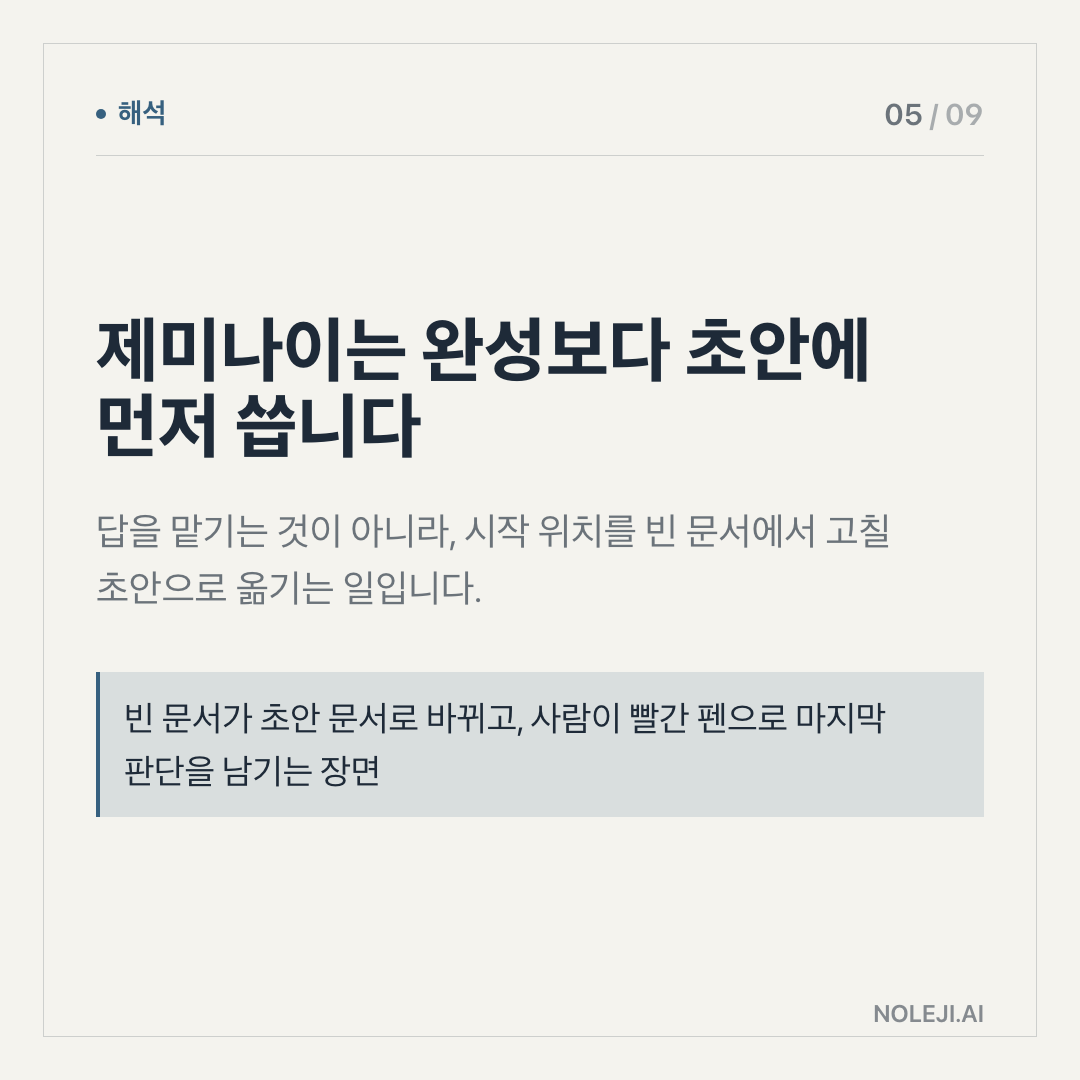
Many people test AI tools the same way they test a new note app. They open it, type one vague request, get one polished answer, and decide whether it “feels useful.”
That method fails with Gemini, ChatGPT, Claude, or any similar assistant. A general AI model does not show its value in a blank chat. It shows its value when you give it a recurring job, a clear input, and a standard for a usable output.
I learned this the boring way last year. I tried using an AI assistant to summarize meeting notes. The first result looked fine. Then I checked the details: one action item was softened, one date was missing, and one disagreement sounded more settled than it actually was. The tool had not failed dramatically. It had failed in the exact way busy office work fails: quietly.
That is why today’s Gemini brief should not be read as a hype checkpoint. It should be read as an operating checkpoint.
The useful test is whether Gemini can survive your real handoff
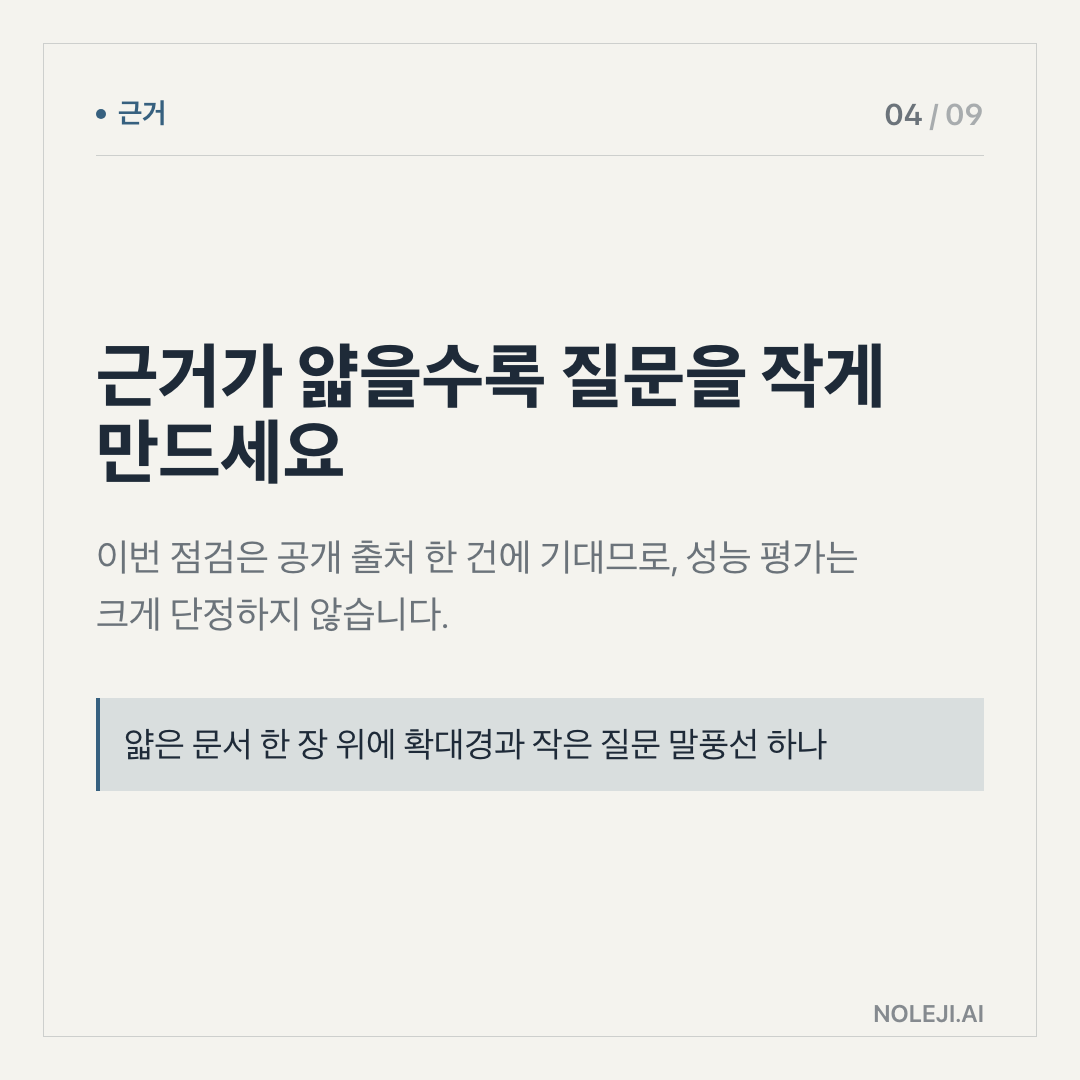
The only source in today’s manifest is a `share.google` signal, so I am not going to pretend we have a full product announcement, benchmark, or release note in front of us. The evidence is thin. That matters.
But even with thin evidence, the practical question is clear because Gemini sits inside a larger Google work universe. For many non-developer workers, Google is not an “AI vendor.” It is where the work already lives: Gmail, Docs, Sheets, Drive, Calendar, Meet, Chrome, Android.
That changes the test.
If an AI tool lives far away from your work, you judge it by intelligence. If it lives inside your work, you judge it by handoff quality.
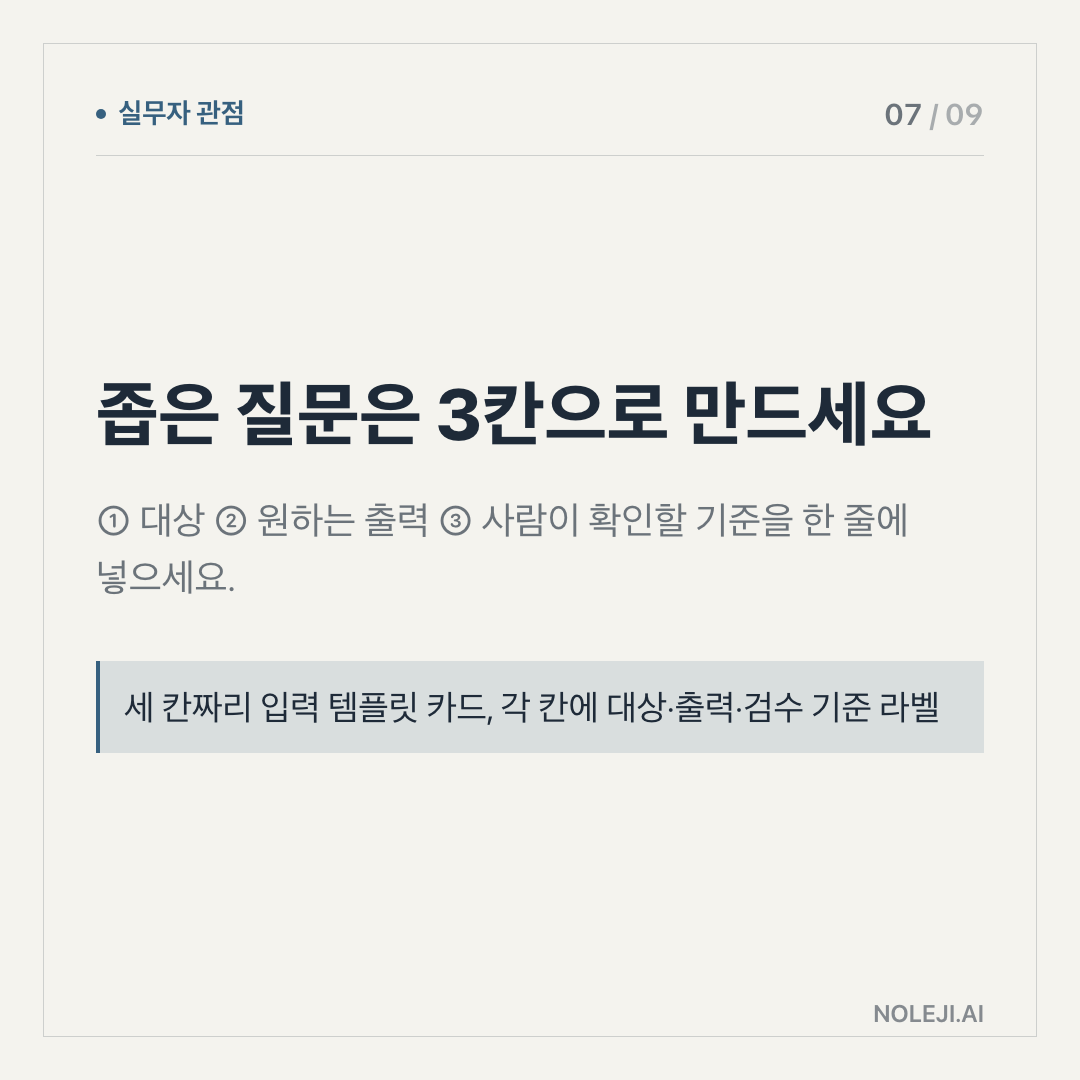
Can it take a messy email thread and turn it into a draft you would actually send? Can it summarize a document without flattening the political nuance? Can it help with spreadsheet reasoning without hiding the assumptions? Can it make tomorrow’s meeting shorter, not just today’s prompt more impressive?
For office workers, the strongest AI use cases are usually not spectacular. They are small and repeatable:
| Work moment | Bad Gemini test | Better Gemini test |
|---|---|---|
| “Write a reply” | “Draft a reply that says no, keeps the relationship warm, and proposes one alternative date” | |
| Docs | “Summarize this” | “Extract decisions, unresolved questions, and owner names. Mark anything uncertain.” |
| Sheets | “Analyze this data” | “Find the three rows that look risky and explain the formula or assumption used” |
| Meetings | “Make notes” | “Separate facts, decisions, follow-ups, and emotional tension” |
| Planning | “Make a strategy” | “Turn this goal into a 2-week checklist with dependencies and one thing to cut” |
The difference looks small, but it is the whole game.
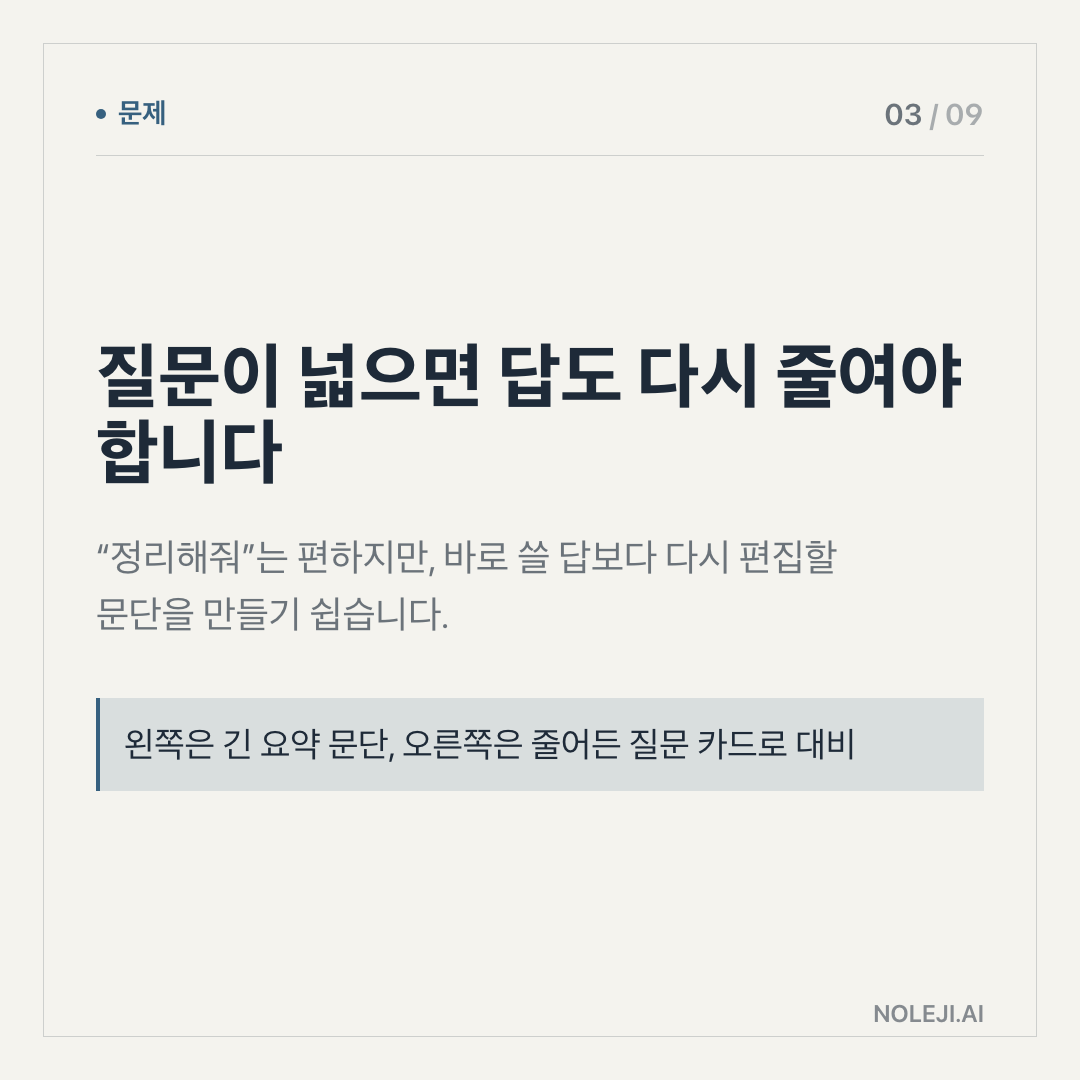
A vague prompt asks the model to perform intelligence. A good handoff asks it to perform a role. That role can be checked.
My thesis is that Gemini matters only when it can be tested against a job you already repeat. If it only produces a cleaner paragraph, it is a writing aid. If it reliably reduces review time, missed details, or context switching, it becomes part of your work system.
I would use three checks today:
① Where is the input coming from? If the input is already in Google Workspace, Gemini may have a lower friction path than a tool that requires copying and pasting across apps.
② What mistake would be expensive? If the mistake is tone, you can review it. If the mistake is a number, a legal clause, a client promise, or a medical/financial detail, the tool needs a stricter verification step.
③ What output can you reuse tomorrow? The best AI setup is not a clever one-time answer. It is a reusable instruction you can paste again next week.
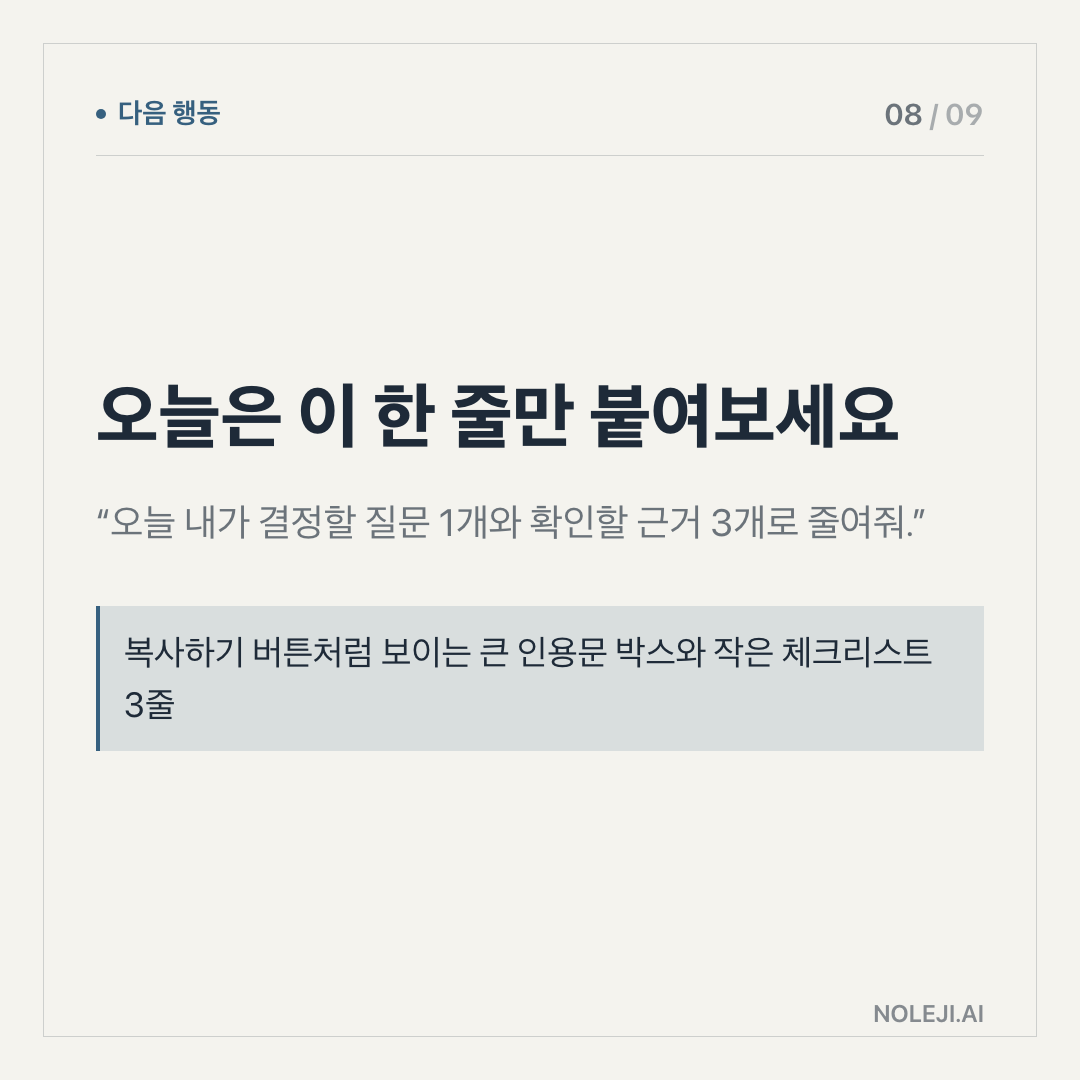
복붙용 line:
> “Before answering, separate confirmed facts, assumptions, and items I need to verify manually.”
That one sentence has saved me more time than most fancy prompt templates. It forces the tool to stop pretending everything has the same confidence level.
This does not work when your work is mostly judgment
There are cases where Gemini, or any assistant, should stay in the passenger seat.
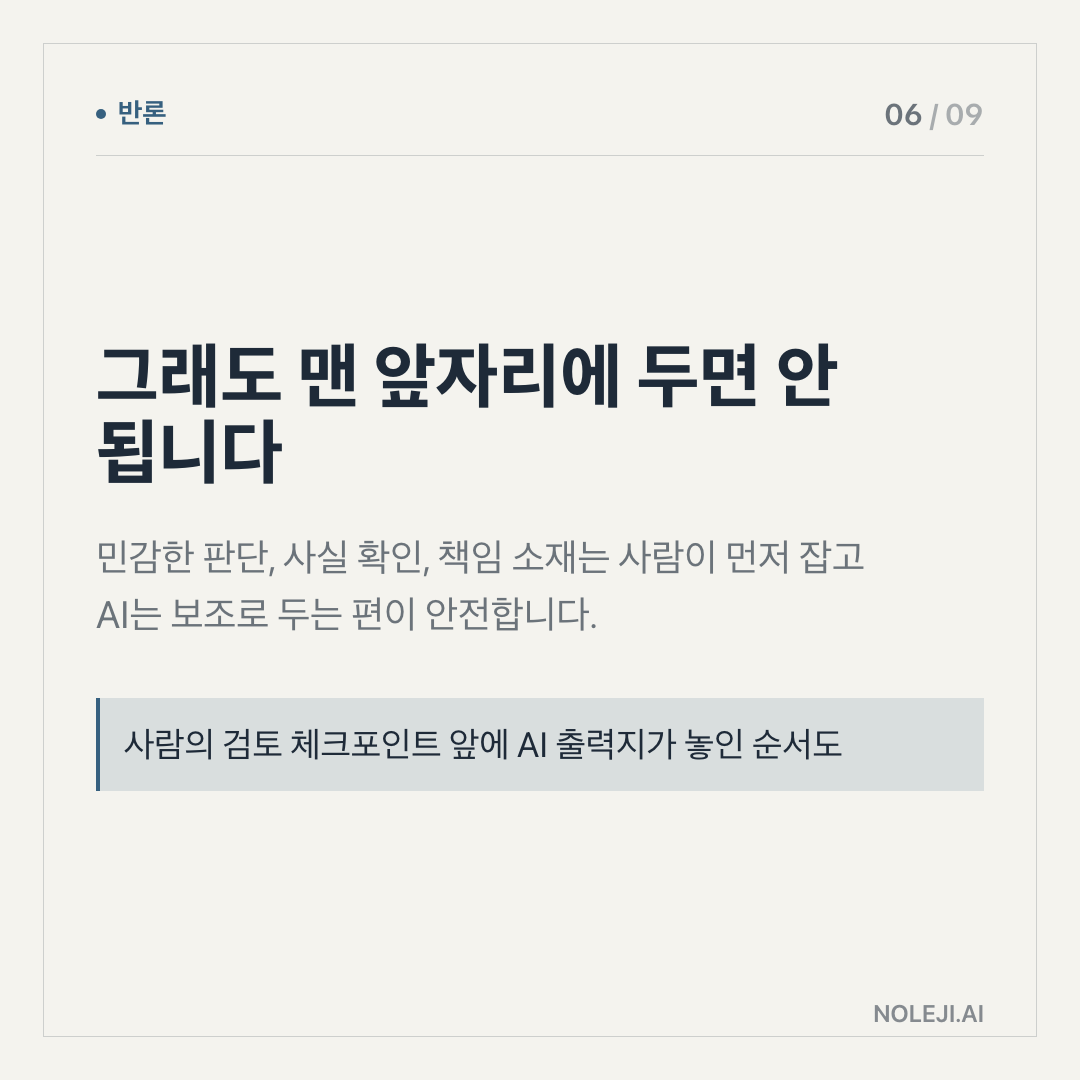
If your task depends on confidential context, emotional reading, legal accountability, or a relationship history the model cannot know, do not hand it the decision. Use it to prepare options, not to choose.
I would also be careful with source-thin updates like today’s. A shared Google signal can point to something worth checking, but it is not the same as a verified changelog, documentation page, pricing update, model card, or enterprise policy note.
So the limit is not “AI sometimes hallucinates.” That warning is too broad to be useful.
The sharper limit is this: AI is strongest when the job has a visible structure and a reviewable output. It is weakest when the important part is hidden in context, trust, or consequence.
Today’s Gemini move is a 15-minute audit
Do not spend an hour reading reactions. Spend 15 minutes finding one place Gemini could remove repeat work.
Pick one recurring task from this week. A weekly report, a client email, a meeting summary, a spreadsheet check, a hiring note, a study plan. Then write one prompt that includes the input, the role, the output format, and the verification rule.
Use this checklist:
- I know exactly which task I am testing.
- I can compare Gemini’s answer with a human-made version.
- I know what kind of mistake would make the output unusable.
- I ask it to mark uncertainty.
- I save the prompt only if it works twice.
My next step: keep a small “Gemini test sheet” for one week, with task, prompt, time saved, and mistake found.
Next brief: I’ll look at how to turn one successful AI prompt into a small personal workflow, so the benefit does not disappear after one good answer.
Take-aways
- One source, one product name, one date: that is all today’s manifest gives us for Gemini.
- That is enough to pay attention, but not enough to reorganize your work around it
- My position is simple: for non-developer professionals, the right Gemini question today is not “Is it powerful?” It is “Which part of my work am I willing to let Gemini touch, and what proof would make me comfortable?”
→ 한국어 버전 →