10 minutes is a suspiciously small number.
It is short enough to make a technical demo feel almost magical, and long enough to hide what really happened before the timer started. When I see a claim like “Claude Code did something big in 10 minutes,” I do not ask first whether the model is impressive. I ask a less glamorous question: what part of the work was actually done inside those 10 minutes?
My thesis is simple, and not everyone will like it: Claude Code is not mainly replacing developers here. It is exposing how much everyday knowledge work was already waiting to be turned into a small, repeatable system.
The ten-minute claim only matters if we count the invisible preparation
I tried to read this as a non-developer office worker would read it. Not “which model is better,” not “which agent wins,” but: can this help me get back an hour of my day?
The source attached to this article is a YouTube link. I do not have enough verified detail from that source alone to say exactly what was built, what files changed, or how much manual setup happened before recording. That matters. A 10-minute build can mean three very different things:
| What “10 minutes” can mean | What was probably already prepared | How I would read it |
|---|---|---|
| A real from-zero build | Prompt, repo, dependencies, goal, test path | Rare, but meaningful |
| A guided build inside an existing project | Project structure, tools, examples | Useful, but not magic |
| A polished demo | Script, expected output, recovery path | Good for learning, weak as proof |
This is where the headline becomes useful rather than misleading. The real lesson is not “anyone can build anything in 10 minutes.” The better lesson is: if the task is already framed well, Claude Code can compress the distance between intention and working draft.
That is a big difference.
In office language, this is like asking a new colleague to prepare a client memo. If you say, “make something about our Q3 numbers,” you will lose time. If you give the client name, the prior memo, the spreadsheet, the desired tone, and the one decision the memo should support, the first draft can arrive fast. The speed did not come from magic. It came from a well-shaped assignment.
I followed the claim, then ran into the missing middle
The phrase “Claude Code in 10 minutes” tempts us to focus on the stopwatch. I think the better place to look is the handoff.
What did the human know before prompting? Was the goal small enough? Was there an existing repository? Were tests already available? Did Claude Code make one clean change, or did it wander through several attempts before the final clip?
These are not cynical questions. They are the questions that decide whether the same workflow can help a marketer, analyst, teacher, founder, or operations manager.
Last week, I watched a small automation task fail for a boring reason: the person knew what outcome they wanted, but could not describe the input files consistently. One file had Korean column names, another used English abbreviations, and the “final report” changed shape depending on who asked. No AI coding tool can turn that into a dependable system without first cleaning the work itself.
That is why I am careful with the 10-minute framing. The visible part may be short. The reusable part is usually the preparation around it.
The real change is that small systems are becoming personal work tools
Here is the part I would not dismiss.
For years, “automation” sounded like something that belonged to engineering teams. If a regular office worker wanted to automate a weekly task, the path was uncomfortable: learn enough code, ask a busy developer, buy a SaaS tool, or keep doing the work manually.
Claude Code changes the emotional distance. It makes software feel less like a department and more like a working surface.
I do not mean that casually. Even if the YouTube example is thin as evidence, the broader pattern is visible: tools like Claude Code let a person describe a task, inspect proposed changes, run the result, and iterate in the same environment. That turns coding from a separate craft into a kind of structured delegation.
The office version looks like this:
① “Every Friday, I receive three CSV files.” ② “I copy five fields into a report.” ③ “I rewrite the same summary for my manager.” ④ “I check two numbers manually because they often break.” ⑤ “I want a script that does the boring part and flags the risky part.”
That is not a startup pitch. That is Tuesday afternoon.
The important shift is not that non-developers suddenly become engineers. Most will not, and they do not need to. The shift is that they can begin to own small systems around their own work.
A small system might be a folder rule, a report generator, a draft checker, a meeting-note cleaner, a data comparison script, or a personal knowledge index. None of these needs to be grand. They just need to save attention repeatedly.
This is why I think the “10 minutes” number is both useful and dangerous. It is useful because it gives people permission to try. It is dangerous because it hides the discipline that makes the result reliable.
The better question is not, “Can Claude Code build this fast?”
The better question is, “Can I describe my work clearly enough that an AI coding assistant can help me build one small machine around it?”
That question is harder. It is also more empowering.
A faster tool still punishes vague work
There is a plain limitation here: a demo is not a workflow.
A video can show the successful path. Real work includes broken dependencies, unclear requirements, messy files, login problems, changing preferences, and the moment when the result looks right but quietly misses an edge case.
I would be especially cautious in three situations.
| Situation | Why Claude Code may struggle | Safer first step |
|---|---|---|
| The task depends on private company data | Access and privacy can be more important than speed | Use fake sample data first |
| The output affects customers or money | Small mistakes become expensive | Keep a human approval step |
| The task is not repeatable yet | Automation will freeze the confusion | Write the manual steps down once |
This is where I disagree with the most excited reading of these tools. Speed does not remove responsibility. It moves responsibility earlier.
Before, you had to know how to code. Now, more often, you have to know how to define the job, judge the output, and decide what must stay manual.
That is still skilled work. It is just a different kind of skill.
Try one boring automation before believing any big claim
If you want to test the value of Claude Code, do not begin with an app idea. Begin with a task you already resent.
Pick something you did at least three times in the past month. Write the steps as if you were training a new employee. Then ask Claude Code to help turn only one part of it into a small tool.
Use this checklist before you start:
- Can I name the exact input?
- Can I show one real or fake example?
- Can I describe the output in one sentence?
- Can I tell when the result is wrong?
- Can I keep a human review step before anything gets sent, deleted, paid, or published?
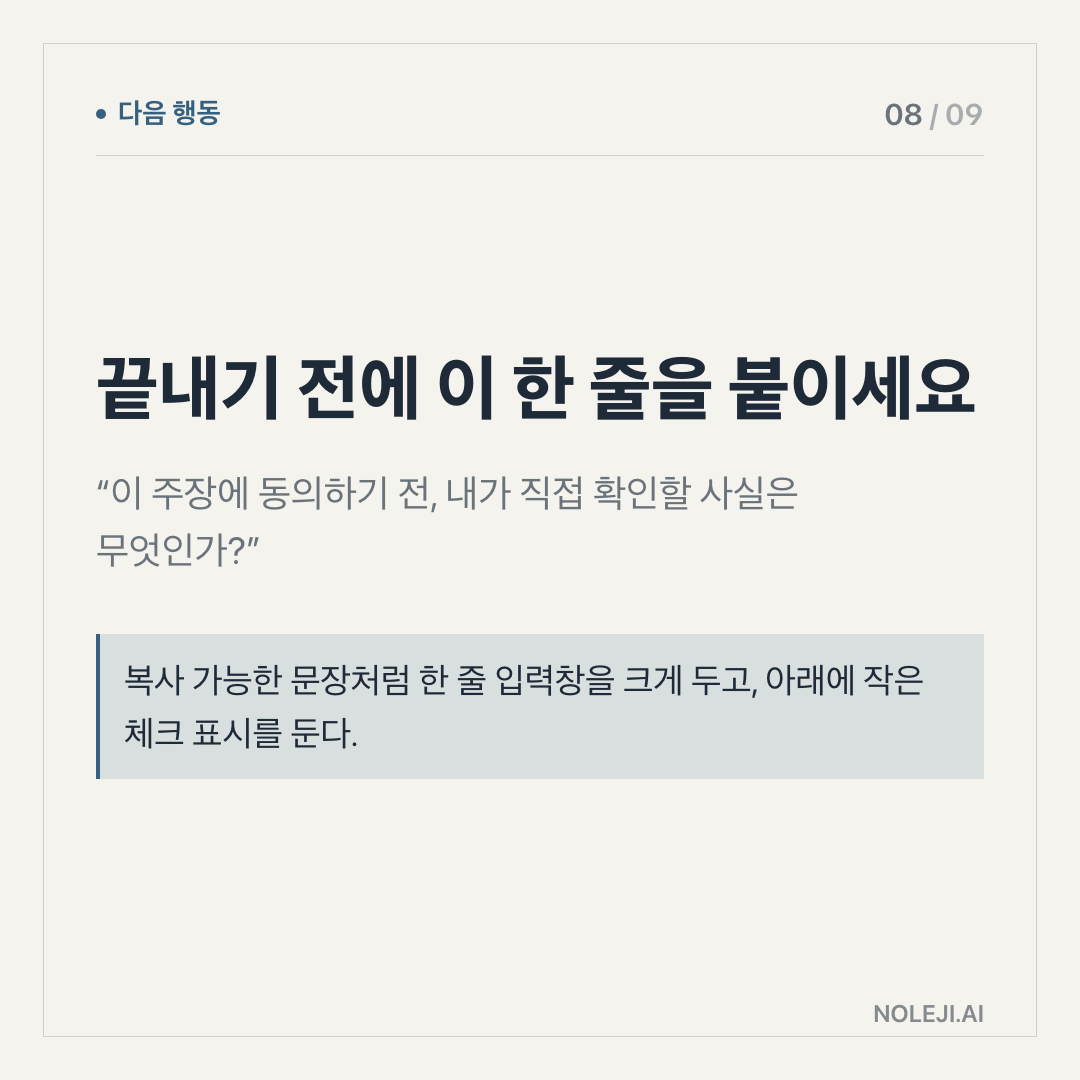
복붙용 line:
> Build the smallest version of this workflow first: take this input, produce this output, and stop before any risky action.
That sentence is not dramatic. It is useful. It keeps automation close to the work instead of letting it drift into fantasy.
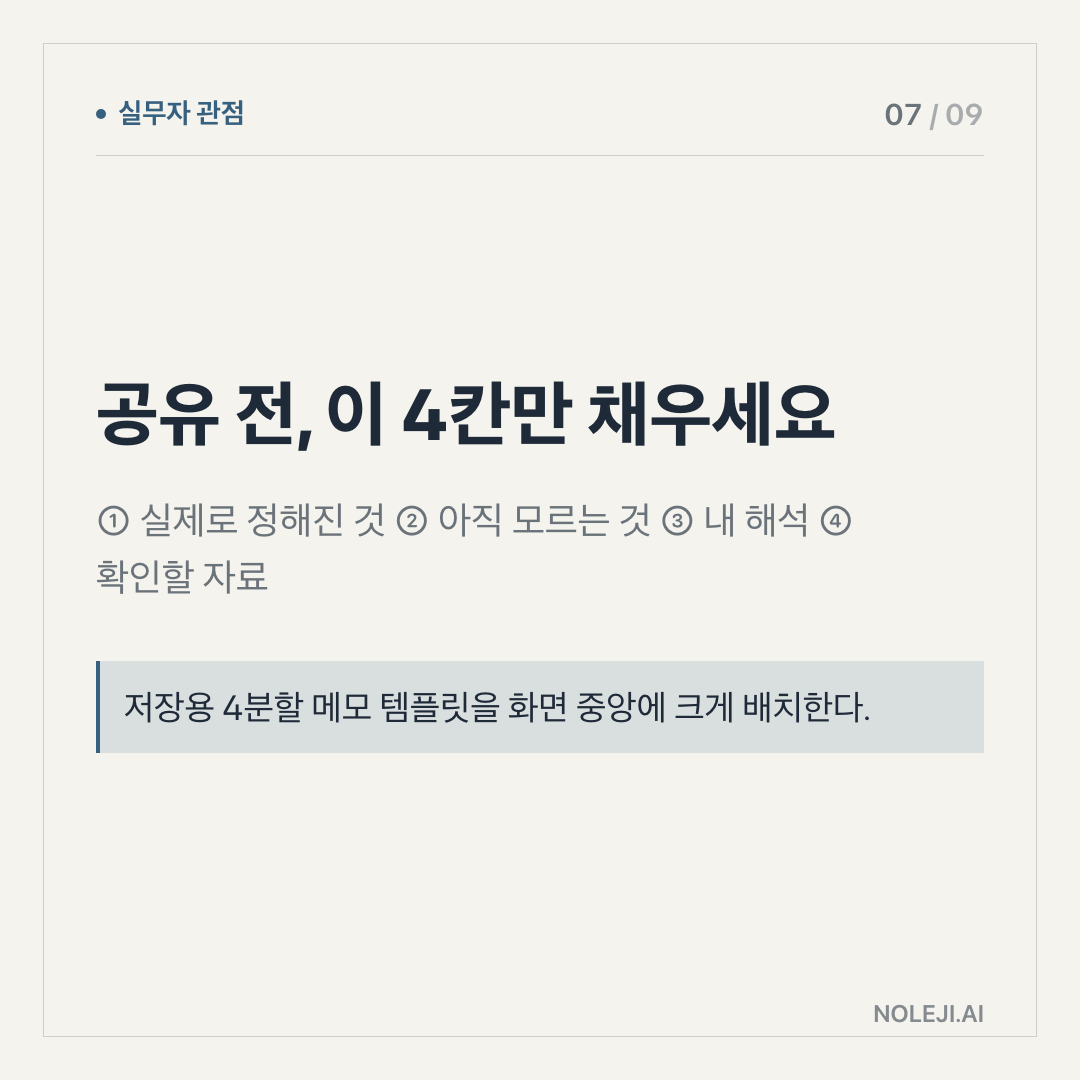
My next step for you is simple: choose one repetitive task today and write its five manual steps before you open any AI tool.
Next time, I will look at how to turn that five-step description into a safe first Claude Code prompt without pretending you need to become a developer.
Take-aways
- 10 minutes is a suspiciously small number.
- It is short enough to make a technical demo feel almost magical, and long enough to hide what really happened before the timer started
- My thesis is simple, and not everyone will like it: Claude Code is not mainly replacing developers here
→ 한국어 버전 →