When you open Claude Code, are you trying to make the computer type faster, or are you trying to remove a task from your day?
A ten-minute demo is really a story about delegation
The example in front of us is a short YouTube clip about doing something “big” with Claude Code in about ten minutes. I am treating it carefully: one video is a demonstration, not a benchmark, and it does not prove that every office worker can repeat the same result on Monday morning.
Still, the scene matters because it shows a shift in how AI tools are being used. The interesting part is not that code appears quickly. The interesting part is that a person can describe an outcome, let the tool touch real files, and move from idea to working draft without opening five separate apps.
For non-developers, that changes the question. It is no longer “Can I code?” It becomes “Can I explain a small work process clearly enough that an assistant can build the first version?”
That is a lower bar, but not an easy one.
The turn happens when the user stops asking for answers
Most people still use AI like a search box with better manners. Ask a question. Get an answer. Copy a paragraph. Move on.
Claude Code points to a different habit. You do not only ask, “How should I do this?” You ask it to inspect a folder, understand a project shape, make a change, test the result, and explain what remains uncertain.
That is a meaningful turn. The user is no longer collecting advice. The user is assigning work.
I have felt this difference in my own routine. When I ask an AI tool to “summarize this,” I still own every next step. When I ask it to “turn these notes into a repeatable checklist and show me where it might fail,” I begin to get time back. Not because the tool is smarter than me, but because I have moved a recurring decision out of my head.
The new skill is not coding. It is giving work a shape.
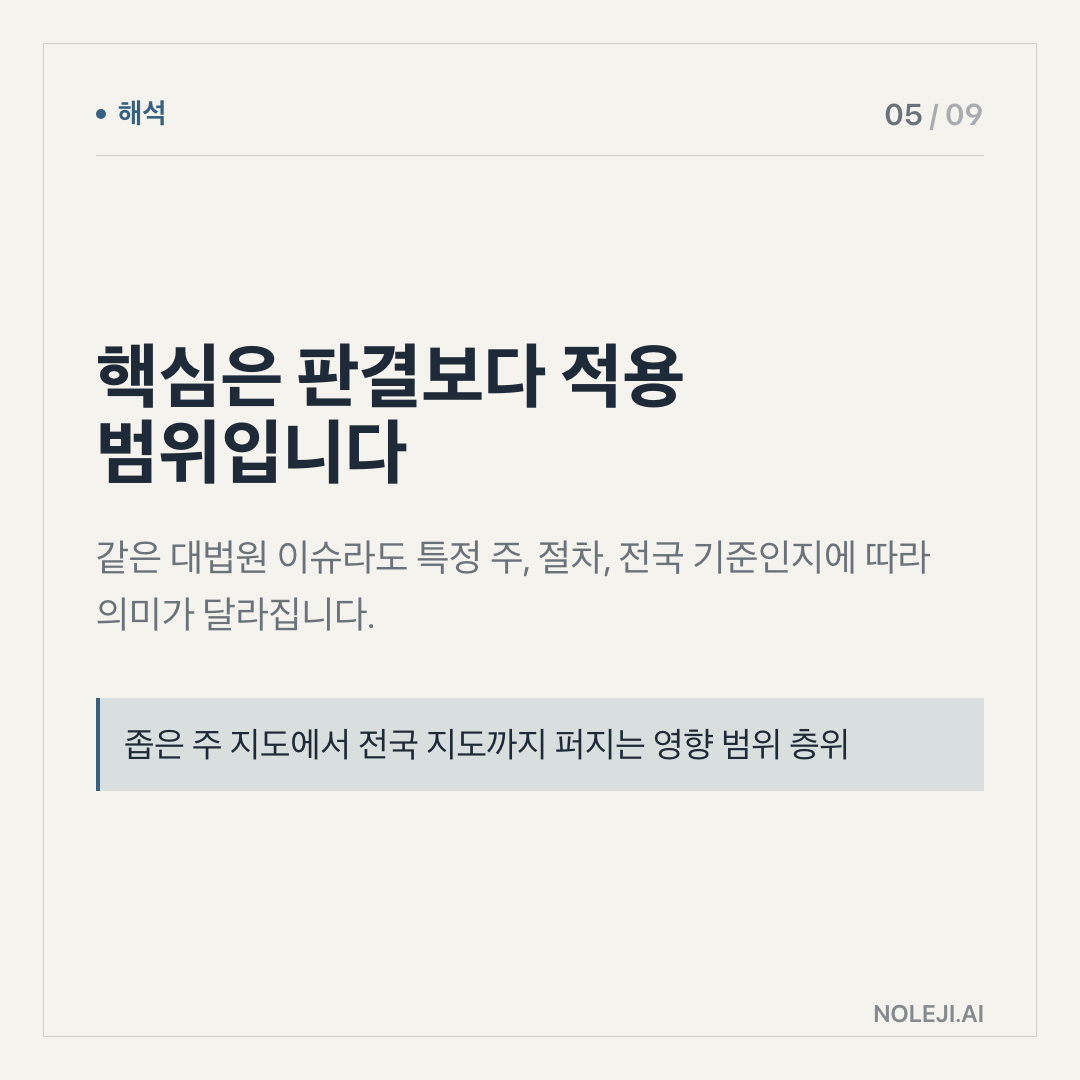
Here is my thesis: Claude Code is less important as a coding tool than as a training ground for delegation. Someone could disagree and say the whole value is software speed. I understand that view. Developers will clearly get the first and most visible gains.
But for the rest of us, the larger lesson is simpler and more uncomfortable. AI rewards people who can define a task.
A vague request produces vague output. A clear request can produce a usable draft, a small automation, a cleaned document, a testable workflow, or a dashboard skeleton. The gap is not magic. It is task shape.
In office work, we already know this. A manager who tells a new hire “handle the report” usually gets confusion. A manager who says “take these five files, compare revenue by region, flag numbers that moved more than 10%, and give me three possible causes” gets a better first pass.
Claude Code behaves more like that new hire than like a calculator. It needs context. It benefits from boundaries. It makes mistakes when the work is under-specified. It becomes useful when the task has inputs, outputs, constraints, and a way to check whether it succeeded.
I would keep this small table close, especially if you are not a developer:
| If you usually say | Try saying instead |
|---|---|
| “Make this better” | “Rewrite this for a busy manager who has 90 seconds, and keep the key risk visible.” |
| “Build something with this data” | “Create a simple tracker from these columns: owner, deadline, status, blocker, next action.” |
| “Analyze this” | “Find the three decisions I need to make, the missing information, and the safest next step.” |
| “Automate my work” | “List the repeated steps in this task, then suggest which one is easiest to automate first.” |
| “Is this right?” | “Check this against the original file and show only mismatches or assumptions.” |
The hidden advantage is that this way of speaking improves your own work even before AI helps. You become clearer about what you are trying to finish. You separate “thinking” from “formatting.” You notice which tasks repeat every week.
That is why I do not read a ten-minute Claude Code demo as a promise that everyone will suddenly become a software builder. I read it as a reminder that small systems are now within reach. A personal reporting template. A meeting-note cleanup flow. A folder that turns raw notes into a brief. A checklist that catches missing fields before a document goes out.
None of these sound dramatic. That is the point. Real time savings usually start with boring work that stops stealing attention.
This breaks down when the work has no clear test
There is a limit here, and it matters.
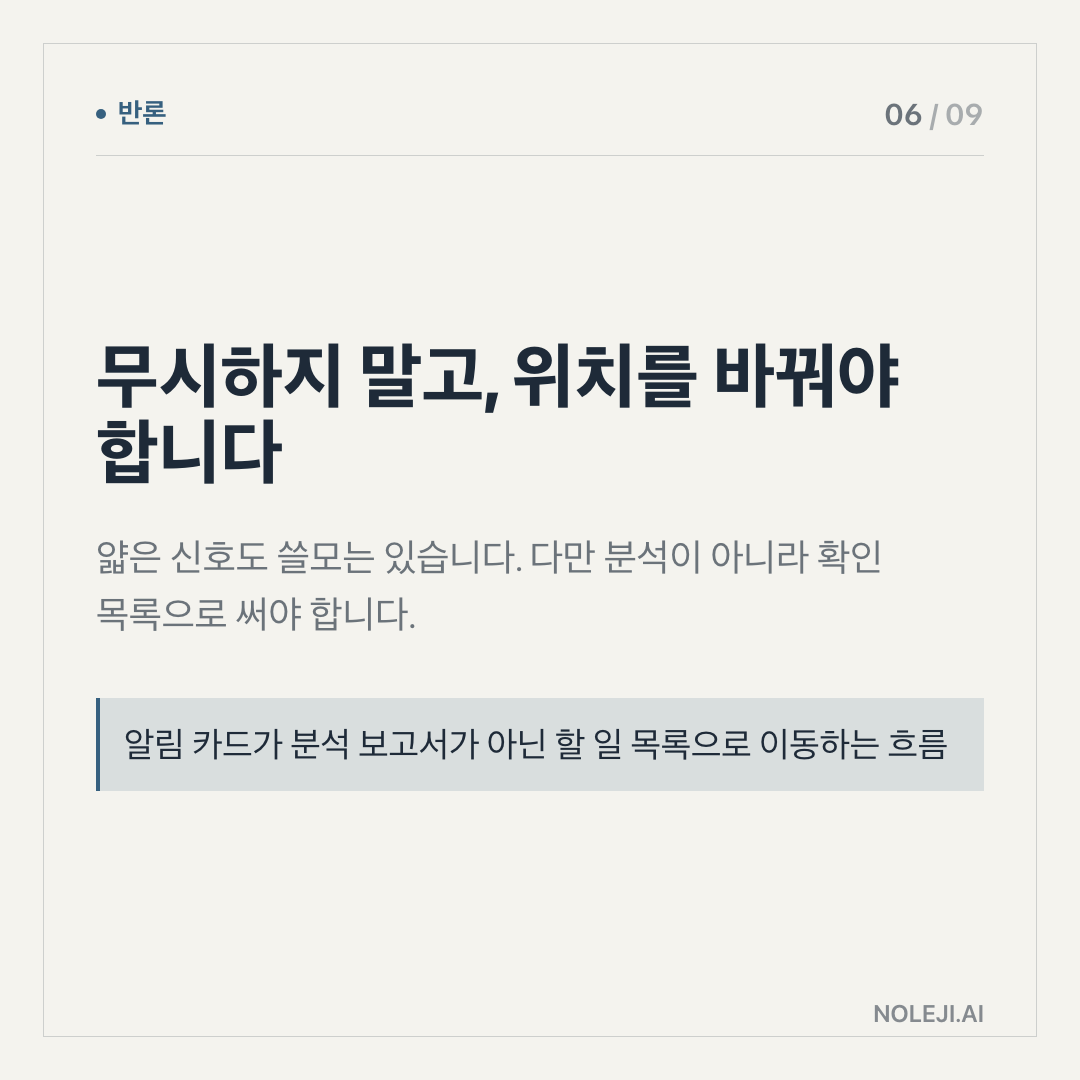
If the task touches money, legal wording, private data, customer commitments, or anything that could damage trust, “the AI produced something” is not enough. The output needs review by a person who owns the consequence.
It also struggles when the user cannot say what good looks like. I have seen this happen with writing tasks. People ask AI to make a proposal “more professional,” then dislike the result because the real problem was not tone. The offer was unclear. The audience was wrong. The next action was missing.
Claude Code does not remove judgment. It exposes where judgment was never written down.
So I would not start with your most sensitive workflow. Start with a task where failure is cheap and correction is easy. A personal checklist. A local draft. A small internal tool. A repeatable formatting job. Let the tool earn trust in low-risk work before you hand it anything that affects another person.
Today, write one task as if someone else must finish it
Here is the one step I would take today:
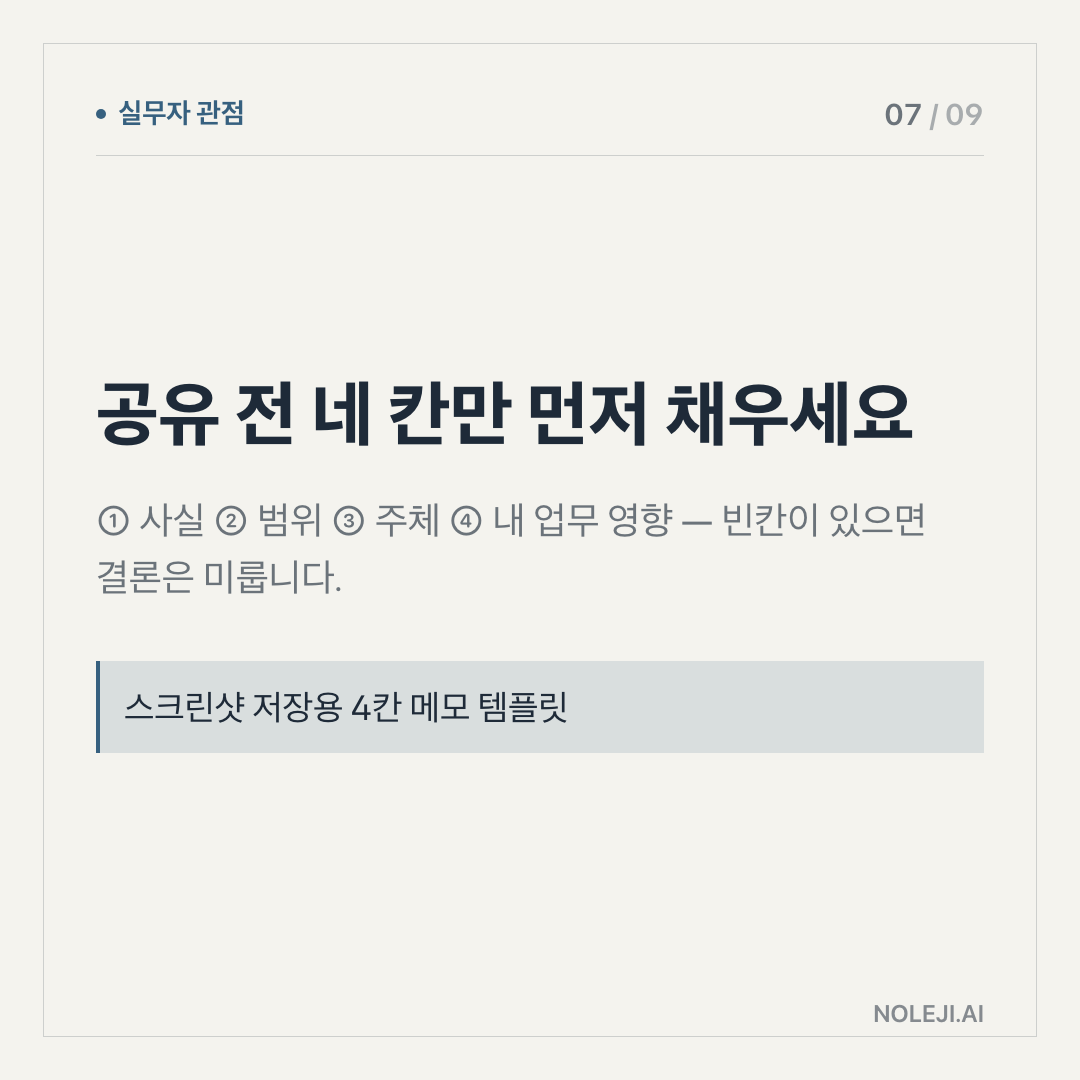
① Pick one task you repeated at least three times last month. ② Write the input, the desired output, and three rules the result must follow. ③ Add one check that would tell you whether the work was done correctly.
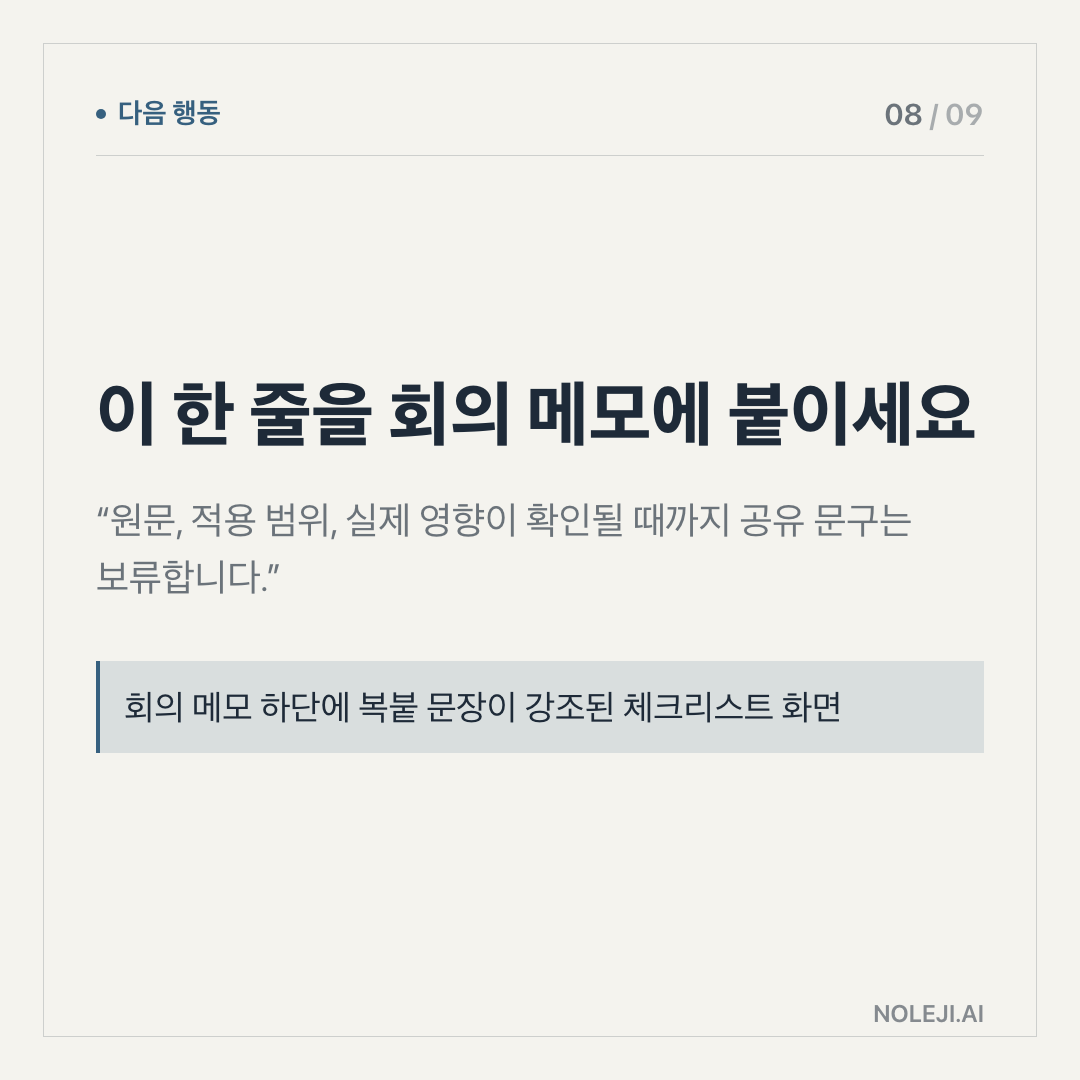
A copy-paste line you can keep:
> “Use these inputs, produce this output, follow these constraints, and show me what you could not verify.”
That sentence is not only for Claude Code. It is a better way to ask for help from any AI tool, and often from people too.
The next step: save one recurring task in this format before you try to automate it.
Next time, I will look at the part most people skip: how to decide which daily task is worth automating first, and which one should stay manual for now.
Take-aways
- When you open Claude Code, are you trying to make the computer type faster, or are you trying to remove a task from your day?
- The example in front of us is a short YouTube clip about doing something “big” with Claude Code in about ten minutes
- Still, the scene matters because it shows a shift in how AI tools are being used
→ 한국어 버전 →