“Wait, this is free?”
That was the line I heard after someone watched the YouTube clip behind today’s note. Not “is this powerful?” or “who built it?” but the more ordinary question people ask when a tool crosses from specialist space into daily work. The title says it awkwardly, but the point is clear enough: when an AI feature becomes free, many of us notice it one step late.
The moment people stop admiring AI and start budgeting around it
I do not know enough from the available source to claim exactly which slide tool, note tool, or feature bundle changed. The evidence here is thin: one YouTube source, no wider documentation in front of me, and a title pointing toward AI notes, reading, slides, and the phrase “이걸 무료로,” meaning “this for free.”
But that thinness is also part of the story.
Most non-developer workers do not meet AI through product launch posts. They meet it when a colleague says, “I used this for the deck,” or when a paid-looking feature suddenly appears in a free plan. A consultant notices that slide summarization is no longer a premium trick. A teacher realizes lecture notes can be turned into a rough presentation before lunch. A team lead sees that the first draft of a meeting recap no longer needs a junior employee’s whole afternoon.
That is the real shift I want to name: free AI tools do not make everyone instantly more productive. They make yesterday’s paid advantage feel normal, and that quietly changes what counts as “basic work.”
Someone could disagree with this. They could say free AI is mostly a marketing hook, limited by usage caps, weak outputs, or hidden upgrade paths. Fair. I have run into all three. Still, for office workers, the psychological line matters. Once a task feels free to attempt, people attempt it more often. That is where habits change.
The turn comes when the first draft stops feeling expensive
A few years ago, making a clean slide draft from scattered notes still felt like a job. Not an impossible job, just a job with friction: open the document, pull out the structure, make headings, move examples around, decide what belongs on one slide and what belongs in speaker notes.
I have done that work by hand. Last week, I also watched someone use AI for the same kind of task, not as a “creative partner,” but as a patient intern who could turn rough input into a starting shape. The first result was not beautiful. The hierarchy was uneven. Some phrases sounded like software brochure language. But the blank page was gone.
That is the turn.
AI did not replace judgment. It moved judgment later in the process. Instead of asking, “How do I begin?” the worker asked, “Is this the right version?” That sounds small. It is not. In office life, the hardest hour is often the first one: opening the file, deciding the structure, and turning messy notes into something someone else can react to.
When that first hour becomes cheaper, the whole workflow bends.
Free is not the same as finished, and that is exactly why it matters
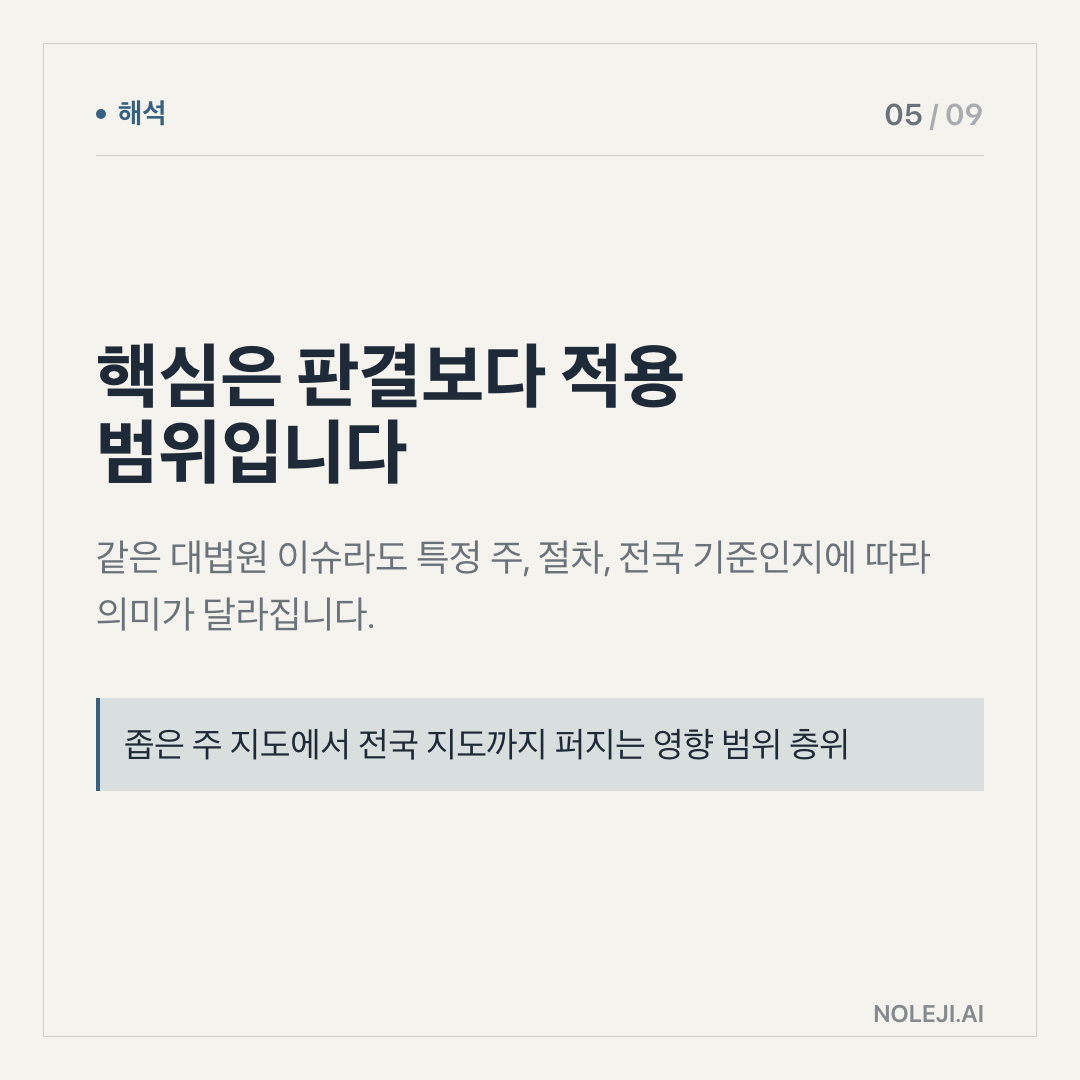
Here is my thesis: the important part of free AI is not access to intelligence. It is access to a disposable first version.
A disposable first version changes behavior because it lowers the cost of being wrong. You can ask for a slide outline, reject it, ask again, cut it in half, rewrite the titles, and still be ahead of where you would have been staring at an empty deck. That is why the “free” question matters more than the tool name in this specific note.
For non-developers, this is the useful translation:
| Old work pattern | AI-assisted pattern | Human job that remains |
|---|---|---|
| Start from a blank document | Start from a rough draft | Decide what is actually worth saying |
| Spend energy formatting before thinking | Separate structure from polish | Edit sequence, tone, and emphasis |
| Ask a colleague for “just a quick outline” | Ask the tool for three outline options | Choose the one that fits the audience |
| Treat slides as decoration work | Treat slides as argument structure | Remove weak claims and vague filler |
| Delay until there is enough time | Begin with a small system | Build a repeatable workflow |
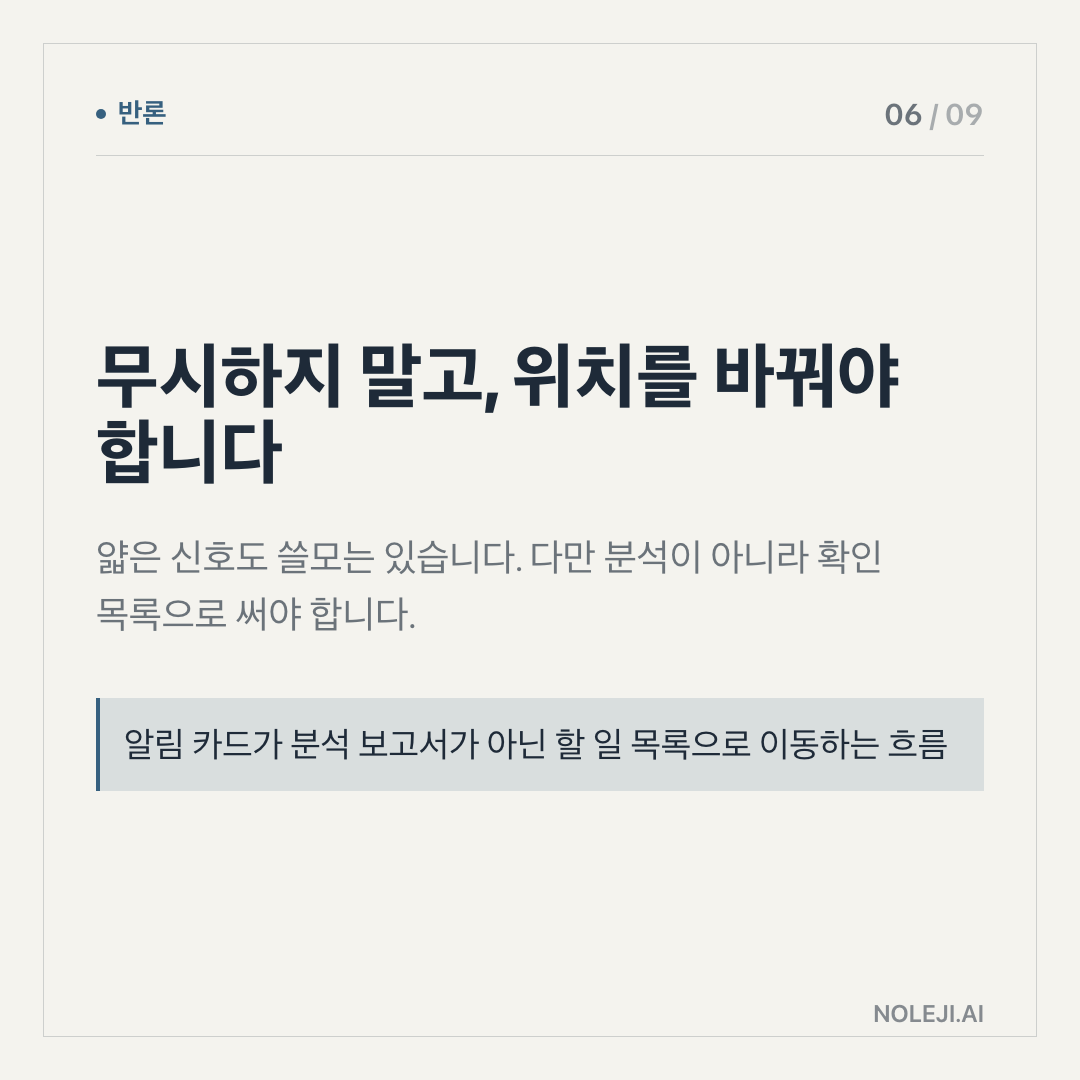
I would not tell a team to trust AI-generated slides as final material. That is where many people get disappointed. They expect the tool to make the presentation. I use it differently. I ask it to expose the shape of the work: what points are missing, where the logic is thin, what order might make sense, and which sentences sound too inflated.
The useful question is not “Can this make slides?” It is “Can this give me something I can argue with?”
For a non-developer office worker, that distinction is practical. You do not need to understand model architecture to benefit from it. You need a small habit:
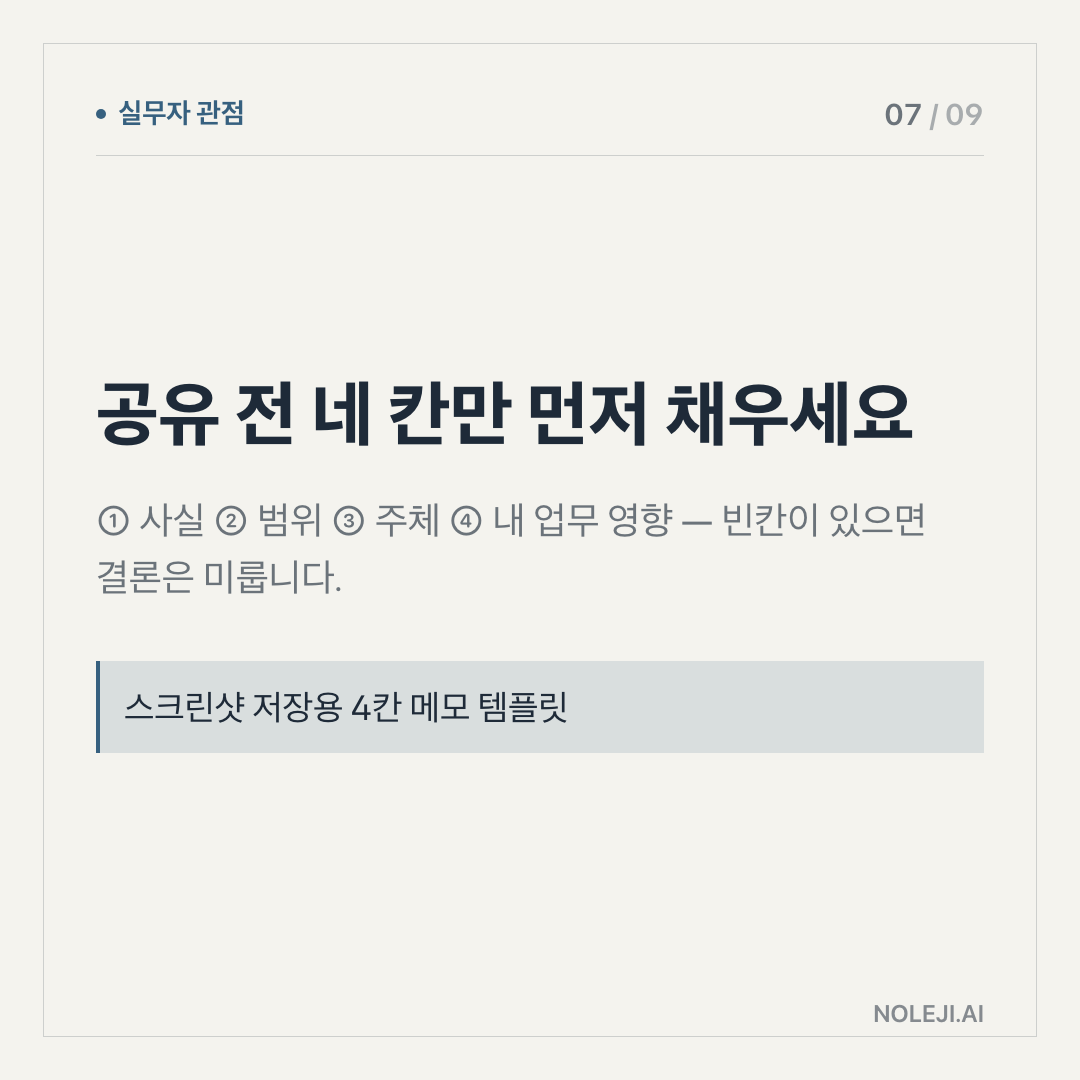
① Put messy notes into one place. ② Ask for a rough structure, not a final answer. ③ Delete the parts that sound generic. ④ Add the audience, meeting goal, and decision needed. ⑤ Rewrite the title of every slide yourself.
That last step is where human judgment shows. If you cannot rewrite the slide title in your own words, the slide probably does not belong yet.
A “free” AI tool becomes valuable when it helps you build this loop without asking for approval, budget, or a new procurement process. You can test a private workflow before turning it into a team rule. You can find out where AI helps and where it wastes time. You can stop treating future readiness as a big career project and start treating it as a 20-minute routine.
This is how I think about automation in daily work. Not as escape from work, and not as proof that every task will disappear. Automation gives you back the part of time that was being spent on avoidable setup. The question is what you do with the returned time. If you only produce more documents, nothing improves. If you use it to think earlier, ask better questions, and build repeatable templates, the work changes.
> “Use AI to make the first version cheap, then spend your human attention on whether the version deserves to exist.”
That sentence has helped me more than any list of tool features.
The rule breaks when the work depends on trust, taste, or context the tool cannot see
There are cases where this principle does not travel well.
If the slide deck carries legal risk, investor messaging, medical claims, HR decisions, or customer commitments, a free AI draft can create false confidence. The tool may produce clean language before the facts are clean. That is dangerous because clean language feels finished.
I have also seen AI make bad slides faster. Too many headings. Too many “key takeaways.” Too many sentences that sound balanced but say almost nothing. In those moments, the worker is not saving time. They are importing noise and then paying for it during editing.
There is another limitation: free tools often come with unclear boundaries. They may have caps, weaker models, privacy questions, or features that change without much notice. If your workflow depends on it, you need to know what happens when the free layer disappears or stops being enough.
So my practical line is cautious: use free AI for reversible work. Drafting, restructuring, comparison, checklist-making, meeting preparation, and personal study. Be slower with anything that creates external promises.
Build one small slide habit before chasing the next tool
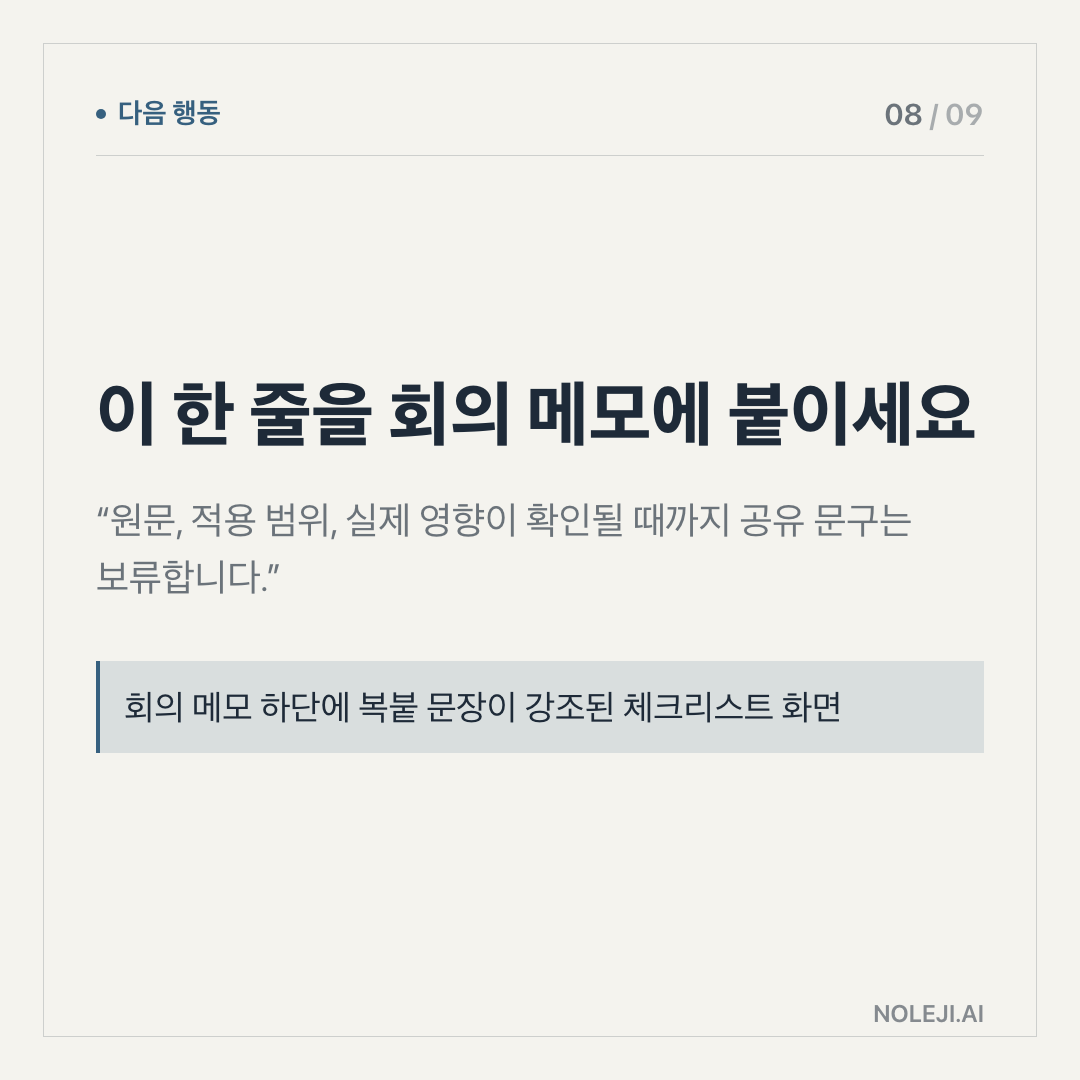
Today’s step is simple: take one messy note you already have, maybe a meeting memo or article summary, and ask an AI tool for a five-slide structure. Do not use the output directly. Rewrite only the slide titles until each one says a clear point.
That is the whole exercise.
The goal is not to make a beautiful deck. The goal is to feel where your judgment enters the workflow. Once you see that, free AI stops being a novelty and becomes a small system you can carry into tomorrow’s work.
Next piece: I want to look at the difference between “AI made this for me” and “AI helped me decide what this should become,” because that is where many workplace AI habits either mature or collapse.
Take-aways
- “Wait, this is free?”
- That was the line I heard after someone watched the YouTube clip behind today’s note
- I do not know enough from the available source to claim exactly which slide tool, note tool, or feature bundle changed
→ 한국어 버전 →