I once checked the wrong part of GitHub Actions
I made a small but expensive mistake with GitHub Actions before. I treated it like a developer tool, so I looked at the code first: YAML files, branch names, build steps, logs.
The real problem was elsewhere.
A workflow had permission to run on the wrong trigger. It did not break the product. It did not show a dramatic red error. It simply used time, review access details, and attention in a place where nobody on the team had a clear owner.
That is why I would not read today’s GitHub Actions note as “another CI/CD update.” My thesis is simpler and more arguable: for most non-developer teams, GitHub Actions is now less about automation speed and more about automation boundaries. The question is not “Can we automate this?” The question is “What is this automation allowed to touch?”
The available source for today is thin: a share.google link attached to the topic, without enough detail here to confirm a specific GitHub announcement, release note, or policy change. So I will keep the claim narrow. This is not a breakdown of a confirmed new feature. It is a practical reading list for what deserves attention now and what can wait.
The moment automation stops being invisible
GitHub Actions is easy to ignore when it only runs tests. A commit goes in, a green check appears, and the team moves on.
It becomes harder to ignore when the same workflow can publish a site, ship a package, send a report, rotate a file, call an AI model, or touch production data. At that point, the workflow is no longer background plumbing. It is a junior operator with a keycard.
That is the turn many teams miss.
I have seen non-developer teams adopt automation in the same way they adopt shared spreadsheets. First, one person builds a helpful shortcut. Then another person copies it. Then a third person depends on it every Monday morning. Six months later, nobody remembers who first gave it permission to run.
GitHub Actions sits right in that pattern. It can save hours. It can also quietly become the place where permissions, billing, publishing, and security decisions pile up without a meeting.
The boring checks matter because they decide who holds the keys
If you are not a developer, the phrase “workflow permission” sounds like a detail you can safely skip. I think that is the wrong instinct.
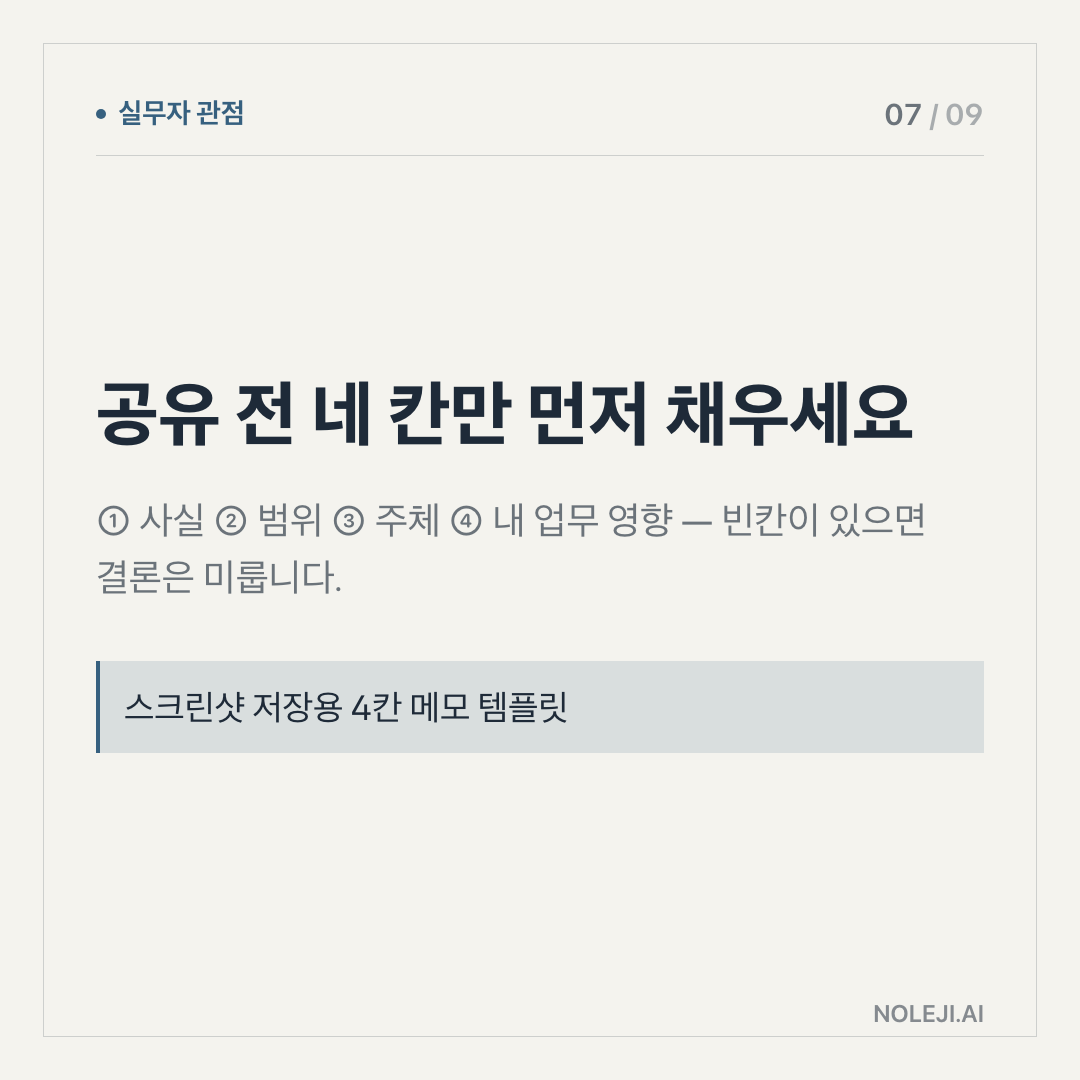
A GitHub Actions workflow answers four plain questions:
| What to check | Plain-language version | Why it matters now | Can it wait? |
|---|---|---|---|
| Triggers | What makes this automation start? | A workflow that runs on every push, pull request, or schedule can spend money or expose data faster than people notice. | No |
| Secrets | What passwords, tokens, or API keys can it use? | The workflow may have access to publishing tools, cloud services, or internal systems. | No |
| Permissions | What is it allowed to change inside GitHub? | Some jobs only read files. Others can write code, create releases, or affect packages. | No |
| External calls | What services does it contact? | A simple build step can become a bridge to Slack, cloud storage, analytics, AI APIs, or deployment systems. | Usually no |
| Runtime cost | How often and how long does it run? | Automation that feels free can become a recurring cost or queue bottleneck. | Soon |
| Log hygiene | What appears in logs when it fails? | Failed jobs often reveal paths, names, configuration, and sometimes sensitive hints. | Soon |
| Naming and ownership | Who understands this workflow? | If nobody owns it, nobody can judge whether it should still exist. | Soon |
| Formatting and style | Whether the YAML looks tidy | Important for maintainability, but less urgent than boundaries and access. | Later |
This table is the part I would save.
The order matters. Many teams start by asking whether the automation is elegant. I would start by asking whether it is overpowered.
For a non-developer, the best comparison is not a robot. It is an intern who can follow instructions exactly, never gets tired, and never asks whether the instruction still makes sense. You would not give that intern every company password on the first day. You would give a narrow task, a clear start condition, and a person to report to.
GitHub Actions deserves the same treatment.
This is also where AI changes the texture of the problem. More teams are connecting code repositories to writing systems, content workflows, data cleanup jobs, release notes, internal summaries, and lightweight agents. The automation is no longer only compiling software. It may be moving words, decisions, and customer-facing artifacts.
That does not make GitHub Actions dangerous by default. It makes careless defaults more expensive.
A workflow that runs a test suite is one thing. A workflow that reads private files, calls an AI API, writes generated content, and publishes the result is another. The second one needs a human-readable owner, a narrower permission set, and a failure path that does not require everyone to become a DevOps engineer at 9:10 on Monday morning.
What can wait is the part that makes engineers proud
There is a fair objection here. If every team pauses to audit automation, won’t work slow down?
Yes, if the audit turns into theater.
The point is not to hold a long meeting over every YAML file. The point is to separate boundary checks from polish checks. I would not ask a marketing lead, operations manager, or solo founder to understand every line of a GitHub Actions workflow. I would ask them to know which workflows can publish, which can spend money, and which can touch secrets.
The rest can wait.
There are also cases where this framing is too heavy. A small personal repository with no secrets, no deployment, and no external service calls does not need a governance ritual. A throwaway experiment can stay lightweight. A team that already has strong platform engineering may have these controls elsewhere.
But many small teams live in the middle. They are serious enough to automate, but not large enough to have a dedicated security or platform owner. That is exactly where GitHub Actions becomes easy to under-manage.
My position: if a workflow can affect the outside world, treat it as part of operations, not as a developer convenience.
Do this before you edit another workflow
Open your repository’s Actions tab and pick one workflow you rely on most. Do not start by rewriting it. Answer these five questions in plain English:
① What starts this workflow?
② What account, token, or secret can it use?
③ What can it change if it succeeds?
④ What becomes visible if it fails?
⑤ Who is the human owner when it breaks?
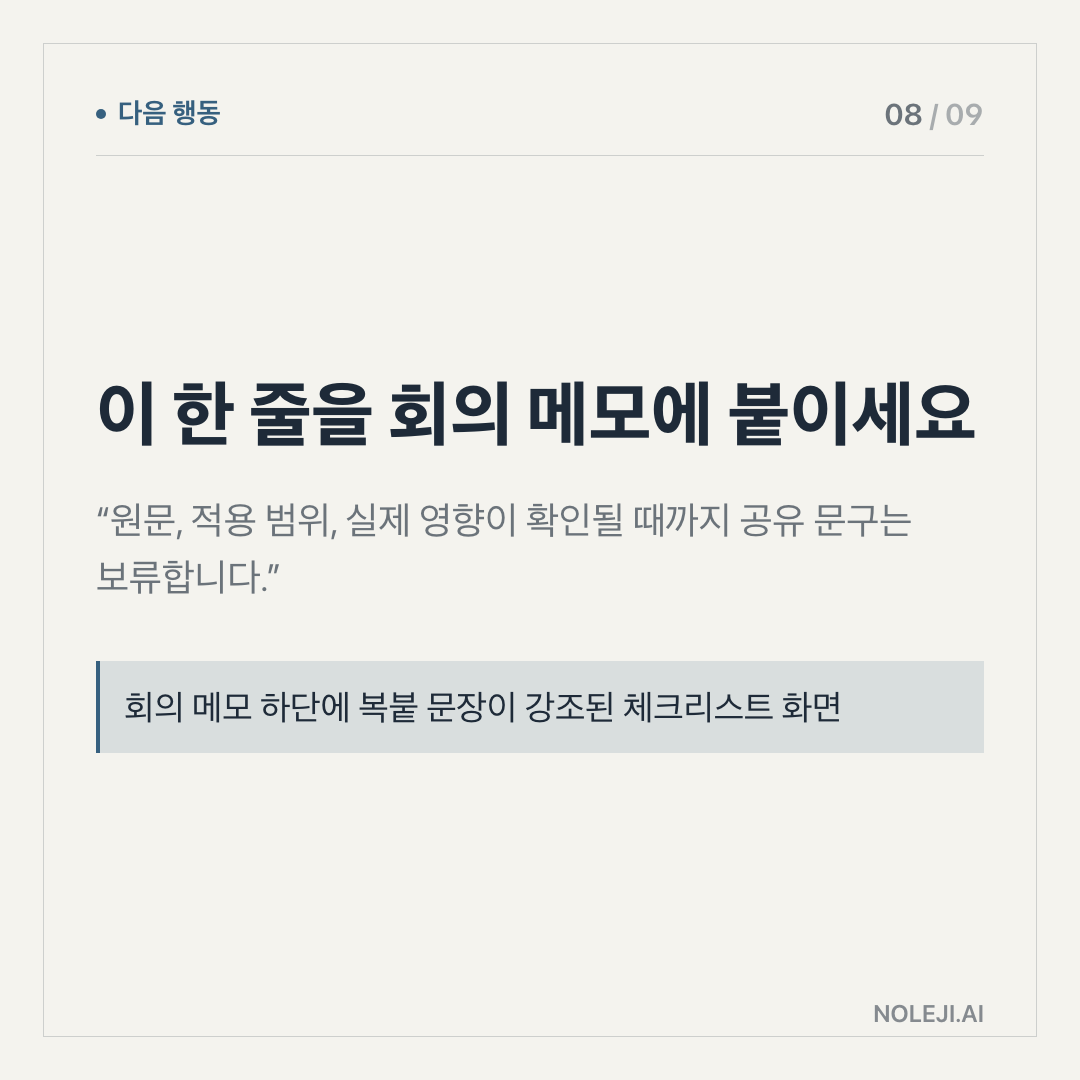
If you only have time for one line, write this next to the workflow name:
> This workflow is allowed to start when ___, use ___, change ___, and the owner is ___.
That sentence is small, but it changes the posture. Automation stops being a mystery box and becomes a system you can reason about.
Primary next step: save the table above and use it to review one GitHub Actions workflow this week.
Next edition: I will look at the next layer, where automation stops at “run a task” and starts making decisions for a team.
Take-aways
- I made a small but expensive mistake with GitHub Actions before
- The real problem was elsewhere.
- A workflow had permission to run on the wrong trigger
→ 한국어 버전 →