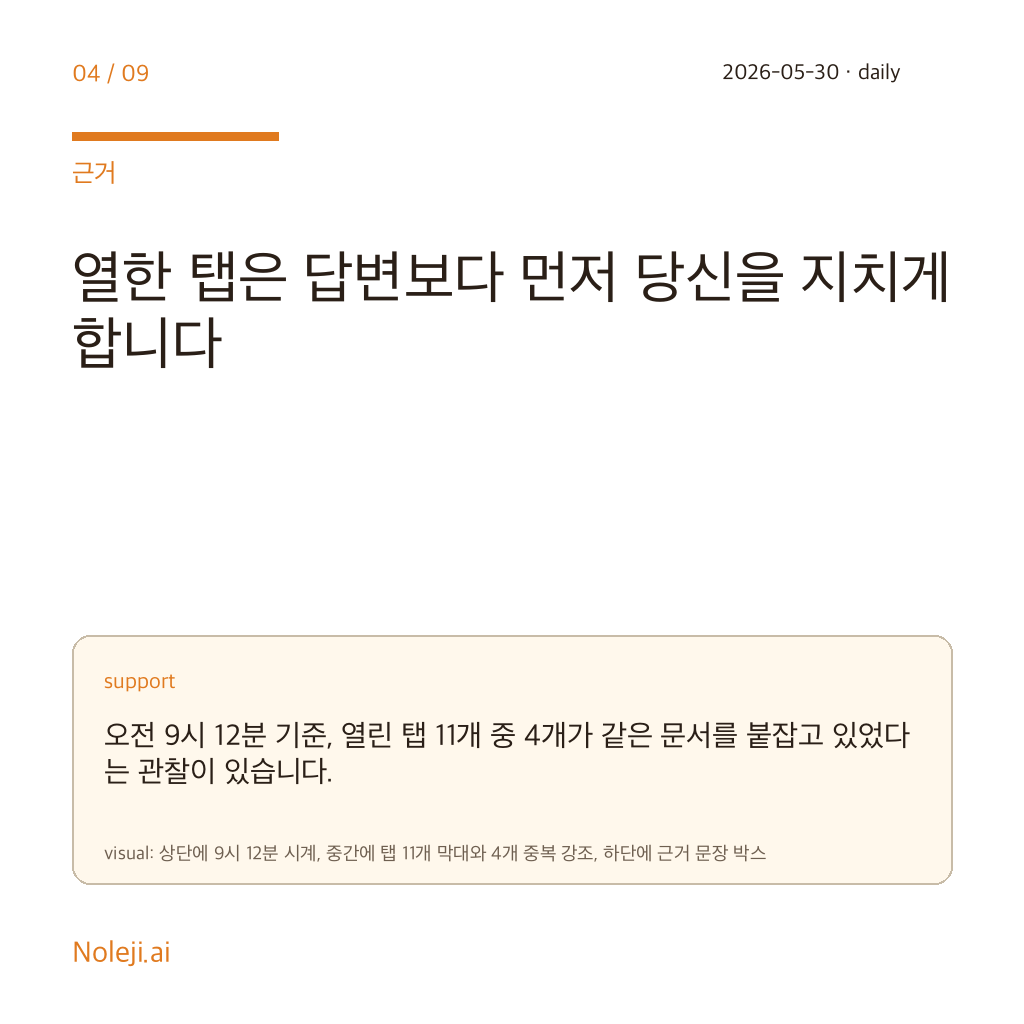
Three tabs, one copied prompt, and ten lost minutes before 9:20 a.m. That is a more realistic picture of office AI use than any polished demo. Last week I watched myself move between Google Gemini, a document window, and a browser note just to finish one routine comparison task, and the annoying part was not the model quality. It was the handoff cost.
The real problem is not intelligence but interruption
Most people still talk about AI tools as if the main question were, “Which model is best?” In ordinary desk work, that is often the wrong question. If I need to summarize a meeting note, rewrite a client email, compare two product descriptions, or pull action items from a messy page, the bigger problem is usually that I have to keep leaving the place where the work already lives.
That is why I think Gemini Voyager matters, if it matters at all, as a workflow repair tool rather than a model story. Google Gemini does not become useful to most non-developer workers when it gets slightly smarter. It becomes useful when the number of tiny interruptions drops enough that people actually keep using it.
“Just open another tab” is how small frictions quietly waste your week
The common advice sounds harmless: just keep Gemini open in another tab. But this is the same logic as telling a new employee to keep walking to the printer room every time they need one sentence from a file. Technically possible. Operationally bad.
I learned this the slow way. A few months ago I tried to build a personal routine around browser AI help for translation checks and article outlining. The model itself was fine. What failed was the choreography. Copy from one window, paste into another, re-explain the context, go back, notice I forgot one paragraph, repeat. After four or five rounds, I stopped using the tool for small tasks and only opened it for “big enough” work. That is how automation dies in office life. Not with a dramatic failure, but with a hundred low-grade interruptions.
People underestimate this because each interruption is only 15 seconds, 30 seconds, maybe a minute. But five such hops inside one task can easily turn into 8 to 12 minutes of drag. Multiply that by three tasks a day and you are no longer talking about a clever extension. You are talking about whether AI becomes part of someone’s default workflow or remains a special-event assistant.
The winning product will be the one that removes one hand from the keyboard
My argument is simple, and someone could disagree with it: integrated AI extensions will create more real office value than marginal model improvements over the next phase of adoption.
Not because the models stopped improving. They have not. But because the next bottleneck for non-technical workers is no longer access. It is continuity.
When I read a title like “Gemini Voyager,” I do not primarily ask, “Does this beat another model on benchmarks?” I ask a more boring question: does it save one context switch? If the answer is yes, I pay attention. One removed context switch is often worth more than one more clever paragraph in the output.
Think about the actual work surface of a normal knowledge worker. It is not a playground prompt box. It is Gmail, Docs, Sheets, PDFs, internal dashboards, tabs left open from yesterday, and a half-finished message someone needs by noon. In that environment, the best AI tool is usually not the smartest one in isolation. It is the one that stays close enough to the work that you do not need to rebuild context every time.
Google has an obvious strategic reason to chase this kind of layer. Gemini already lives next to a large amount of everyday work: browser activity, Google Workspace habits, and search behavior. An extension that “complements Gemini” is interesting precisely because it suggests the company understands the weak point. The weak point is not only answer quality. It is getting the answer without breaking your working rhythm.
Because the source evidence around this specific item is thin, I do not want to pretend more certainty than I have. I do not have a clean stack of public documents here, and I am not going to manufacture one. But even with limited evidence, the operator logic is clear enough to state plainly: if a tool reduces prompt re-entry, tab-hopping, and manual context packing, it has a better chance of surviving in real office behavior.
Here is the portable way I now judge tools like this before I get excited:
| Question | Bad sign | Good sign |
|---|---|---|
| Where does the task start? | In a separate AI tab | Near the page or doc I am already using |
| How often do I restate context? | Every request starts from zero | The tool inherits enough context to be useful |
| What is the cost of a tiny task? | Too annoying for a 3-minute job | Easy enough for quick everyday use |
| What happens at scale? | I save time only on special projects | I save time on repeatable daily work |
| Who benefits first? | Power users only | Ordinary office workers with messy workflows |
That table may look modest, but it is more useful than feature hype. I have seen people choose tools based on model reputation and then quietly abandon them two weeks later because the tool demanded too much setup for routine work. I have done it myself.
If Voyager succeeds, I do not think it will be because users say, “This AI is astonishing.” I think it will be because they stop noticing the tool as a separate trip. They will just finish more small tasks without breaking focus. That is a less glamorous story, and a more durable one.
Some jobs do not need a companion layer at all
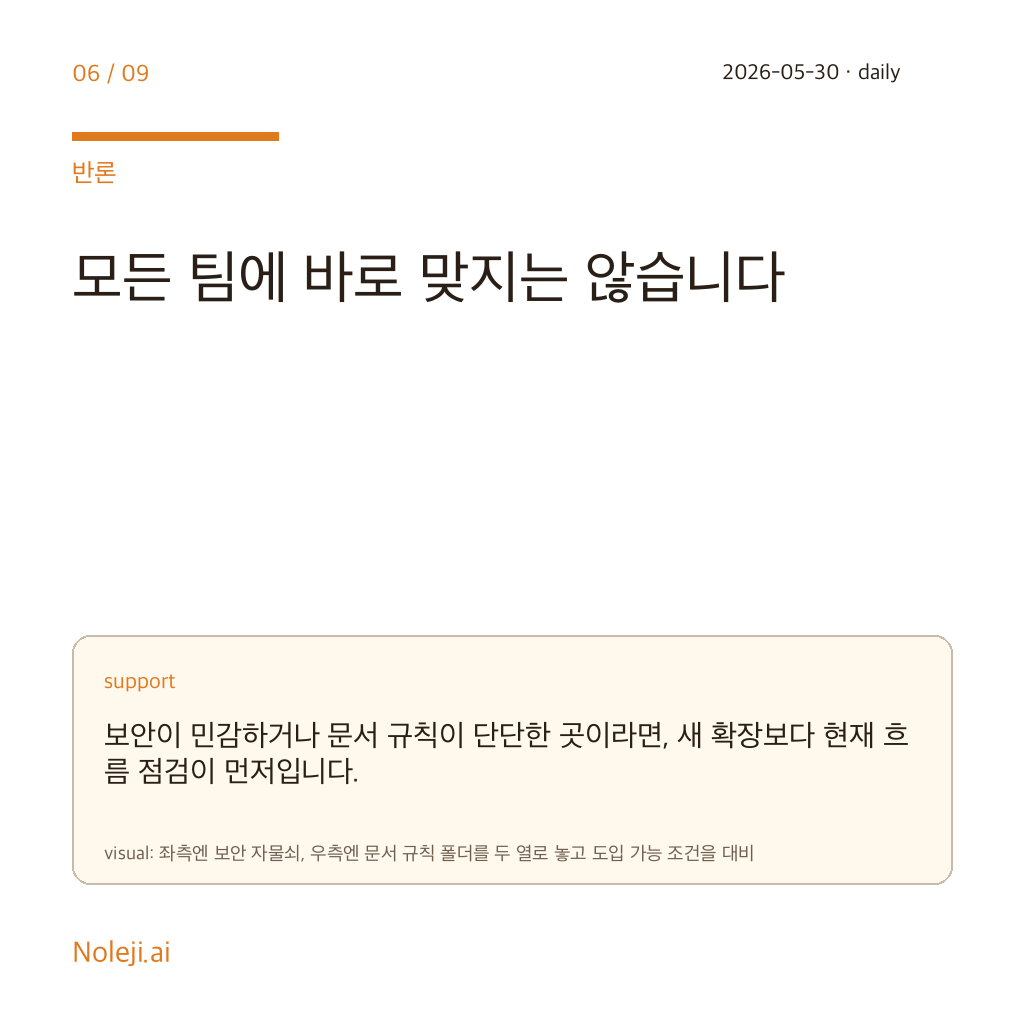
There are cases where this argument fails. If your work is highly sensitive, tightly regulated, or heavily structured, an integrated browser companion may create more anxiety than relief. The closer an AI sits to live work surfaces, the more questions people will ask about privacy, permission boundaries, and accidental overreach. They should ask those questions.
And some tasks genuinely do need a stronger model more than a smoother wrapper. If you are doing deep analysis, technical reasoning, or a long writing task where output quality dominates everything else, convenience alone will not rescue a weaker result. I would not tell someone to choose an integrated assistant over better reasoning if the work itself is high-stakes.
There is another honest limit: integration can become a crutch. If the tool makes it too easy to ask for help on every small step, workers may outsource judgment instead of saving time. I have seen that pattern too. Convenience is valuable, but only if it gives time back for better thinking, not less thinking.
Keep this rule on your desk this week
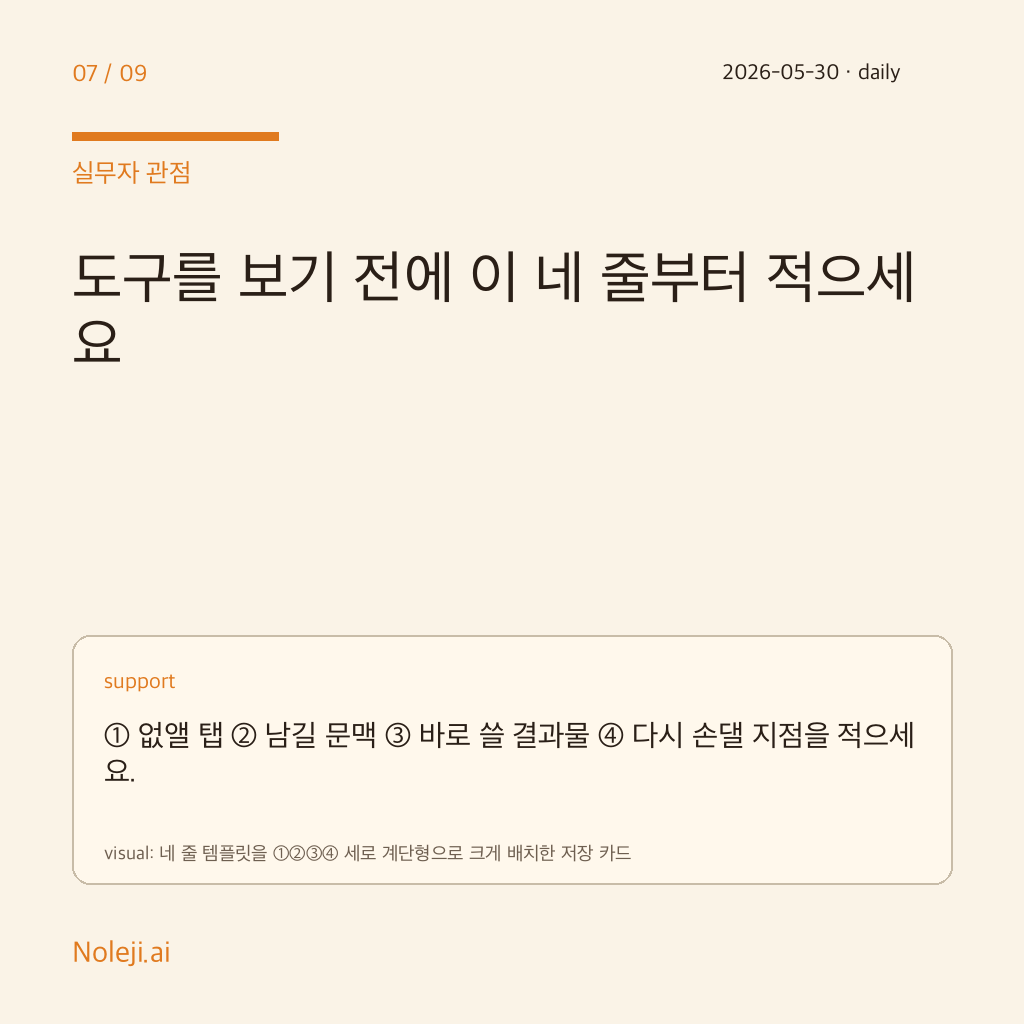
If you want to test the value of tools like Gemini Voyager without getting trapped in launch-week excitement, use this three-step check on one real task today:
- Pick one repetitive browser task that currently takes you 10 to 15 minutes.
- Count how many times you switch tabs, copy context, or rephrase the same instruction.
- Judge the tool by minutes and interruptions saved, not by whether the answer felt impressive.
My own copy-paste line for this category is simple:
> I do not need a smarter assistant first. I need one that wastes less of my working rhythm.
That is the standard I would use on Gemini Voyager as well. Read it less as a shiny extension claim, and more as a test of whether Google can make Gemini stay inside real work long enough to matter.
If you track one task this week using the three-step check above, you will know more than any launch thread can tell you. Next time, I will look at the opposite side of this trend: when integrated AI stops saving time and starts quietly creating dependency.
Take-aways
- Three tabs, one copied prompt, and ten lost minutes before 9:20 a.m
- Most people still talk about AI tools as if the main question were, “Which model is best?” In ordinary desk work, that is often the wrong question
- That is why I think Gemini Voyager matters, if it matters at all, as a workflow repair tool rather than a model story
→ 한국어 버전 →