Eleven minutes that should have taken two
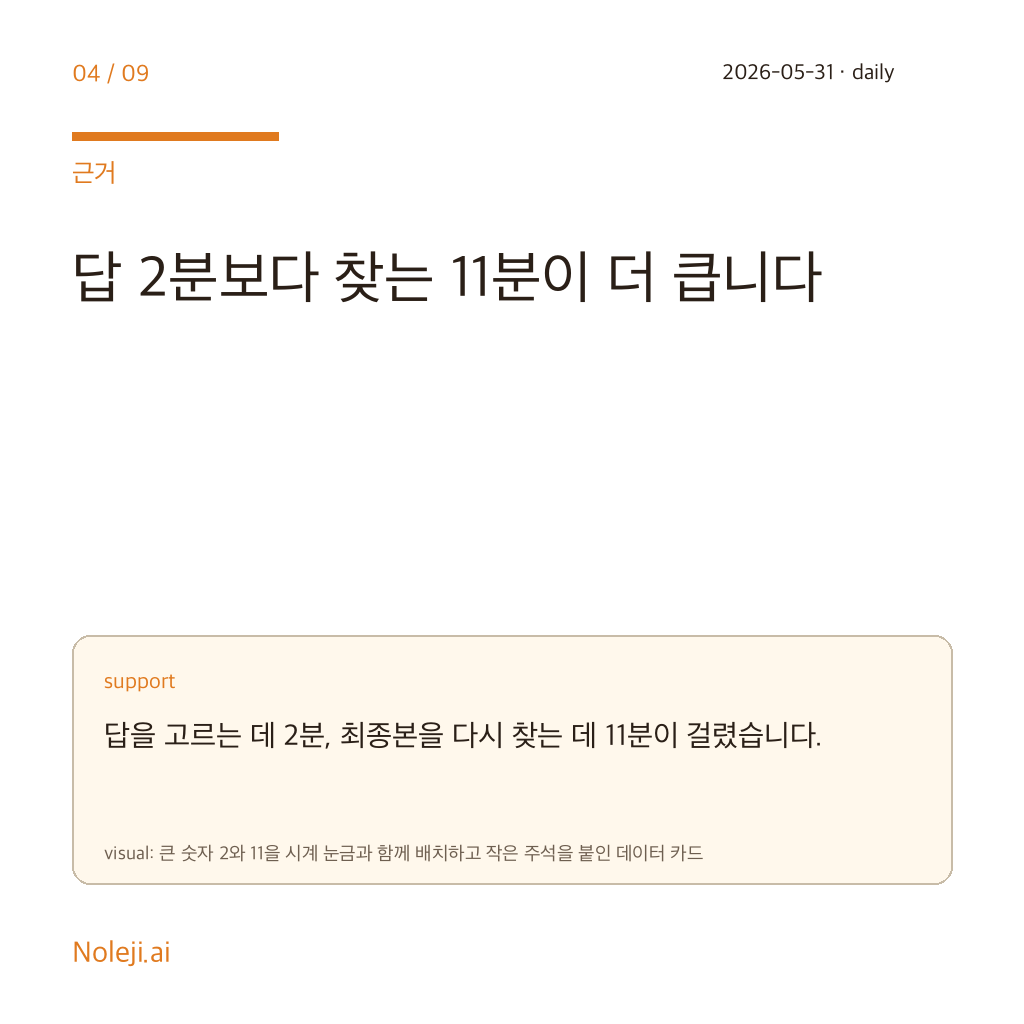
At 2:17 last Thursday, I watched a content manager spend 11 minutes moving the same request between Gemini, Google AI Studio, and a Google Doc. Nothing in the task was intellectually hard. The waste sat in the handoff: pasting background twice, fixing broken formatting, then hunting for the answer that had ended up in the wrong tab. That is already an AI problem for ordinary office workers, even if nobody in the office names it that way.
I pay attention to scenes like this because I am not trying to turn people into prompt hobbyists. I care about whether automation gives back 20 quiet minutes in the afternoon. If your day runs on docs, mail, slides, and meeting notes, most of your lost time does not disappear in one big failure. It leaks out between tabs.
The smarter model is the wrong first instinct
For months, I made the same mistake many people make: every annoying AI session felt like proof that I needed a more capable model. That story is flattering because it keeps the blame on the frontier lab and off my workflow. It is also wrong surprisingly often.
In regular office work, the answer quality is often usable before the route to that answer is usable. A slightly better model may give you a cleaner paragraph. It does not automatically remember the background from the last tool, carry your draft into the next surface, or stop you from rewriting the same instruction three times before lunch.
The non-developer version of this mistake is simple. People replace the coffee machine when the real problem is the line at the counter. In AI work, the model gets all the attention because it feels intelligent. The workflow steals the time because it feels ordinary.
A companion layer matters more than one more model jump
Here is the claim I am willing to defend: for most non-developer office workers, a good Gemini companion layer will improve the workday sooner than a modest Gemini model upgrade.
I should be plain about the evidence. The public brief around Voyager is thin, and I do not have a feature-by-feature audit I can point to. So I am not making a product claim here. I am making an operator claim: if Voyager helps Gemini stay beside the work instead of outside it, then it solves a more expensive problem than “the draft could have been 8 percent smarter.”
Last week I tested this idea in the ugliest possible way, without any special software. I ran the same short client-brief task twice. First run: my usual mess, with Gemini in one tab, reference notes in another, and the draft in Docs. Second run: split screen, fixed background block, one reusable instruction, no tab wandering allowed. The writing quality barely changed. The handling time did. I went from 13 minutes to 8, and most of the savings came from not rebuilding context.
That matters because everyday AI work is full of context rebuilds. A marketer turns a rough idea into campaign copy, then into a slide, then into a follow-up mail. A team lead summarizes a meeting, rewrites it for an executive, then turns the same material into action items. A recruiter compares two candidate summaries and then needs the exact points moved into a note the hiring manager will actually read. In each case, the model is only one part of the job. The real drag is the shuttling.
This is why I keep coming back to the word desk. Not app. Not assistant. Desk. A useful desk holds context, keeps the active document close, and reduces the number of times you have to restate what you are doing. If Voyager does that for Gemini users, it deserves attention even from people who do not care about AI products at all.
Keep this table. It is the fastest way I know to tell whether you need a stronger model or a better work surface.
| When the task breaks | A better model helps first | A better companion layer helps first |
|---|---|---|
| The draft is factually wrong or misses the point | Yes | Not much |
| You keep re-explaining the same background | Sometimes | Yes |
| The answer is fine, but moving it into Docs or Slides is annoying | No | Yes |
| You lose time hunting the “good version” across tabs | No | Yes |
| The task requires company-approved memory, permissions, or review | Maybe | Only if the workflow supports it |
A lot of AI commentary still treats the answer as the product. I think that misses where the office pain actually lives. Once a model crosses the line from useless to usable, the next gain often comes from friction removal, not raw intelligence. That is a contestable claim. Some people will insist the core model is everything. My experience says otherwise. In routine knowledge work, a cleaner route beats a cleverer detour more often than people admit.
The extra layer can also become one more place to get lost
I have seen the opposite failure too. Someone adds a sidebar, an extension, a clipboard manager, two prompt libraries, and a note app, then calls the pile a system. It is not a system. It is a cockpit.
Voyager will not rescue bad judgment, weak source material, or company rules that block extensions entirely. If Gemini gives you the wrong answer, better placement does not make the answer right. If your organization handles sensitive material, the compliance question comes before the convenience question. And if your real problem is that you do not yet know what “good output” looks like in your job, then no companion layer can substitute for that judgment.
This is also why I would not sell Voyager as magic. The category makes sense; the execution still has to prove itself. A desk helps only if it removes motion. The moment it adds one more surface to maintain, it becomes part of the leak.
Time one task before you chase the next release
If you want to know whether this argument applies to your week, do one boring test tomorrow morning:
- Pick one AI task you do at least three times a week.
- Time the full trip from first prompt to final send, not just the model response.
- Count the hidden motions: tab switches, copy-pastes, prompt rewrites, formatting fixes.
- If the answer quality is acceptable but the route is messy, fix the route before you shop for a smarter model.
My own copy-paste line for this is blunt enough to keep me honest:
> “If the answer is usable but the journey is noisy, the workflow is now the bottleneck.”
Tomorrow, time one recurring task from first prompt to final send. In the next piece, I will break down the three-part Gemini workflow I use to decide whether a new AI tool saves real time or just gives me another tab to babysit.
Take-aways
- At 2:17 last Thursday, I watched a content manager spend 11 minutes moving the same request between Gemini, Google AI Studio, and a Google Doc
- I pay attention to scenes like this because I am not trying to turn people into prompt hobbyists
- For months, I made the same mistake many people make: every annoying AI session felt like proof that I needed a more capable model
→ 한국어 버전 →