Eight Minutes of Work, Ten Minutes of Handoff
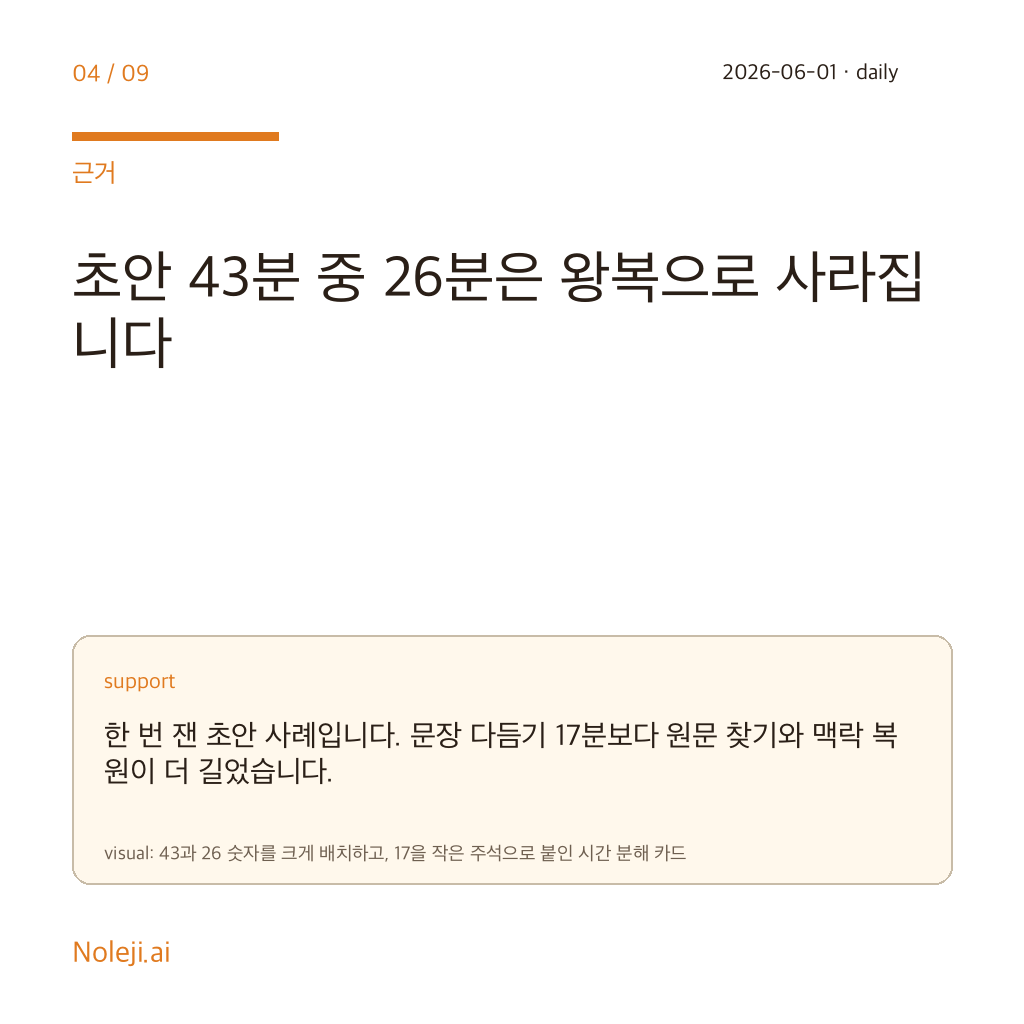
At 9:12 last Tuesday, I spent 8 minutes moving one simple request between a Google Doc, Gemini, and a scratch note. The actual rewrite took less than two. The rest vanished into copy-pasting background, fixing broken formatting, and restating a task I had already stated once. That is why Gemini Voyager caught my attention.
I do not care much about AI as a spectator sport. I care about whether an ordinary office worker gets back 20 quiet minutes before lunch. If Voyager helps Gemini stay beside the work instead of outside it, then this matters as a workflow story before it matters as a product story.
The Model Ranking Trap
For months, I made the same mistake many people make: every frustrating AI session felt like proof that I needed a smarter model. That story is comforting because it turns the problem into a leaderboard problem. It also lets me blame the lab instead of my workflow.
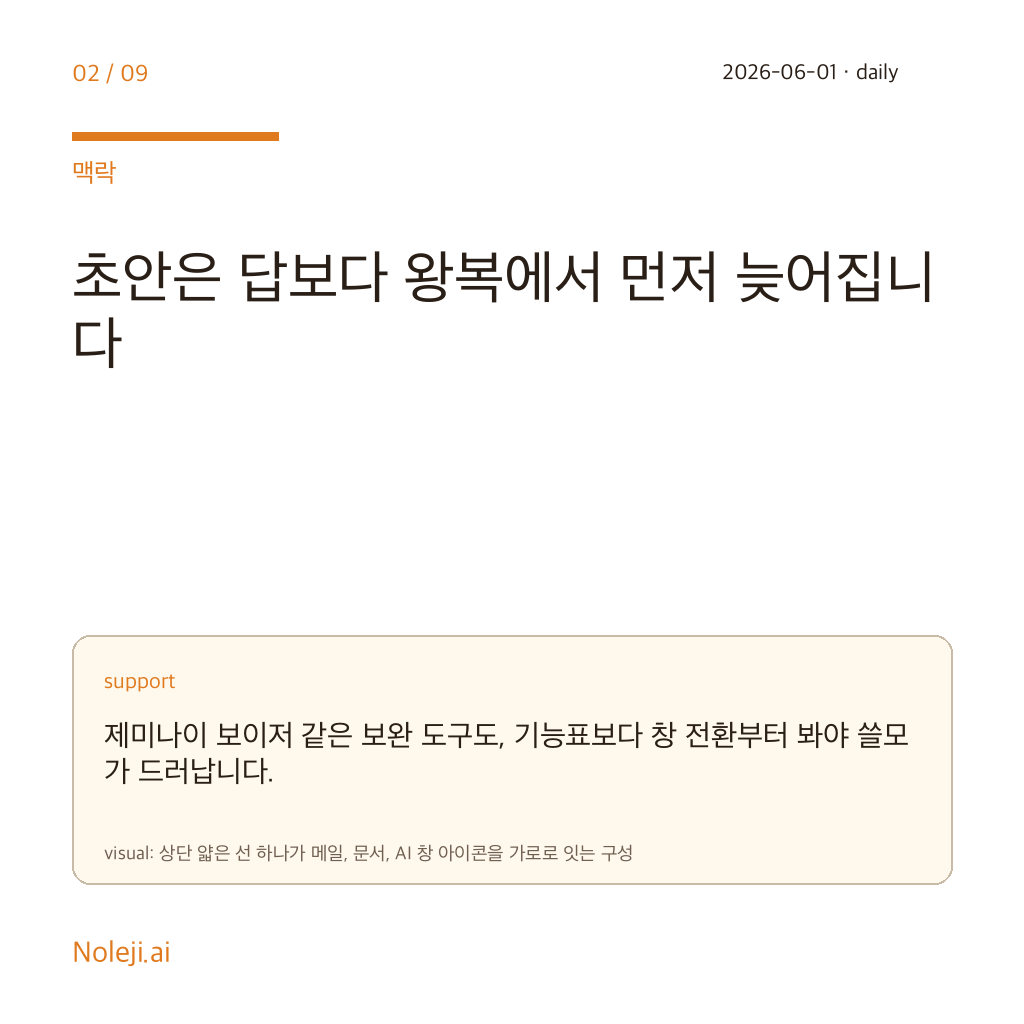
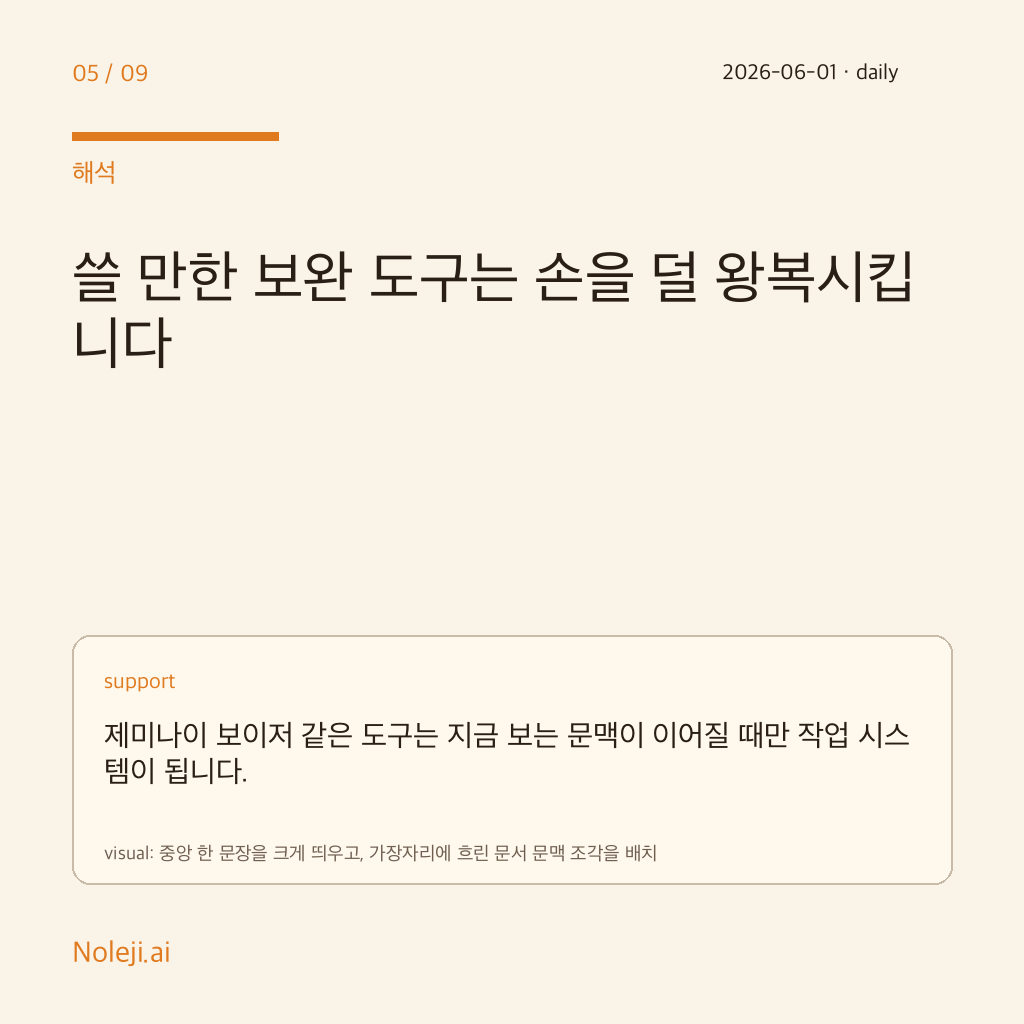
But a better model does not automatically carry context from a document into mail, preserve formatting, or remember why I opened it in the first place. Telling people to “just keep Gemini open in another tab” sounds harmless. In practice, it is like telling a new employee to walk to the printer room every time they need one sentence from a file. Possible, yes. Sustainable, no.
The Better Bet Is the Companion Layer
My claim is simple: for most non-developer office workers, a useful Gemini companion layer will improve the workday sooner than a modest Gemini model upgrade.
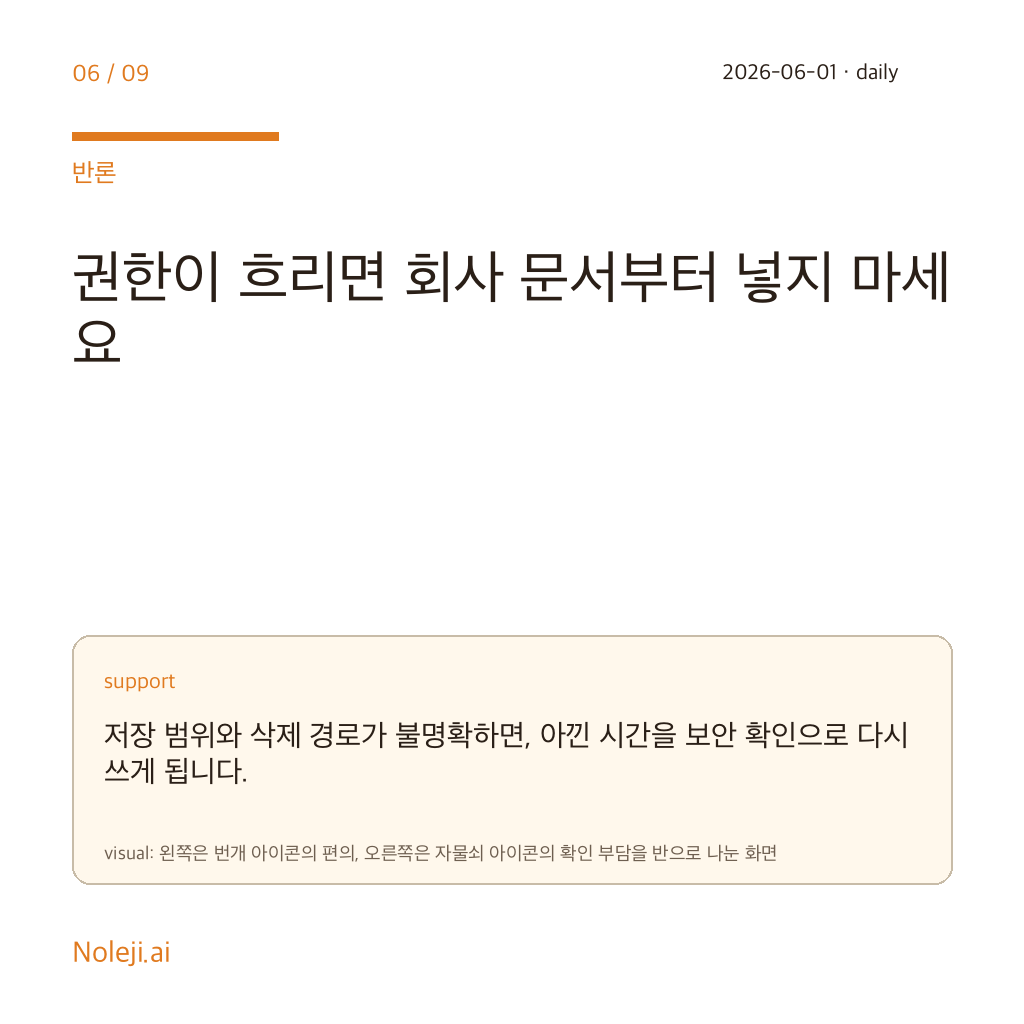
I am making that claim even with thin public evidence around Voyager itself. Right now I do not have a feature-by-feature audit that would justify a hard product verdict. So I am not saying, “Voyager is already excellent.” I am saying the problem it appears to target is expensive, common, and badly underestimated.
Last week I timed three routine tasks I do more often than I want to admit: summarizing meeting notes, rewriting a slightly awkward client email, and comparing two product descriptions. None of them required frontier-level intelligence. What slowed me down was the route. On the shortest task, I switched surfaces four times. On the longest, seven. The average delay from those hops was not dramatic in any single moment, usually 20 to 45 seconds, but it stacked into 9 to 13 minutes of drag per task.
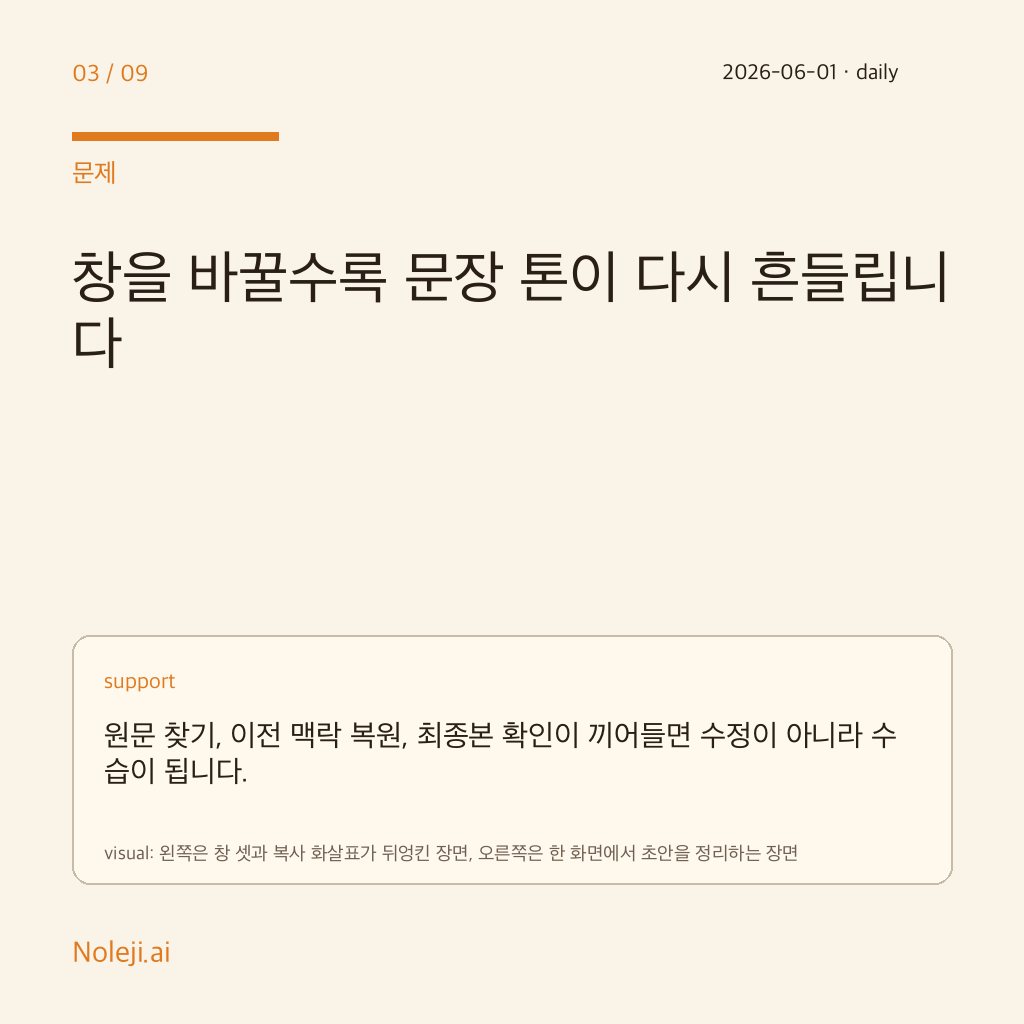
That is the part many AI discussions miss. Office work rarely fails in one spectacular moment. It fails in choreography. A model can be noticeably better at phrasing and still lose to a workflow that asks me to re-explain the same context twice, clean up formatting after every paste, and hunt for the answer across tabs like I dropped my keys somewhere inside the browser.
This is why “integrated extension” matters more to me than it sounds. If Voyager can keep Gemini attached to the surfaces where people already work, Docs, Gmail, browser research, maybe Slides, then it addresses a cost that benchmark charts usually ignore: handoff tax. And handoff tax is what makes small AI uses disappear from real working life.
Here is the portable version I would keep:
| If your pain is... | A slightly better model helps | A better companion layer helps |
|---|---|---|
| Weak wording in a draft | Yes | Sometimes |
| Repeating the same context in multiple tools | Rarely | Yes |
| Losing formatting when moving outputs around | No | Often |
| Avoiding “small” AI tasks because setup feels annoying | No | Yes |
| Remembering where the answer ended up | No | Yes |
I learned this the annoying way. Earlier this year I tried to build a daily Gemini habit for translation checks and outline cleanup. The model answers were often fine. My usage still collapsed after a week because the route had too much ceremony. When a tool makes a one-minute task feel like a five-minute ritual, I stop using it for ordinary work and save it only for “big enough” problems. That is how automation quietly fails inside desk jobs.
There is also a practical company-level reason I am comfortable taking this position. A workplace does not need every employee to become an AI enthusiast. It needs them to use automation in dull, repeatable moments without thinking too hard about setup. If a companion layer lowers that threshold, adoption improves for an operational reason, not a theatrical one. People keep the tool open because it saves time, not because the demo looked futuristic.
When the Extra Layer Becomes Another Chore
I should also be honest about where this argument stops. If Voyager is mostly a wrapper with extra clicks, it will make the problem worse. If it inserts itself into too many surfaces, guesses the wrong context, or turns a quick note into a permissions puzzle, office workers will abandon it even faster than they abandon a plain chat tab.
I also would not push this argument equally for everyone. A researcher doing long-form synthesis may still benefit more from a stronger model than from tighter integration. And if your work already lives inside one disciplined system, the handoff problem is smaller. My claim is narrower than the hype cycle: for messy, ordinary, tab-heavy office work, route quality beats a modest intelligence bump more often than AI marketing admits.
One Workflow Audit Before Lunch
Before you care about the next model comparison, run this one-day test on yourself.
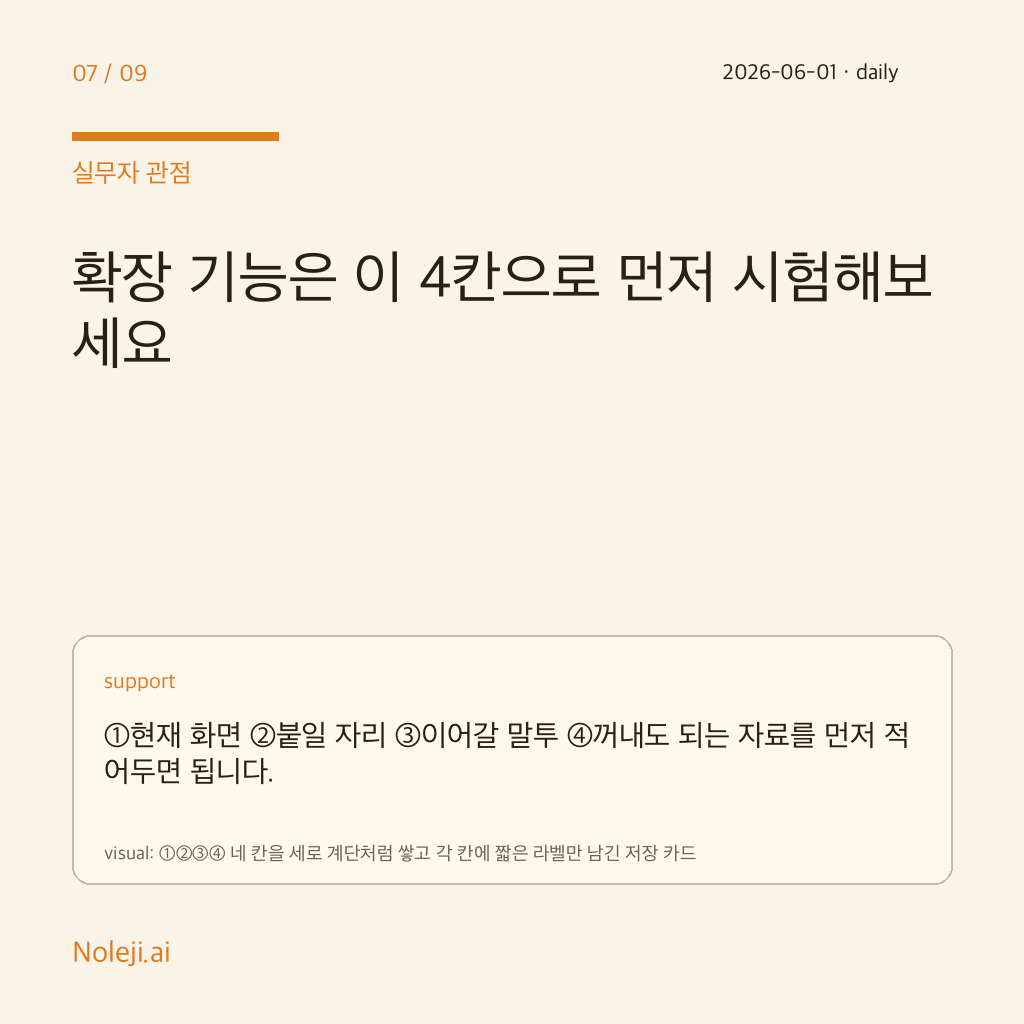
① Pick one task you repeat at least three times a week: meeting recap, email rewrite, document summary, comparison note. ② Count how many times you leave the place where the work already lives. ③ If the hop count is above 3, fix the route before you chase a smarter model. ④ Write down one sentence after the task: “What slowed me down was not the answer quality, but ______.”
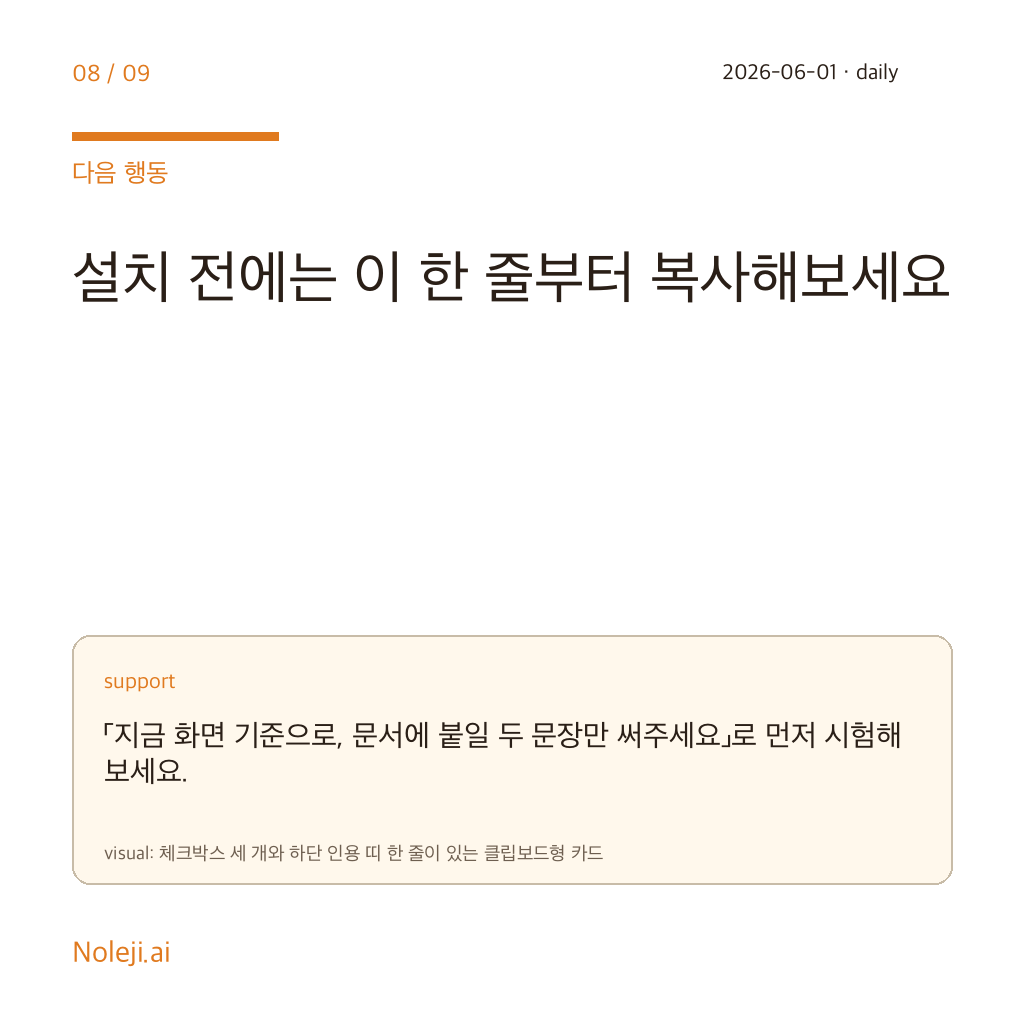
If you want a copy-paste line for your own notes, keep this:
> I do not need a smarter assistant first. I need an assistant that stays with the work.
That is the one next step I would take today: audit one recurring workflow and measure the handoff tax honestly. In the next archive, I will map the minimum companion layer Gemini would need inside ordinary office tools to become something people keep using after the demo glow is gone.
Take-aways
- At 9:12 last Tuesday, I spent 8 minutes moving one simple request between a Google Doc, Gemini, and a scratch note
- I do not care much about AI as a spectator sport
- For months, I made the same mistake many people make: every frustrating AI session felt like proof that I needed a smarter model
→ 한국어 버전 →