A 17-minute task that should not need a meeting
At 9:12 a.m., someone opens a blank document to rewrite a status update that already exists in Slack, email, and yesterday’s notes. The work is not hard. That is the problem.
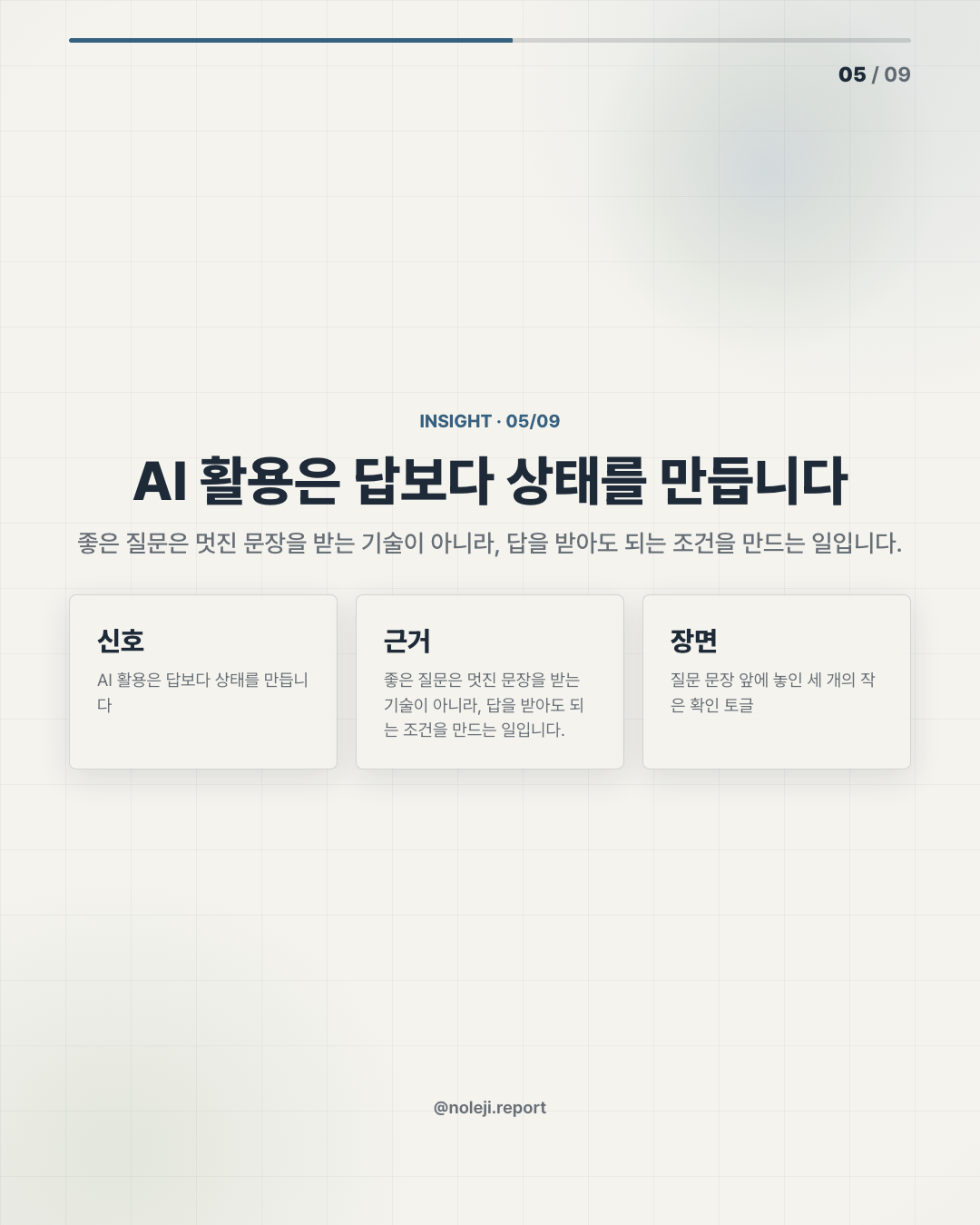
My thesis is simple: most office workers do not need bigger AI tools first. They need smaller repeatable systems that stop the same low-value decisions from being made twice.
That is a debatable claim because the market keeps pulling attention toward more capable models, autonomous agents, and all-in-one work platforms. I understand the appeal. But for a non-developer employee trying to protect time, the first useful question is usually not “Which AI is smartest?” It is “Which recurring decision can I stop rebuilding from scratch?”
The trap is thinking automation starts with a tool
A lot of people still approach AI the way they approach a new app: sign up, look around, ask it to “help with work,” then feel slightly disappointed. I have done this too. Last week, I tested a prompt for turning rough meeting notes into client follow-up emails. The first version looked polished and was almost useless. It sounded like a polite stranger who had missed the meeting.
The failure was not the model. The failure was that I gave it a vague job.
For office workers, automation often breaks because we skip the boring middle layer: rules, examples, and review points. We ask AI to “summarize,” but we do not say what counts as noise. We ask it to “draft,” but we do not show what a usable draft looks like. We ask it to “prioritize,” but we never define what gets priority in our actual workplace.
A junior colleague needs context before they can do good work. AI is not exempt from that. The difference is that AI will answer confidently even when the task is under-specified.
The useful system is usually smaller than the software demo
Because today’s manifest has no source list, I would not treat this archive entry as a news claim about a specific product. I would treat it as an operator note: a reminder that the real shift is happening at the workflow level, where people decide what to hand off, what to keep, and what to verify.
Here is the practical distinction I use.
| Bad automation request | Better system request |
|---|---|
| “Summarize this meeting.” | “Extract decisions, owners, deadlines, and unresolved questions. Ignore small talk.” |
| “Write a reply.” | “Draft a reply that confirms receipt, names the next action, and avoids committing to a date.” |
| “Organize my tasks.” | “Split tasks into today, waiting on someone else, and needs clarification.” |
| “Make this better.” | “Cut repetition, keep the original meaning, and flag anything that sounds like a claim without evidence.” |
This looks less impressive than a product launch demo. It also works more often.
The reason is that small systems have edges. You can test them. You can notice when they fail. You can improve them after five uses instead of abandoning them after one disappointing result.
I keep a short personal rule for this: if I cannot explain the workflow in three steps, I am probably trying to automate confusion.
For example:
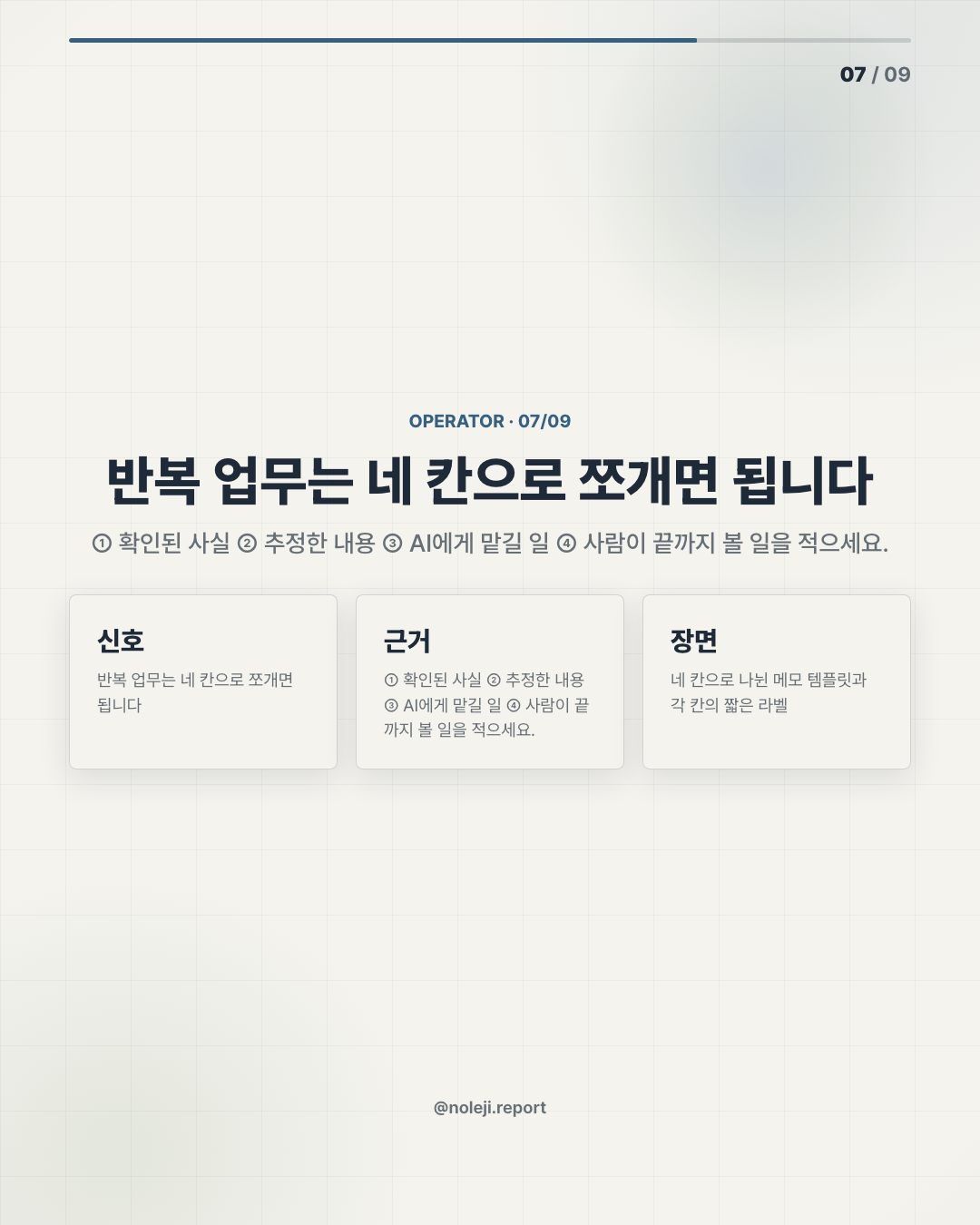
① Collect the raw material ② Tell AI what to extract, ignore, and flag ③ Review only the flagged parts before sending or saving
That three-step frame is not glamorous. But it turns AI from a mysterious assistant into a reusable workbench.
This does not work when the work itself is unclear
There are cases where this approach fails. If the goal is political, sensitive, or still being negotiated, automation can make the wrong thing faster.
A performance review, a conflict-heavy client email, a legal interpretation, or a budget decision should not be pushed through a neat prompt just because the text can be generated. In those cases, AI can help prepare the table: list facts, compare versions, surface missing information. It should not decide the tone, the risk, or the final position without human judgment.
I would also be careful with teams that have not agreed on what “good work” looks like. If one manager wants brevity and another wants full context, an AI workflow will inherit that conflict. The tool will not resolve it. It will just make the disagreement easier to reproduce.
Keep one workflow, not ten prompts
Today’s action is narrow: choose one task you repeat every week and turn it into a three-step AI workflow.
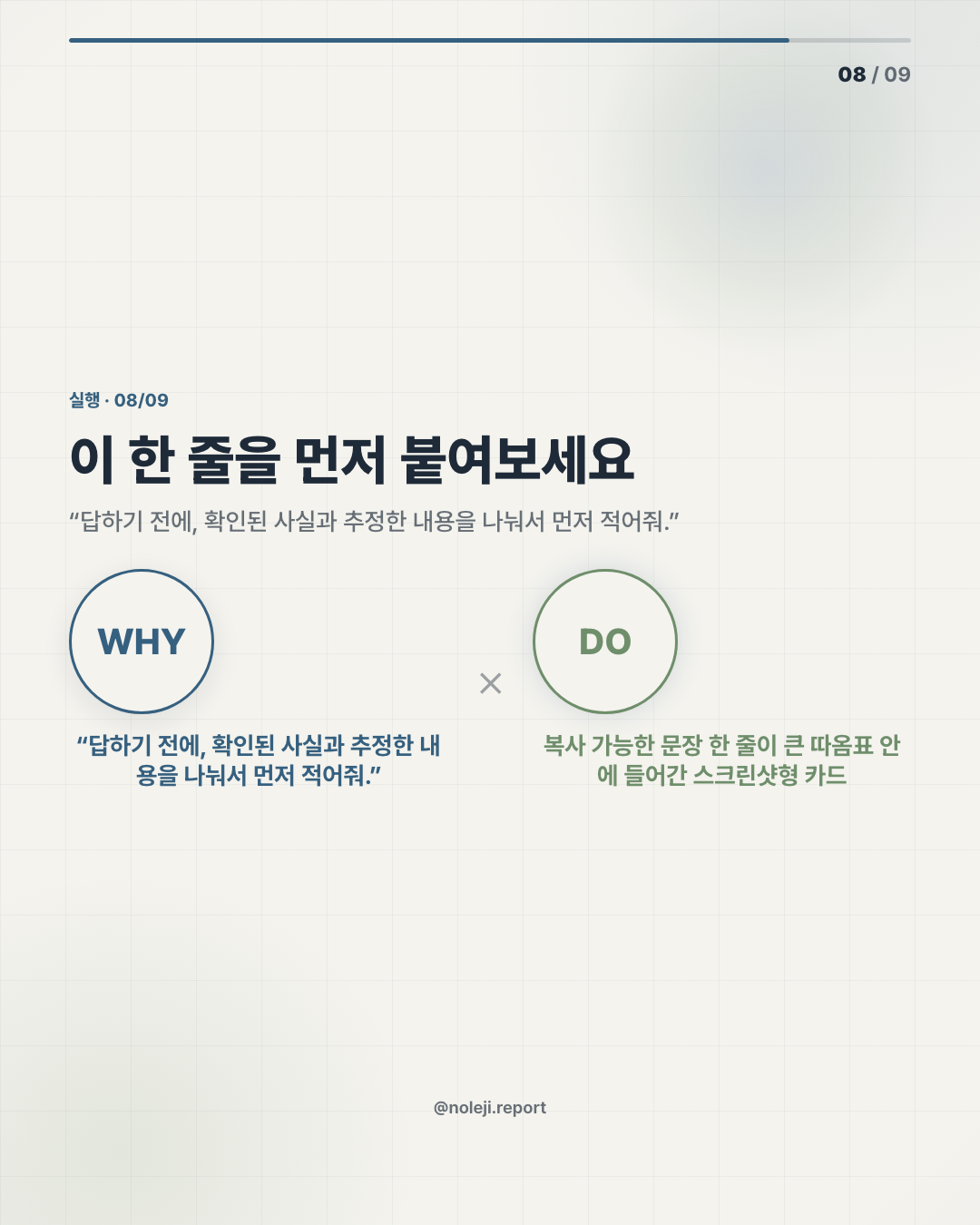
Use this copy-ready line:
> “From this raw material, extract only decisions, owners, deadlines, and unresolved questions. If something is unclear, put it under ‘Needs confirmation’ instead of guessing.”
That is enough for a first system. Try it on one meeting note, one email thread, or one weekly status update. Do not build a prompt library yet. Keep one workflow until it saves time twice.
Next step: save this table and use it once today on a real work task.
In the next issue, I will look at the review layer: how to catch the three mistakes AI most often makes before they reach your boss, client, or team.
Take-aways
- At 9:12 a.m., someone opens a blank document to rewrite a status update that already exists in Slack, email, and yesterday’s notes
- My thesis is simple: most office workers do not need bigger AI tools first
- That is a debatable claim because the market keeps pulling attention toward more capable models, autonomous agents, and all-in-one work platforms
→ 한국어 버전 →