The real delay starts after Gemini gives the answer
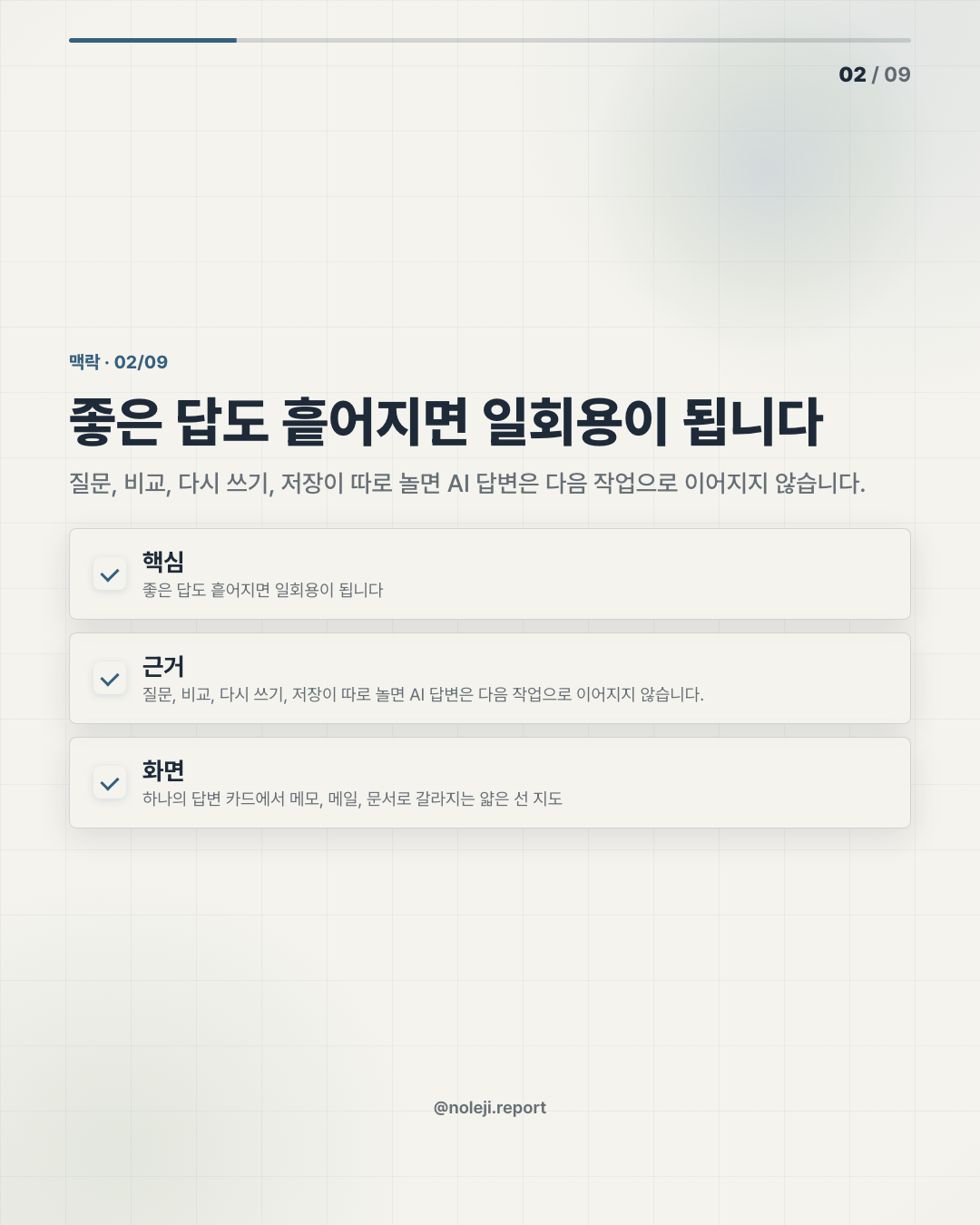
At 9:18 last Friday, I had Gemini open in one tab, a client brief in another, and a half-edited newsletter draft sitting in a third window. The answer from the model was fine. The tiring part was moving that answer back into the actual work without losing the source, tone, or next action.
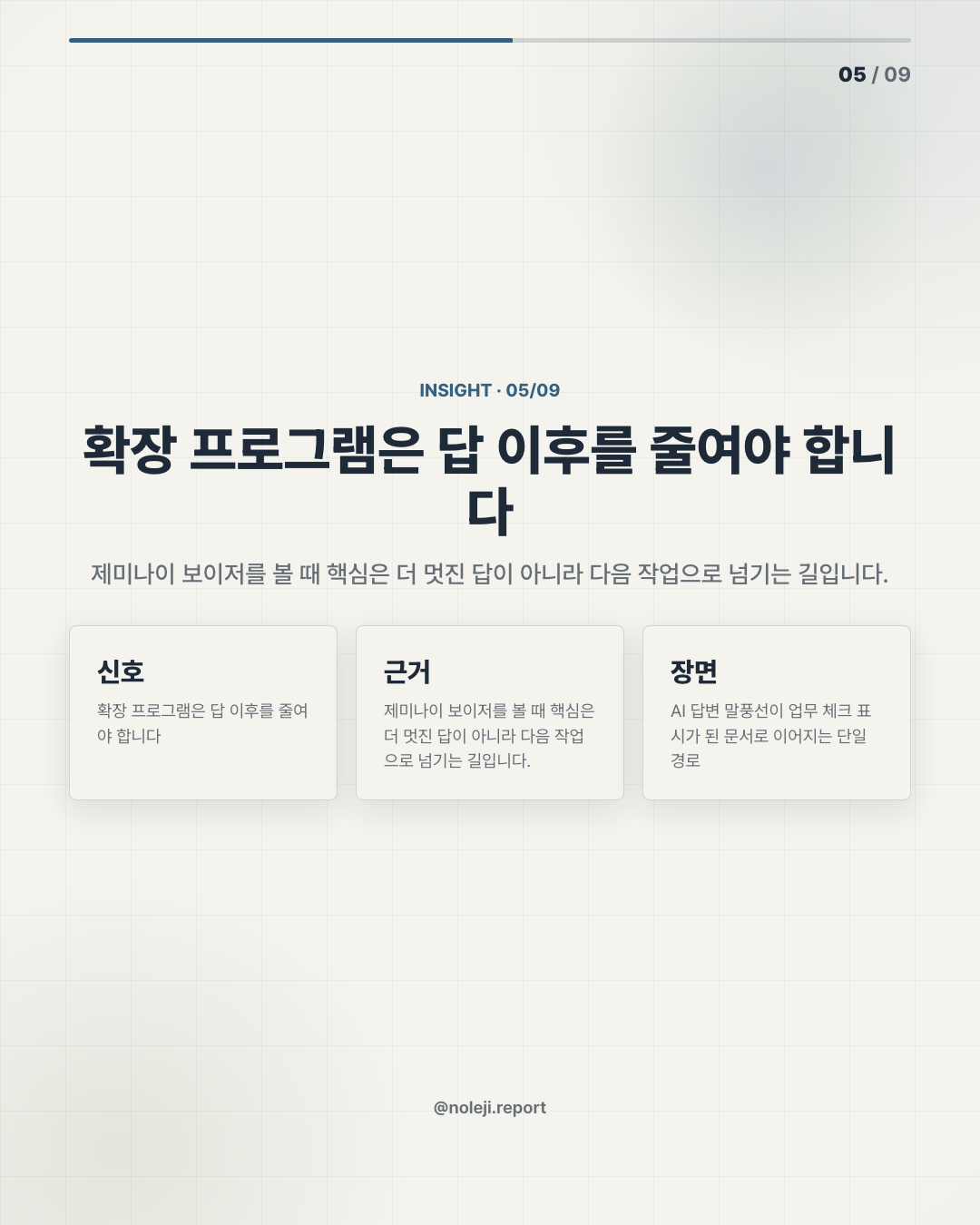
That is why I would not read Gemini Voyager mainly as “one more Gemini tool.” I would read it as a small operator signal: the value of AI is moving from the chat box into the work surface around it.
My thesis is simple, and some people will disagree with it: the next useful AI upgrade for office workers will not be a smarter answer. It will be a tighter handoff.
Better models do not fix scattered work by themselves
The common instinct is to wait for Google Gemini itself to become stronger. Bigger context window, better reasoning, cleaner writing, more app integrations. I understand the impulse because I do it too. When a draft feels weak, my first reaction is still to ask the model again.
But for non-developer work, the failure often comes later.
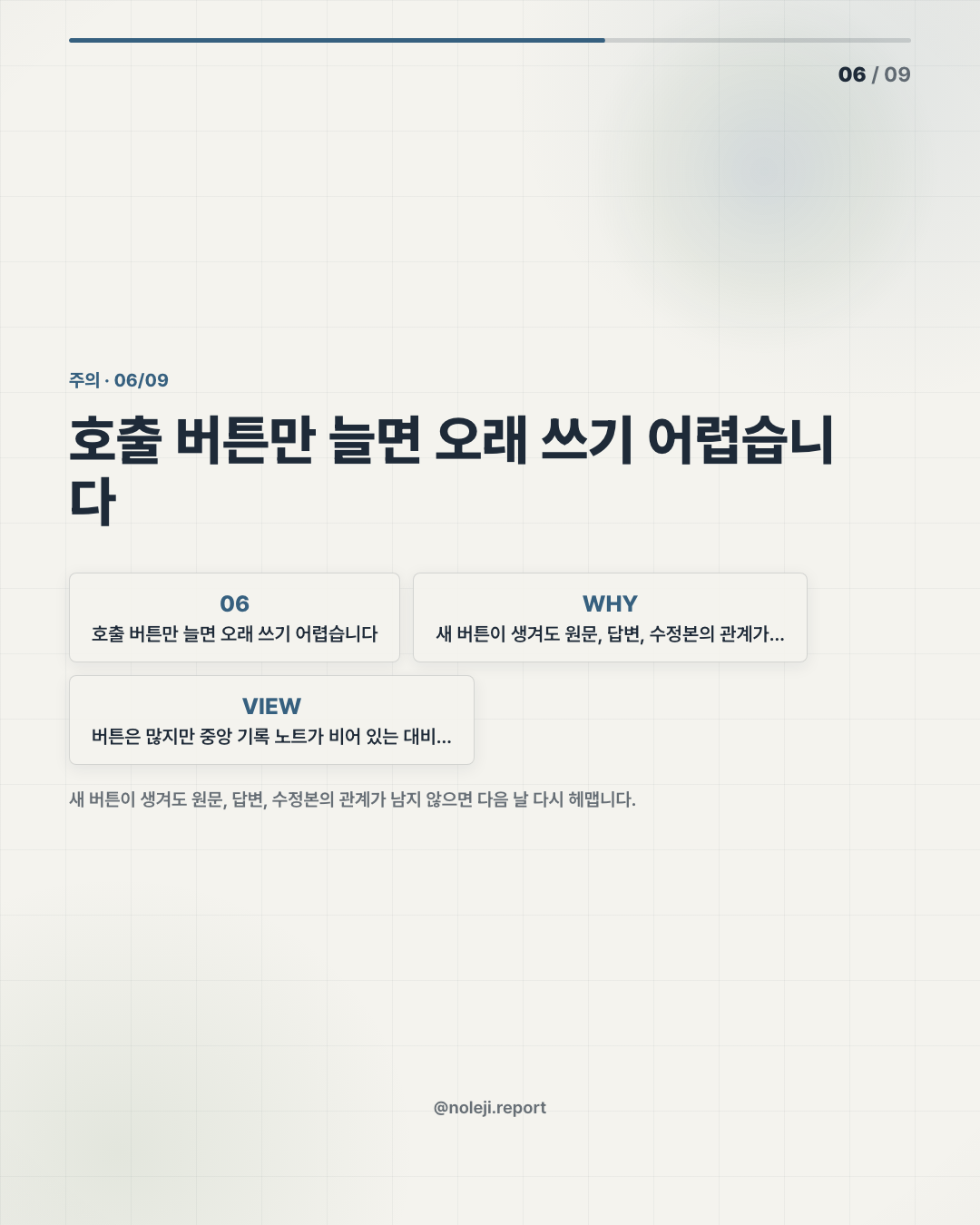
You ask Gemini to summarize a page. Then you copy the useful part into a memo. Then you rewrite the wording for your manager. Then you check whether the sentence still matches the source. Then you turn it into an email, a Slack note, or a task. None of those moves is glamorous, but they decide whether AI saved you time or simply created another tab to manage.
This is where an integrated extension like Gemini Voyager becomes interesting. Not because the name proves anything by itself. The source set here is thin, and I cannot verify product claims from the provided manifest. But the category matters: an extension that sits around Gemini suggests a different question.
Not “How smart is the model?”
More like: “Can this help me carry one piece of work from input to output without rebuilding the workflow every time?”
The useful test is whether it reduces handoff loss
I am careful here because there are no source links in the manifest. I am not reviewing Gemini Voyager as a confirmed feature set, and I am not claiming it performs specific actions. I am using the title as a workflow prompt: a Google Gemini companion extension aimed at making Gemini more integrated.
That distinction matters.
A plain chatbot is good at producing language. A useful operator layer is good at preserving context, sequence, and intent. For someone in translation, marketing, admin, research, publishing, or internal documentation, that difference is not abstract. It is the difference between “I got a good answer” and “I finished the task.”
Here is the simple comparison I would keep:
| Work moment | Plain Gemini chat | Integrated extension workflow |
|---|---|---|
| Reading a source | You paste or summarize manually | The source context may stay closer to the task surface |
| Drafting | You get a usable first pass | You can shape the output toward a recurring format |
| Checking | You jump between tabs | The review step can become part of the same loop |
| Reusing | You rewrite the prompt next time | The workflow can become repeatable |
| Main risk | Good answer, messy handoff | Smooth workflow, hidden over-trust |
The last row is important. Integration is not automatically better. A smooth interface can make weak thinking feel finished. I have made that mistake. Last week, I accepted a polished AI paragraph too quickly because it sounded like my usual archive voice. When I checked it against the source, the claim was softer than the sentence made it seem. The problem was not hallucination in a dramatic sense. It was confidence drift.
That is why my standard for Gemini Voyager would be practical, not aesthetic.
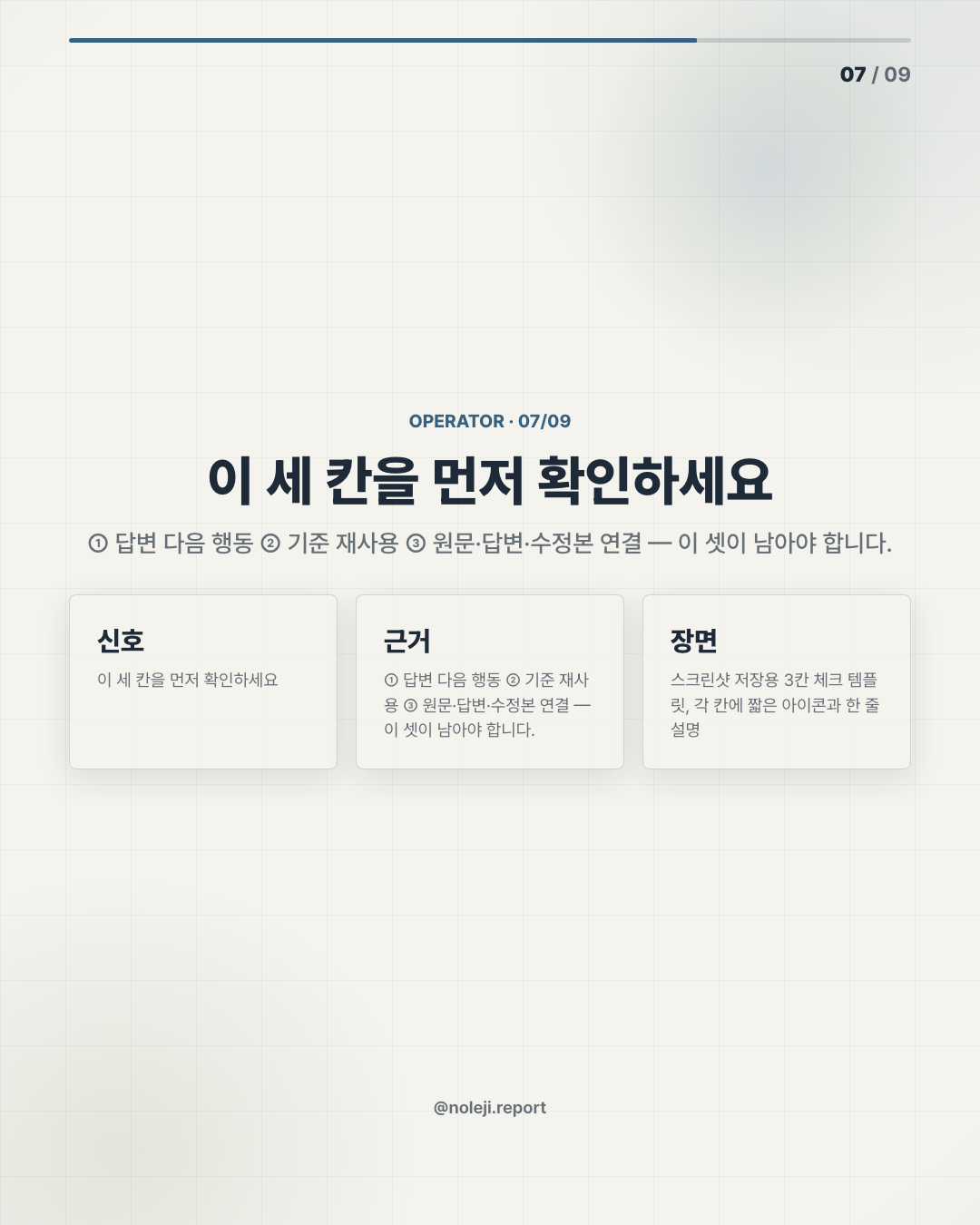
Can it help me keep the original source visible? Can it make repeated outputs easier to run? Can it reduce copy-paste damage? Can it remind me what step I am on? Can it make review easier than rewriting?
If the answer is yes, even modestly, then this type of extension is worth watching. If the answer is no, then it is just another wrapper around a model we already know how to ask questions.
For a non-developer office worker, the metaphor is not “AI agent.” It is a capable assistant sitting beside your desk who knows the difference between a rough note, a client-ready paragraph, and a task that still needs verification. The assistant does not need to be magical. It needs to stop dropping the folder while walking across the room.
This will not help if your work is undefined
There is a real limitation here. If you do not know what good output looks like, an integrated extension may simply help you produce vague work faster.
I would not use a tool like this for final judgment, sensitive policy interpretation, legal wording, or anything where the source must be audited line by line unless the review path is clear. I would also be cautious when the extension hides too much of the process. Convenience is useful only when you can still see what changed.
The people who benefit first will probably not be the ones asking the cleverest prompts. They will be the ones with repeated formats: weekly briefs, meeting notes, bilingual summaries, product comparisons, internal memos, content cards, client replies. Boring workflows are where AI tools become valuable.
That may sound unambitious. I think it is the opposite. A small reliable workflow you use 30 times a month is more valuable than a spectacular demo you cannot trust on Tuesday afternoon.
Try it as a workflow audit, not a product verdict
If you are watching Gemini Voyager, do not start with the question “Is this powerful?” Start with a smaller test.
① Pick one repeated task you already do with Gemini. ② Write down the steps between source and final output. ③ Mark every copy-paste, tab switch, rewrite, and verification moment. ④ Ask whether an integrated extension removes a step or only decorates it. ⑤ Keep the workflow only if the final review gets easier, not just faster.
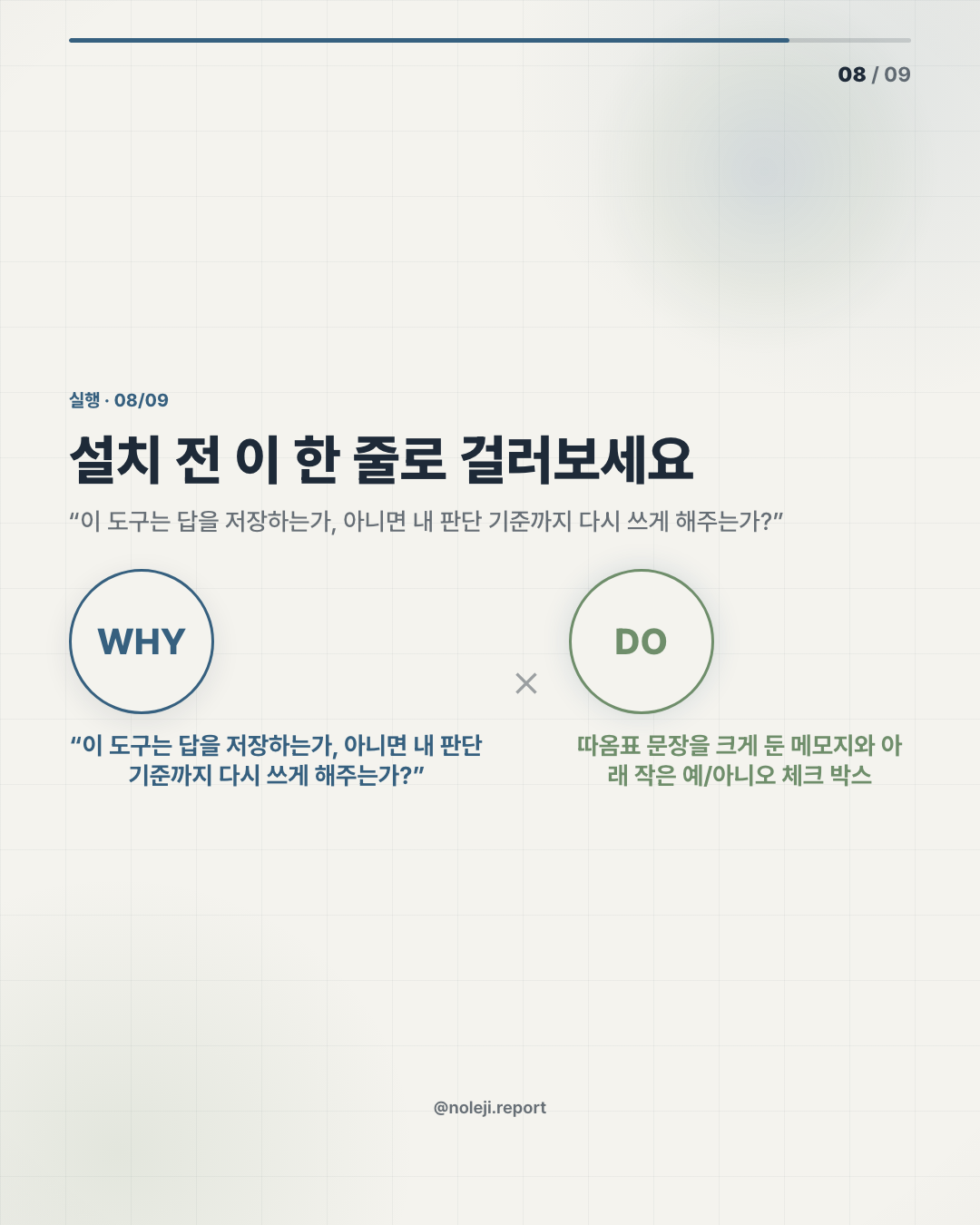
My copy-paste line for this kind of tool would be:
> “This is useful only if it reduces handoff loss without hiding the review step.”
That is the operator lens I would use for Gemini Voyager. Not hype, not dismissal. Treat it as a sign that the AI workspace is moving closer to the browser, the document, and the repeated office task.
Primary next step: save the five-step audit above and run it on one Gemini workflow you already use this week.
Next piece: I will look at how non-developers can turn one repeated AI task into a small personal system without pretending to become engineers.
Take-aways
- At 9:18 last Friday, I had Gemini open in one tab, a client brief in another, and a half-edited newsletter draft sitting in a third window
- That is why I would not read Gemini Voyager mainly as “one more Gemini tool.” I would read it as a small operator signal: the value of AI is moving from the chat box into the work surface around it.
- My thesis is simple, and some people will disagree with it: the next useful AI upgrade for office workers will not be a smarter answer
→ 한국어 버전 →