47 Minutes Later, the Text Was Still Not an Audio Draft
Last week I turned a 1,200-word memo into a voice note for a colleague who prefers listening on the subway. The writing was ready in 20 minutes. The audio took longer, not because narration is hard, but because the workflow kept breaking: paste text, choose a voice, export, listen, fix one awkward sentence, export again.
That is why I would not treat MimikaStudio mainly as “another voice cloning app for Mac.”
My thesis is more practical, and some people will disagree with it: the real value of an open-source Mac TTS tool is not that it can imitate a voice. It is that it can turn spoken output into a local, repeatable desk workflow.
Most People Chase a Better Voice Before They Fix the Workbench
The common instinct is understandable. When people hear “voice cloning,” they imagine podcasts, YouTube narration, training videos, internal explainers, maybe even a personal AI narrator. So the first question becomes: “How natural is the voice?”
That question matters. But for most non-developer office workers, it is not the first bottleneck.
The boring bottleneck is revision. You need to turn a PDF into audio. Then a memo. Then a script. Then maybe an audiobook-style long read. You need to test whether the first paragraph sounds stiff. You need to decide whether a cloned voice is appropriate at all. You need to keep files on your machine if the material includes client notes, internal docs, or drafts you do not want to throw into every cloud tool you find.
This is where a Mac-native, MLX-based, Metal-accelerated tool becomes interesting. Not because those words automatically make the product good. The provided manifest has no source links, so I cannot verify MimikaStudio’s build quality, license details, model quality, or privacy guarantees from this brief alone. I am working from a thin description: Mac app, open source, voice cloning, text-to-speech, document narration, audiobook production, MLX, Metal acceleration.
Even with that limitation, the category is worth watching because it moves audio generation closer to the machine where the work already lives.
The Useful Question Is Not “Can It Clone Me?” but “Can It Shorten the Audio Loop?”
I translate technology trends for people who have jobs to finish, not for people who collect tools as a hobby. From that angle, MimikaStudio matters if it reduces the gap between “I have a written draft” and “I have a usable listening version.”
That gap is larger than it looks.
A newsletter writer may want to hear a draft before publishing. A manager may want an internal policy read aloud to catch unclear phrasing. A teacher may want a study note converted into audio. A consultant may want a client brief in listenable form during a commute. None of these cases requires a cinematic AI voice. They require a fast loop: import, generate, listen, correct, export.
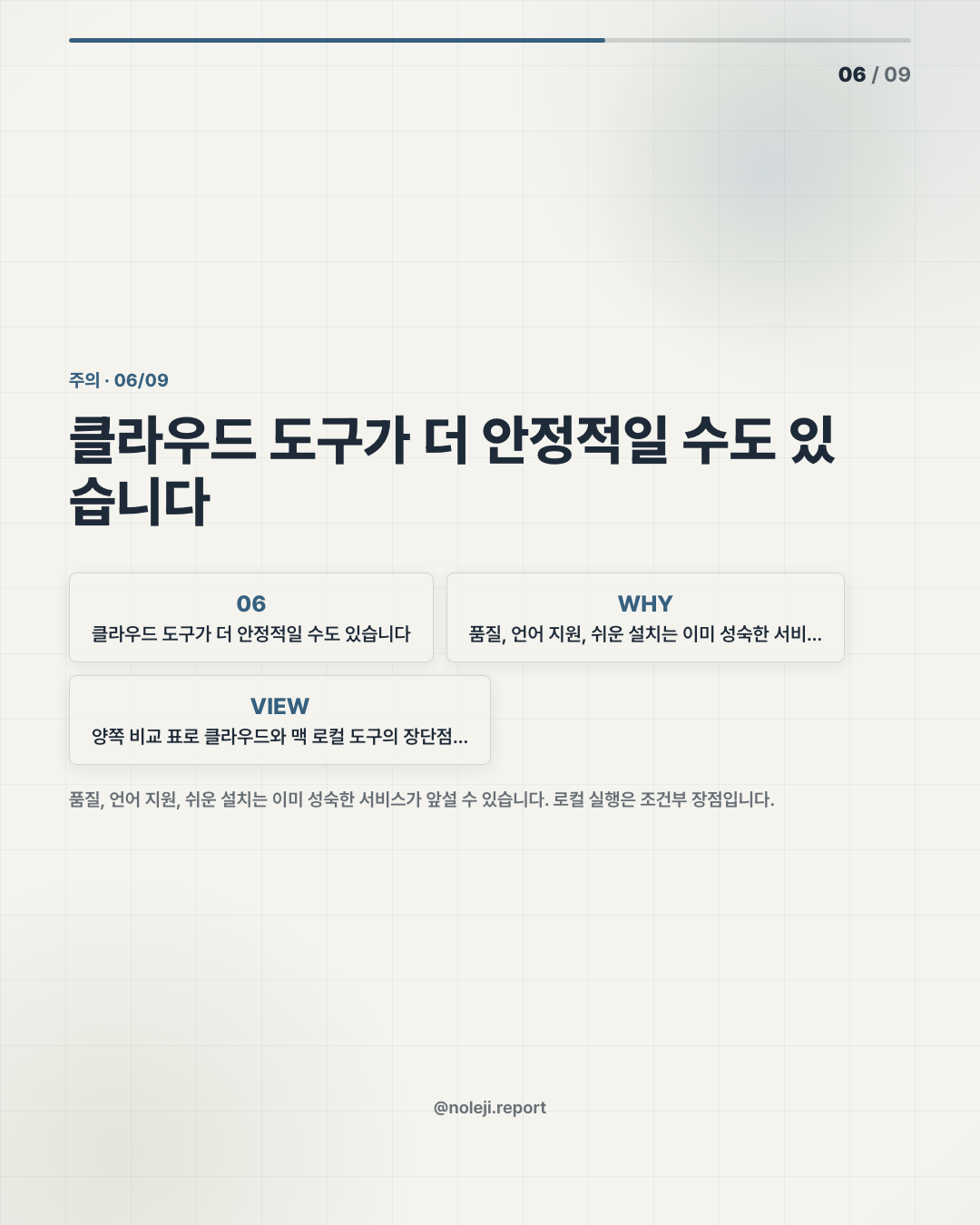
Here is the comparison I would keep on hand before getting excited about any desktop TTS tool:
| Question | Cloud TTS tool | Local Mac TTS tool like MimikaStudio |
|---|---|---|
| Where does the draft go? | Usually to an external service | Potentially stays on the Mac, depending on implementation |
| What is the main convenience? | Easy setup, many hosted voices | Tighter local workflow, less upload friction |
| What is the main risk? | Data handling, account limits, recurring cost | Setup friction, hardware limits, uneven model quality |
| Best first use | Polished public narration | Draft listening, internal narration, private documents |
| Wrong first use | Sensitive docs without checking policy | Voice cloning without consent rules |
That last row is not a footnote. It is the line that separates useful automation from trouble.
Voice cloning is emotionally powerful because the output feels personal. That is also why it needs stricter habits than ordinary TTS. If I clone my own voice to record a draft lesson, fine. If a company clones an employee’s voice because it is efficient, the efficiency is not the whole story. Consent, attribution, retention, and review matter.
My practical read is simple: start with document narration before voice cloning.
Use the tool first as a listening machine. Feed it your own writing, not someone else’s identity. Turn a memo into audio and listen for three things: where the sentence gets too long, where the argument loses rhythm, and where the machine voice makes the text sound more confident than it really is. I have caught more weak writing by listening to it than by rereading it for the sixth time.
The Mac angle matters here. Apple Silicon machines already sit in the middle of many knowledge-work routines. MLX and Metal acceleration point toward a future where more AI work runs locally enough to feel ordinary. I am not saying MimikaStudio proves that future by itself. Without sources, I cannot make that claim. But the direction fits a pattern I care about: small local systems that give workers more control over repeated tasks.
For a non-developer, that is the important translation. “Open-source MLX-based TTS” sounds technical. In office language, it means: maybe your laptop can become a small audio desk, not just a screen for cloud services.
This Does Not Work If the Voice Becomes the Product
There is a failure mode here. I have seen it in AI writing, AI slides, and AI video: people spend 90% of their energy making the output look or sound impressive, then forget whether the message deserved production in the first place.
Audio makes that worse because a smooth voice can hide a weak script.
MimikaStudio will not fix bad judgment. A cloned voice will not make a vague training memo clearer. TTS will not make a sloppy article worth listening to. And if the tool is hard to install, slow on older Macs, or inconsistent across long documents, many office workers will drop it after one weekend test.
There is also the ethics problem. Voice cloning should not become a casual shortcut for using another person’s identity. If a tool makes cloning easy, the user has to become more careful, not less.
So my caution is blunt: if your first plan is “clone a famous voice” or “replace someone’s narration without a clear agreement,” stop. That is not productivity. That is risk with a nice interface.
Build One Small Audio System Before You Build a Voice Brand
If you want to test MimikaStudio or any similar Mac TTS tool, do not begin with a grand project. Begin with one repeatable workflow you can use this week.
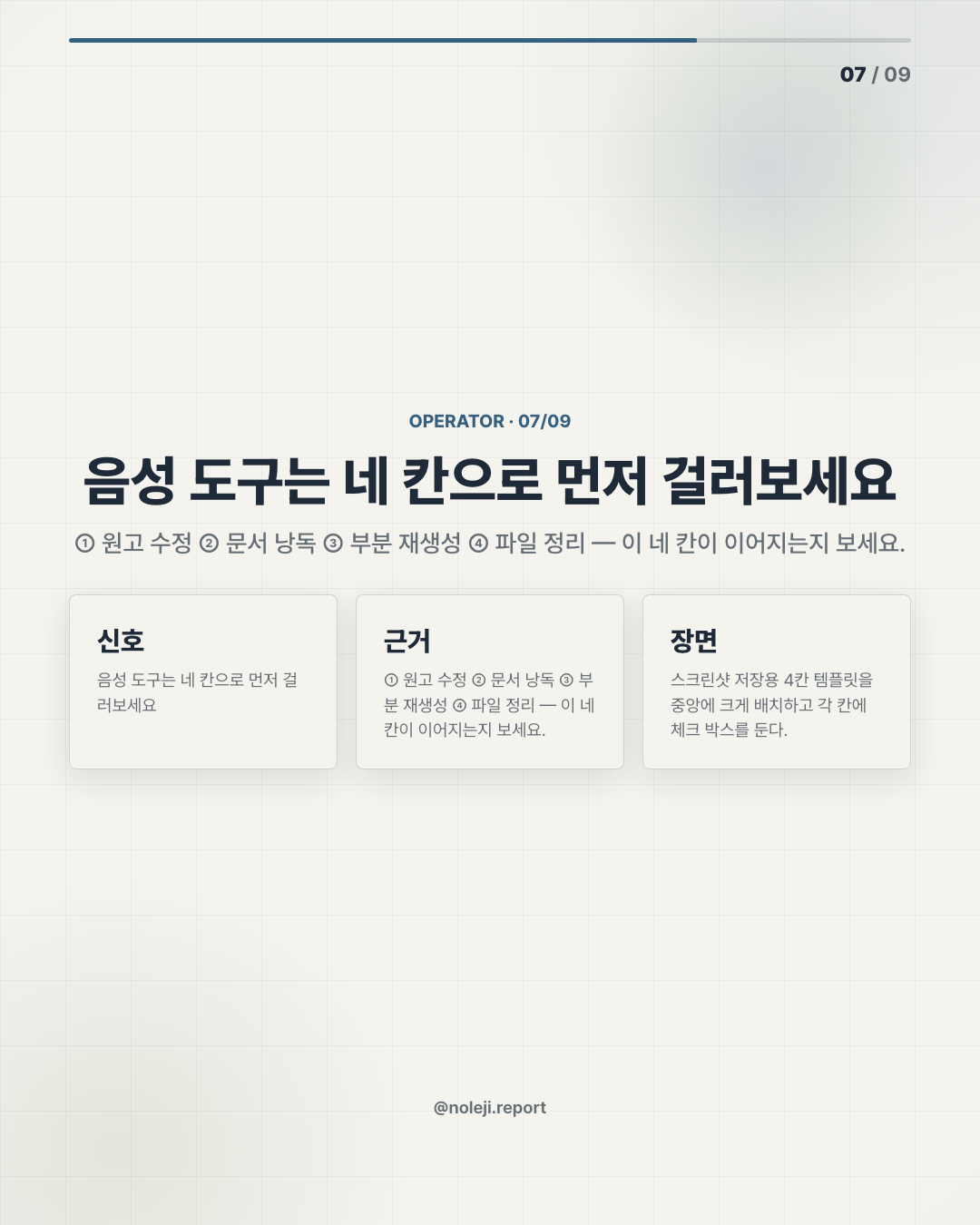
① Pick one low-risk document Choose your own memo, draft post, study note, or internal checklist. Avoid client-confidential material until you understand how the tool stores and processes files.
② Generate a plain TTS version first Do not clone a voice yet. Listen for sentence rhythm, missing context, and parts that sound too abstract when spoken aloud.
③ Revise the text after listening If the audio feels tiring, fix the writing before changing the voice. Most narration problems start in the script.
④ Decide whether voice cloning is actually needed Use cloning only when a consistent personal narrator adds value. For many documents, a neutral readable voice is enough.
⑤ Keep a small production note Write down the input format, voice setting, export format, and what you changed after listening. That note is your real automation asset.
복붙용 line for your own workflow note:
> “This audio version is for draft review first, publication second.”
My primary next step: save this table and run one private document through a local TTS workflow before you judge the category by demo clips.
Next issue: I will look at the bigger question behind tools like this — when should office workers keep AI work local, and when is the cloud still the better trade?
Take-aways
- Last week I turned a 1,200-word memo into a voice note for a colleague who prefers listening on the subway
- That is why I would not treat MimikaStudio mainly as “another voice cloning app for Mac.”
- My thesis is more practical, and some people will disagree with it: the real value of an open-source Mac TTS tool is not that it can imitate a voice
→ 한국어 버전 →