Most people think a prompt kit is just a bundle of clever instructions. I do not. A good prompt kit is closer to the checklist a senior coworker keeps beside their keyboard: boring on the surface, but full of decisions that prevent wasted hours. That is why Gongnyang Prompt Kit 2.3 is worth reading less as a “new prompt update” and more as a small operating system for everyday AI work.
The update matters because office work breaks at the handoff
A colleague once told me she had “tried AI” for a weekly report and gave up after three attempts. The output was polished, but not usable. It missed the team’s context, softened the sharp parts, and invented confidence where the source material was thin.
That is where prompt kits become useful. Not because they make AI magical, but because they make the handoff clearer.
The current public evidence I have is narrow: two Threads posts from `@specal1849` pointing to Gongnyang Prompt Kit 2.3. I cannot verify every detail of the package from those posts alone. Still, the update is a good excuse to name the larger point: most non-developers do not need “better prompts” first. They need repeatable ways to give work to AI without losing control of the work.
That is my thesis: prompt kits are underrated not as productivity hacks, but as training wheels for delegation.
Something changed when prompts stopped being one-off requests
For a long time, many people used AI like a search box with manners.
“Summarize this.” “Make this shorter.” “Write an email.” “Give me ideas.”
I did that too. Last week, while rewriting a client-facing explanation, I caught myself asking the model the same thing three times with slightly different wording. The problem was not the model. The problem was my instruction. I had not told it what role the text played, what kind of reader would see it, what risk to avoid, or what “good enough” looked like.
A prompt kit changes that habit. It turns a loose request into a working pattern.
Version numbers matter here because they imply maintenance. A 2.3 update says someone is not treating prompts as disposable tricks. Someone is revising the workflow after use. That is a small but important difference.
The real value is not the prompt, but the judgment baked into it
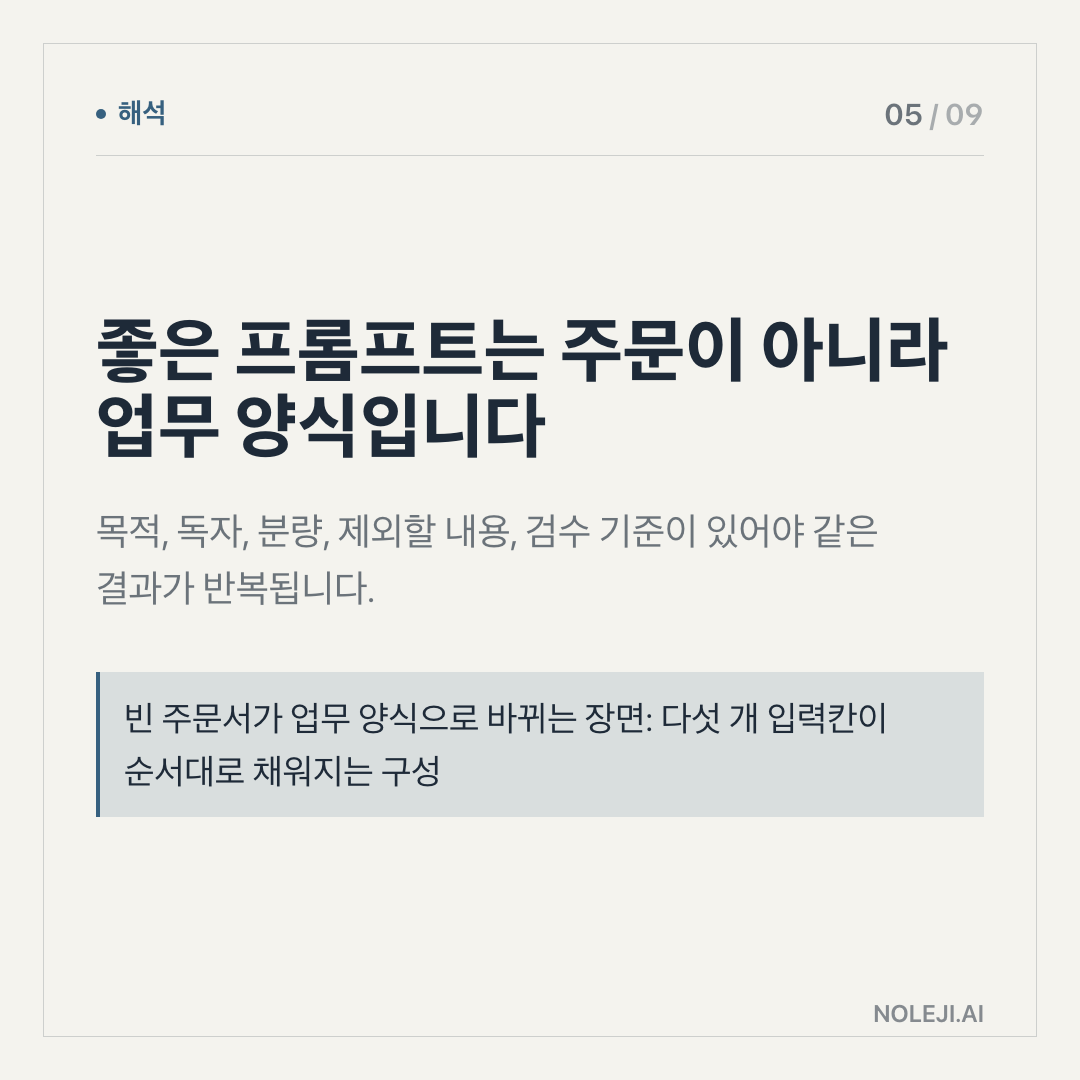
A useful prompt kit does three jobs at once.
First, it reminds you what to say before the AI starts writing. Most failed AI work begins before the answer appears. The user gives too little context, hides the intended audience, or forgets the constraint that actually matters. In an office setting, that is like asking a new hire to prepare a board memo without telling them whether the CEO wants numbers, risks, or a decision.
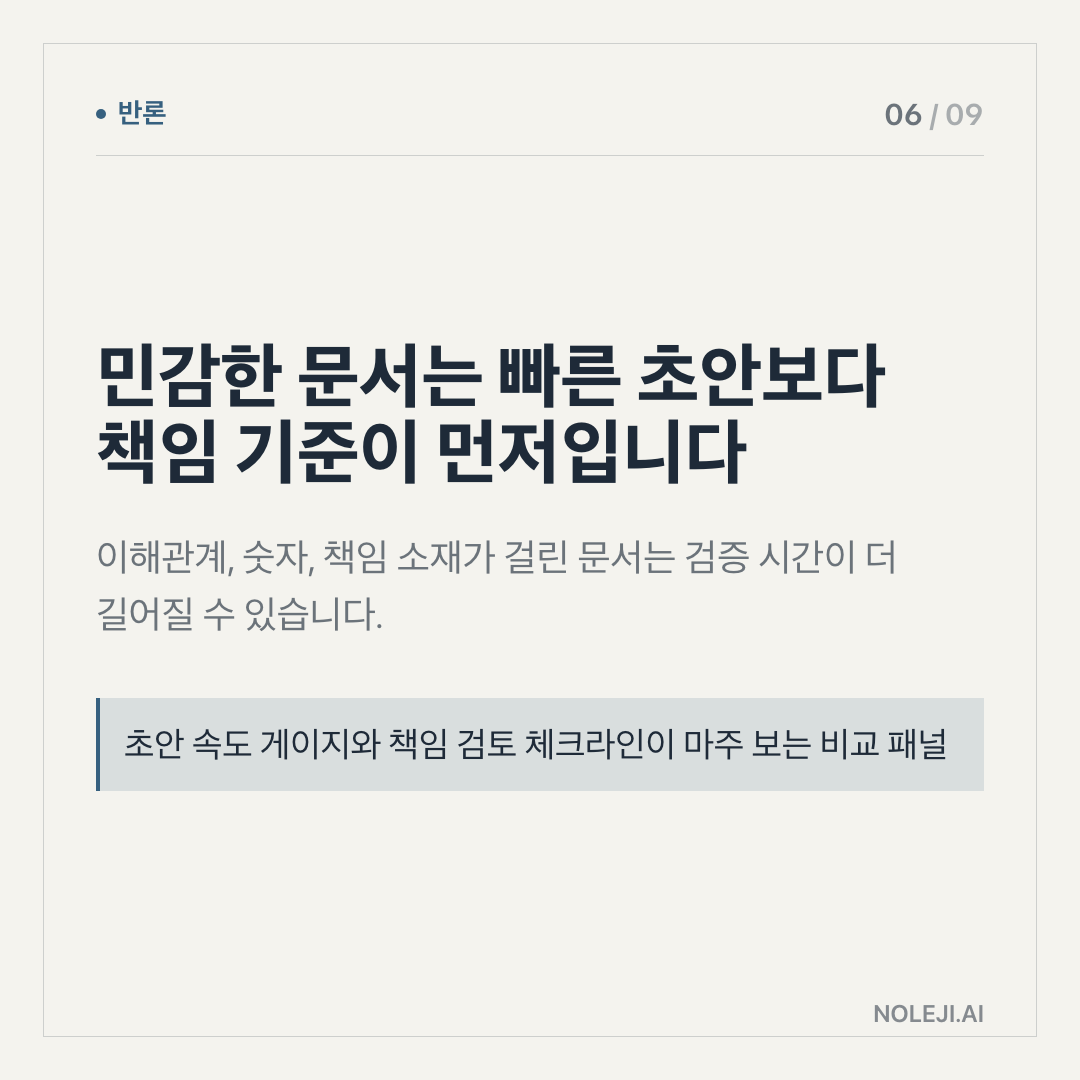
Second, it slows down false confidence. A good kit should force the model to separate what is known from what is guessed. This is especially important for people who use AI around market updates, policy changes, sales material, hiring documents, or customer communication. Smooth language can make weak evidence look stronger than it is.
Third, it makes repetition less tiring. If you write weekly summaries, compare vendor proposals, prepare meeting notes, draft social posts, or turn messy notes into a plan, you should not reinvent your instruction every time. The value is not that one prompt saves five minutes today. The value is that the same pattern saves attention every week.
Here is the comparison I keep for non-developer teams:
| Weak AI use | Stronger prompt-kit use |
|---|---|
| “Summarize this.” | “Summarize for a manager who needs decisions, risks, and next actions.” |
| “Make it better.” | “Rewrite for clarity, keep the claims cautious, and preserve all numbers.” |
| “Give me ideas.” | “Give me 10 options, then rank them by effort, risk, and usefulness.” |
| “Write a post.” | “Draft for readers who are busy, skeptical, and need one practical takeaway.” |
| “Check this.” | “Find unclear claims, unsupported claims, and places where the tone is too strong.” |
This is why I am more interested in prompt kits than in yet another list of “AI tools you must try.” Tools change. Interfaces change. Model names change. But the skill of delegating clearly does not disappear.
The people who benefit most are not necessarily the most technical people. They are the people who already manage messy work: project managers, marketers, consultants, teachers, operators, analysts, solo founders, and office workers who turn half-formed information into usable decisions.
For them, a prompt kit can become a small personal system.
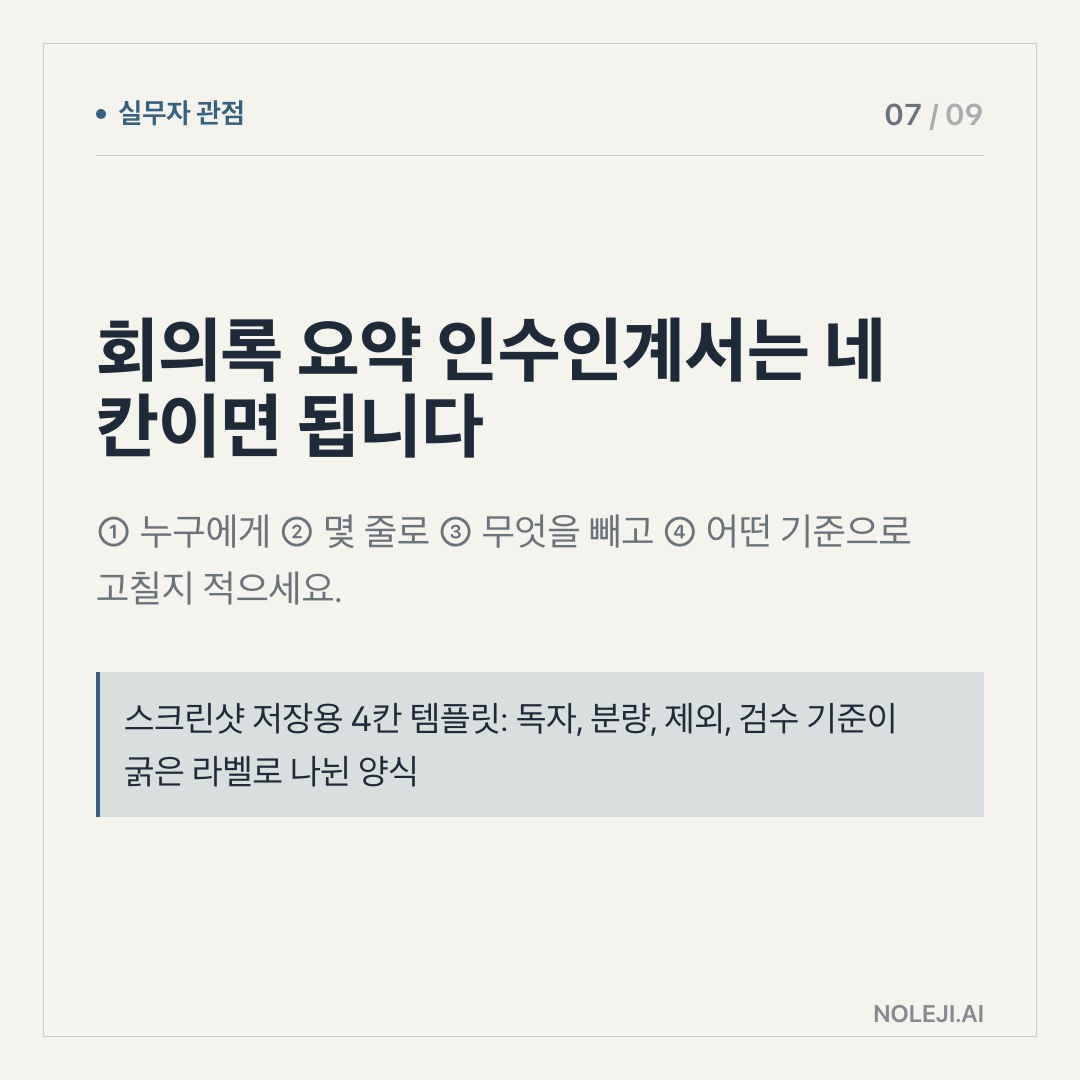
① Pick one recurring task that drains attention. ② Write down what a good result must include. ③ Add what the AI must not do. ④ Save the instruction. ⑤ Reuse it three times before changing it.
The third step is the one most people skip. “Do not invent numbers.” “Do not make the tone more excited.” “Do not remove disagreement.” “Do not turn uncertainty into advice.” These negative instructions sound small, but they protect the work.
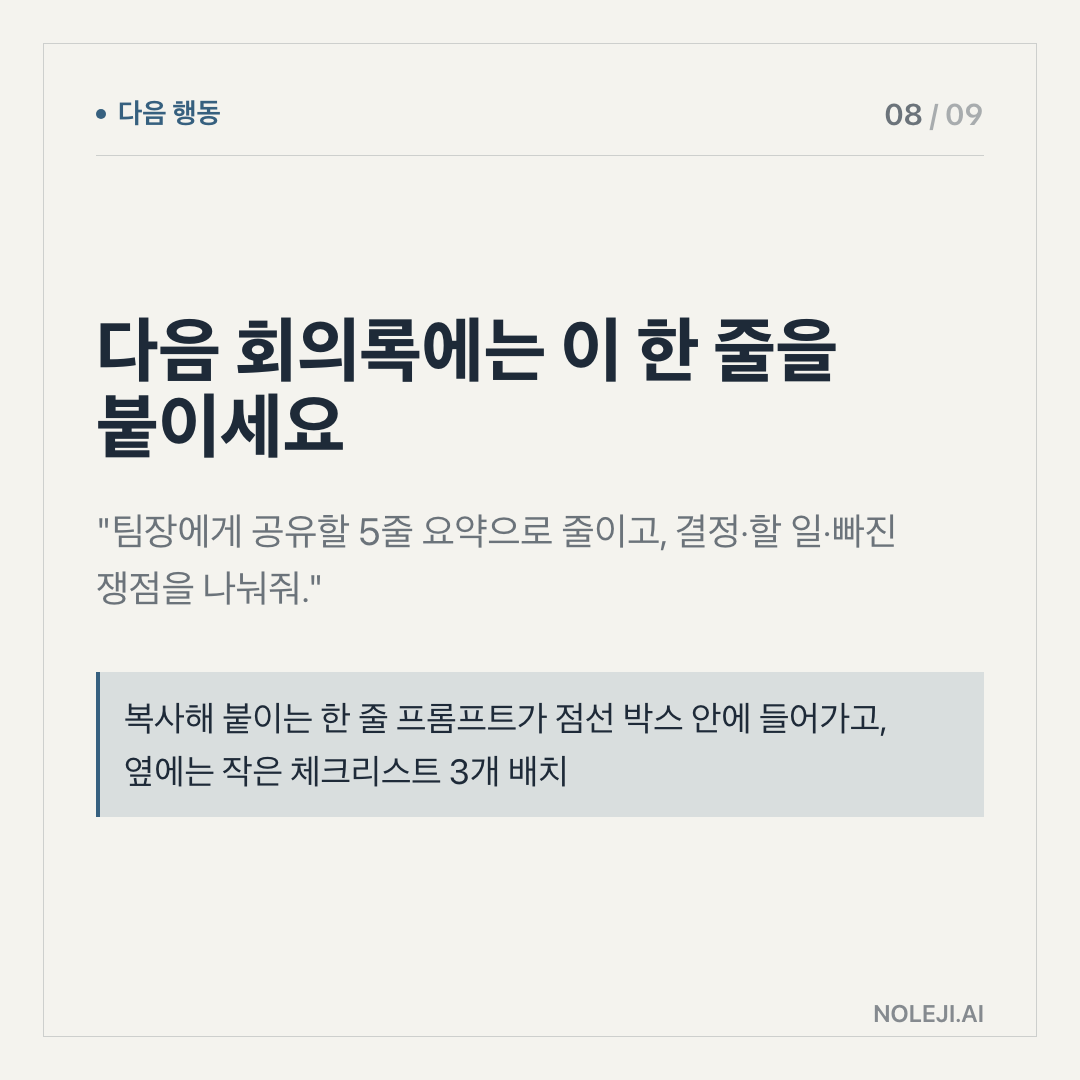
복붙용 line:
> Act like a careful assistant, not a confident presenter: keep the useful parts, mark what is uncertain, and do not make the claim stronger than the evidence.
This does not work when the worker has no taste
There is a limit.
A prompt kit cannot decide what your audience needs. It cannot replace domain judgment. It cannot know which client relationship is sensitive, which internal phrase carries political weight, or which claim will create trouble next month.
I have seen prompt templates make bad work faster. Someone copies a polished instruction, pastes weak material into it, and gets a clean-looking answer that still misses the point. The format improves. The thinking does not.
So I would not treat Gongnyang Prompt Kit 2.3, or any prompt kit, as a shortcut to expertise. I would treat it as a forcing function. It asks you to become more specific about the work you were already responsible for.
That is less exciting than “10x productivity.” It is also more useful.
Start with one job you repeat every week
If you want to use this update well, do not browse it like a catalog. Pick one recurring job and attach one reusable prompt to it.
My recommendation: start with weekly information cleanup. Meeting notes, saved links, Slack threads, rough memos, client comments. Ask AI to turn them into three things: what changed, what matters, and what needs a decision. Keep that prompt. Improve it after each use.
That is the quiet way automation gives time back. Not by replacing your work, but by reducing the number of times you have to restart from a blank page.
Primary next step: save one prompt this week for a task you already repeat, then test it three times before judging it.
Next edition: I will look at how to turn one saved prompt into a small personal workflow, so AI helps not only with writing, but with remembering what kind of work you are trying to do.
Take-aways
- Most people think a prompt kit is just a bundle of clever instructions
- A colleague once told me she had “tried AI” for a weekly report and gave up after three attempts
- That is where prompt kits become useful
→ 한국어 버전 →