"Can Gemini do this, or should I just do it myself?"
That sentence is where the real story starts. The question sounds small, almost lazy. But I think Gemini matters less as a grand AI platform and more as a tool that slowly changes the moment when we decide to ask for help.
The first habit is deciding what is worth asking
I started with one plain question: if Gemini becomes more available inside daily work, what actually changes for a non-developer?
The thin answer would be speed. You ask, it answers, you save time. I do not think that is the main point.
The more uncomfortable answer is that Gemini changes the threshold for delegation. A few years ago, many office workers only “delegated” when they had a person, a budget, or a formal workflow. Now the decision happens at the level of a sentence: “Turn this rough note into a client-ready email,” “Compare these two options,” “Make this meeting summary less vague.”
That sounds modest. It is also where habits live.
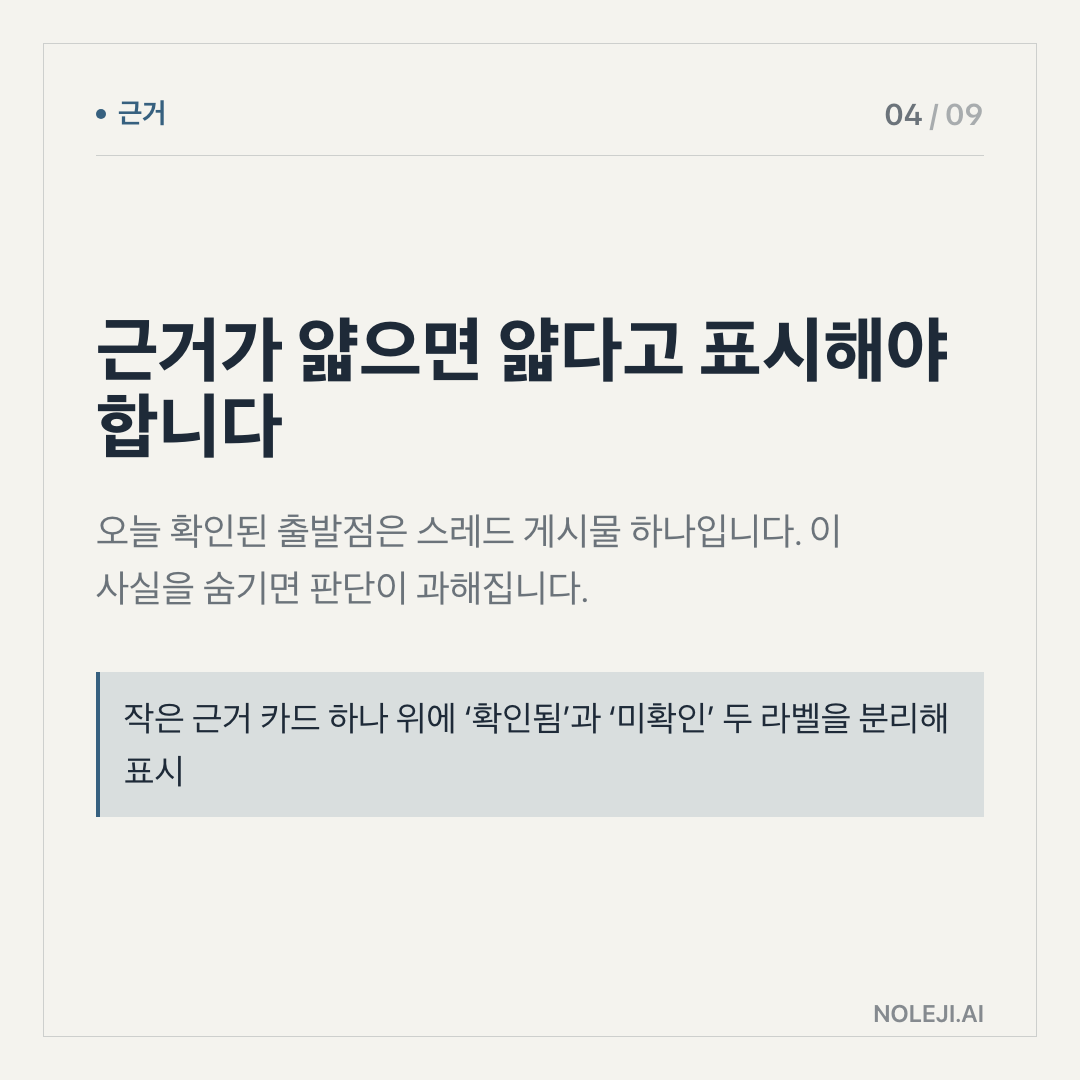
The source I have for today is a Google share link about Gemini. It is too thin to verify a specific product claim, benchmark, rollout scope, or pricing change from the text alone. So I am not going to pretend this is a full product analysis. I am treating it as a useful prompt: what should ordinary workers watch when Gemini keeps appearing closer to their documents, searches, phones, and inboxes?
My thesis is this: Gemini’s practical impact will come less from replacing tasks and more from making tiny moments of self-management visible. The people who benefit first will be the ones who build small asking routines before they feel “behind.”
I checked the obvious story, and it felt too clean
The obvious story says AI assistants make work faster.
I have seen that happen. A rough memo becomes readable in seconds. A long article turns into five bullets. A scattered meeting note turns into a follow-up email. These are real gains, especially for people who spend their day translating thoughts between bosses, clients, teams, and documents.
But speed alone does not explain why some people use these tools every day while others try them twice and stop.
Last week, I watched someone use an AI assistant for a sales email. The tool produced a clean draft. The person still rewrote half of it. The time saved was not the full email-writing time. It was the painful first ten minutes: deciding the angle, ordering the points, finding a polite opening.
That is the part many AI demos hide. The useful assistant does not remove all work. It removes the blank page, the second-guessing, and sometimes the small emotional tax of starting.
Here is the workplace analogy I keep coming back to: Gemini is less like hiring a senior employee. It is closer to having a calm junior colleague who is always available, works quickly, and needs very clear instructions. If you give it a vague task, it gives you a vague answer. If you give it context, constraints, and examples, it can move the work forward.
That means the real skill is not “using AI.” It is learning to hand off small pieces of thinking.
The small changes are easier to miss than the big claims
The biggest change I would watch is the shift from search to setup.
In the old habit, you search for information, open several tabs, skim, copy, and then shape your own answer. In the new habit, you may ask Gemini to prepare the first structure: “What should I compare?” “What questions am I missing?” “What would a cautious manager want to know before approving this?”
That is a different posture. You are no longer only looking for facts. You are asking for a work surface.
For non-developers, I see at least four small habits that may change first:
| Old habit | Gemini-shaped habit | Why it matters |
|---|---|---|
| Search first, organize later | Ask for a comparison frame first | You waste less time collecting irrelevant details |
| Write from a blank page | Give rough notes and ask for a first draft | Starting becomes cheaper |
| Read everything in full | Ask what must be read carefully and what can be skimmed | Attention becomes more deliberate |
| Keep tasks in your head | Ask for next actions, risks, and missing inputs | Work becomes easier to hand off or resume |
None of these requires technical fluency. They require a better sense of where your own work gets stuck.
For example, a marketing manager does not need Gemini to “do strategy.” That is too broad. But she can ask it to compare three campaign angles against one audience, one channel, and one constraint. A recruiter does not need it to “judge candidates.” But he can ask it to turn interview notes into consistent follow-up questions. A small business owner does not need it to “run operations.” But she can ask it to convert a messy supplier conversation into a checklist before making a call.
The pattern is clear: the safest early uses are reversible. Drafting, comparing, summarizing, rephrasing, preparing questions. These are places where a human can inspect the result before it leaves the room.
The riskier uses are decisions that look simple but carry hidden judgment: ranking people, interpreting contracts, handling medical or financial advice, sending messages under someone else’s name, or trusting a summary when the original detail matters. Gemini may be useful nearby. It should not become the only witness.
My working rule is blunt: use Gemini where a bad answer costs you a revision, not where a bad answer costs someone a right, a job, money, or safety.
That may sound conservative. I think it is the practical way to keep using the tool without pretending it is more reliable than the evidence allows.
The weak point is trust, not intelligence
The source for today does not give me enough to say which Gemini feature changed, which version improved, or how broadly it is available. That matters.
A lot of AI writing treats product names as if they explain everything. “Gemini can do X” is not enough. Which Gemini? In which app? With what data access? Under what account setting? With what memory, file access, or workplace policy?
For a developer, those questions sound technical. For an office worker, they are everyday risk questions. Did it see the right document? Did it use current information? Can I paste this client data? Will my company allow it? Can I explain the answer if someone asks how I got it?
I have also had AI tools produce confident summaries that missed the one sentence I actually needed. The danger is not that the writing looks bad. The danger is that it looks finished.
So I would not build a work habit around trust first. I would build it around inspection.
A useful Gemini routine should leave a trail: the prompt, the source material, the draft, the checked version, and the final human decision. That sounds slower than magic. In practice, it is often faster than cleaning up a mistake later.
Try it on one repeated task today
Do not start with your most important work. Pick one repeated task you already understand.
Use this three-step test:
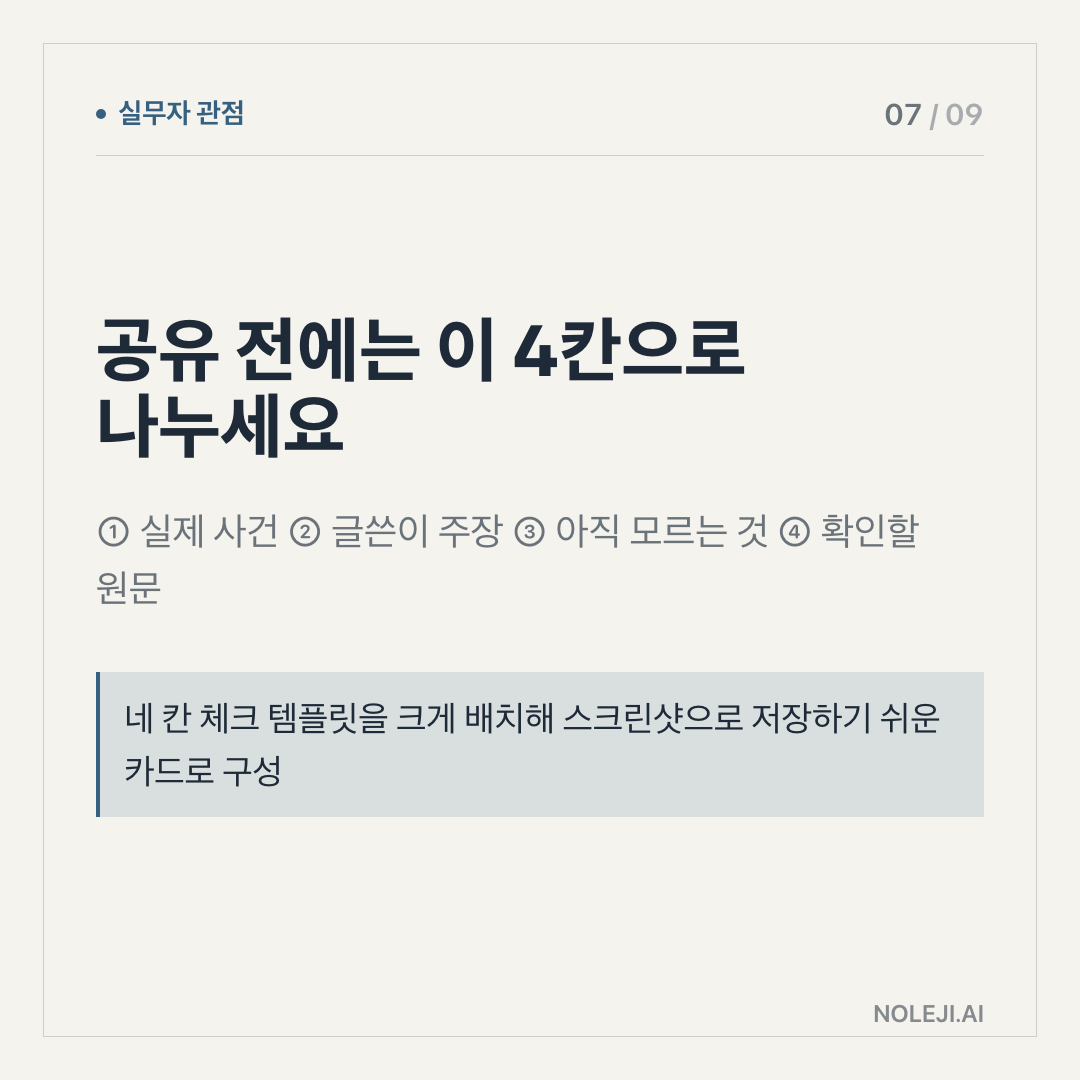
① Choose a task you do at least twice a week: a status update, meeting summary, client email, research note, or comparison memo. ② Ask Gemini to handle only the first draft or first structure, not the final decision. ③ Check the output against three questions: What is missing? What is too confident? What would I change before sending this to a real person?
Keep this line somewhere you can reuse:
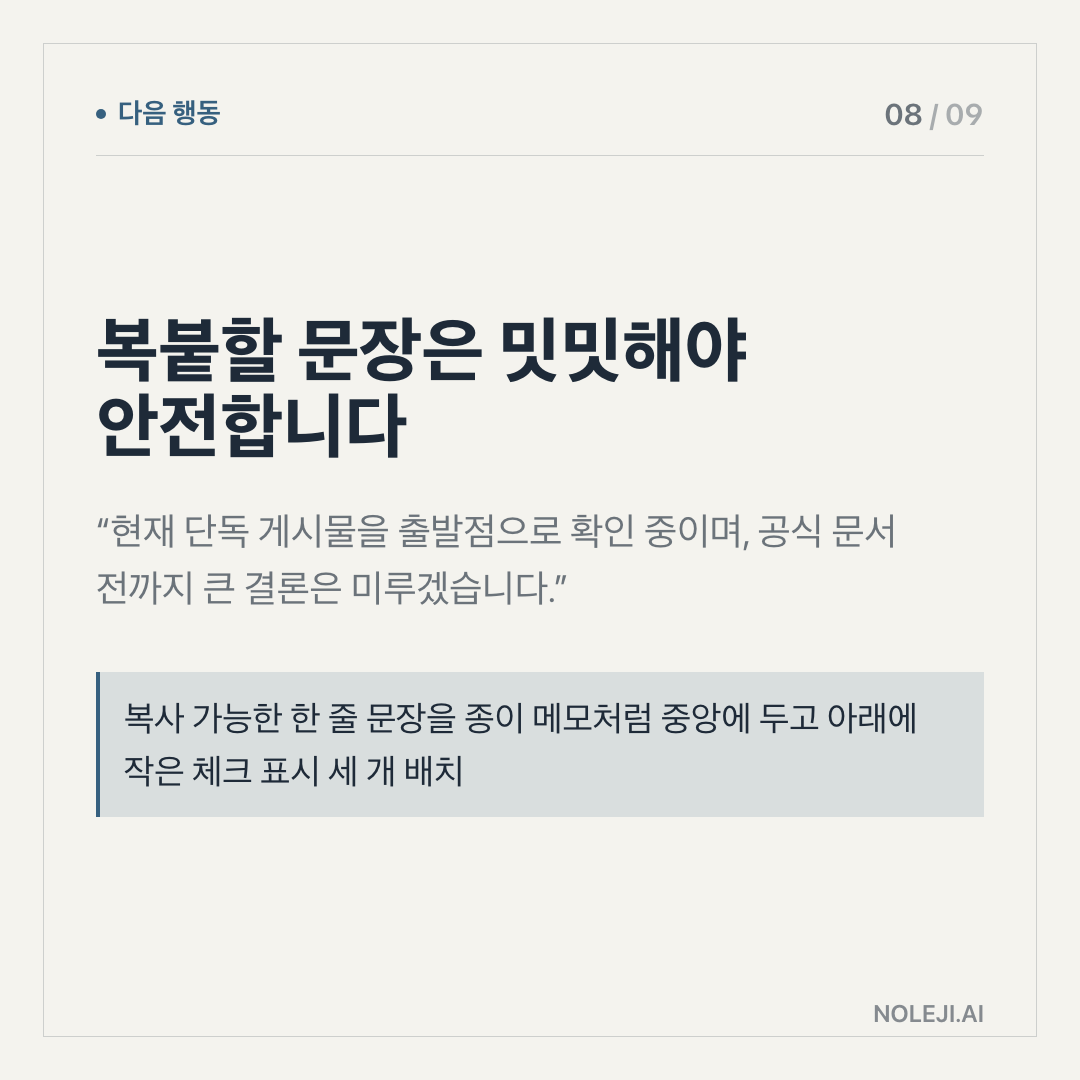
> “Use the notes below to make a first draft. Keep the tone practical, mark any uncertainty, and list what I still need to verify before sending.”
That one sentence is not solid. It does something important, though. It tells the tool that the answer is not the end of the work.
My next step for you is simple: test Gemini on one low-risk repeated task today and save the before-and-after version. The next piece will look at the prompts that make AI assistants behave less like search boxes and more like reliable work partners.
Take-aways
- "Can Gemini do this, or should I just do it myself?"
- That sentence is where the real story starts
- I started with one plain question: if Gemini becomes more available inside daily work, what actually changes for a non-developer?
→ 한국어 버전 →