I Mistook “Free” for “Finished”
I made a lazy assumption last week. When I saw another AI slide tool being framed around “free,” my first reaction was: good, this will save people from spending an evening wrestling with layouts. That was too generous.
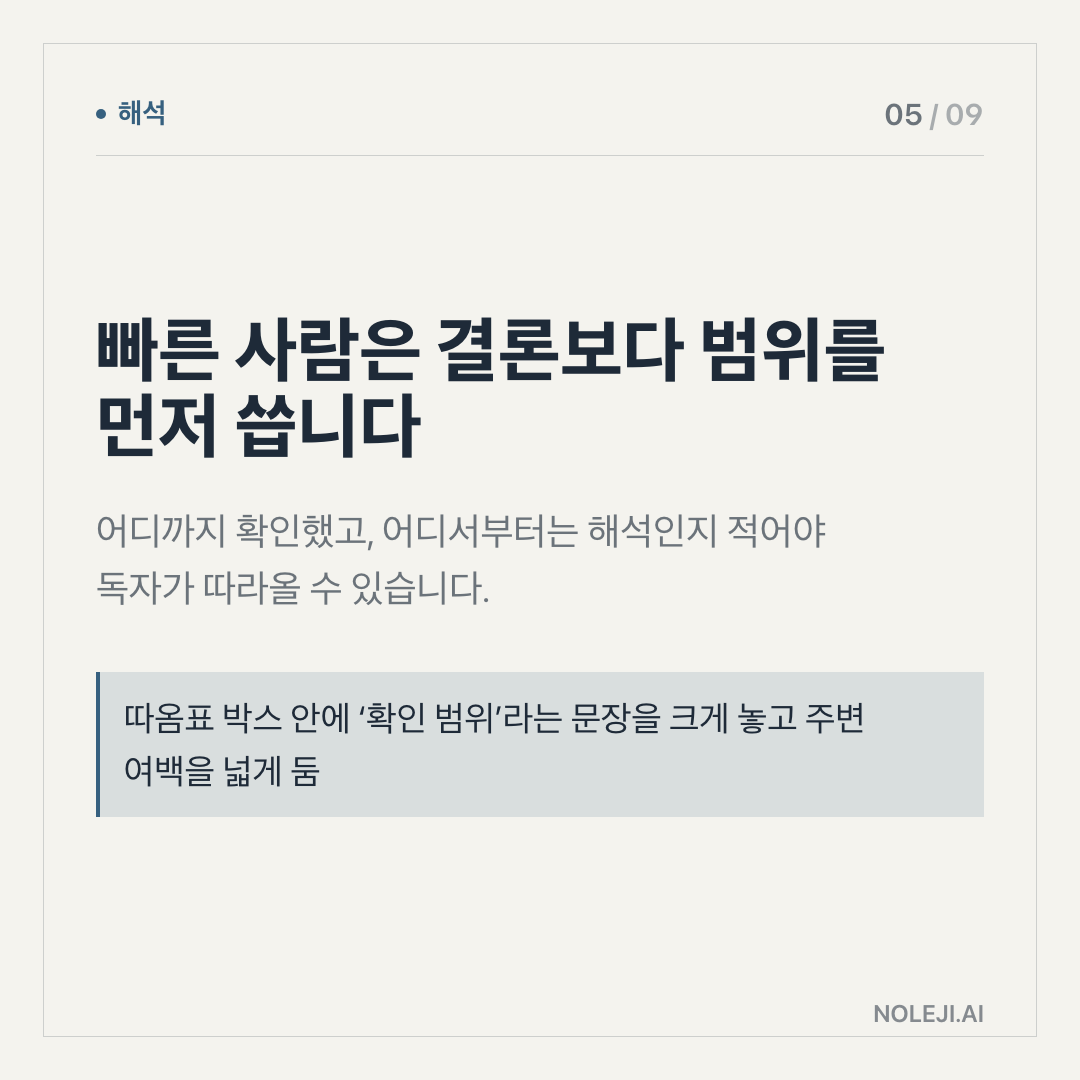
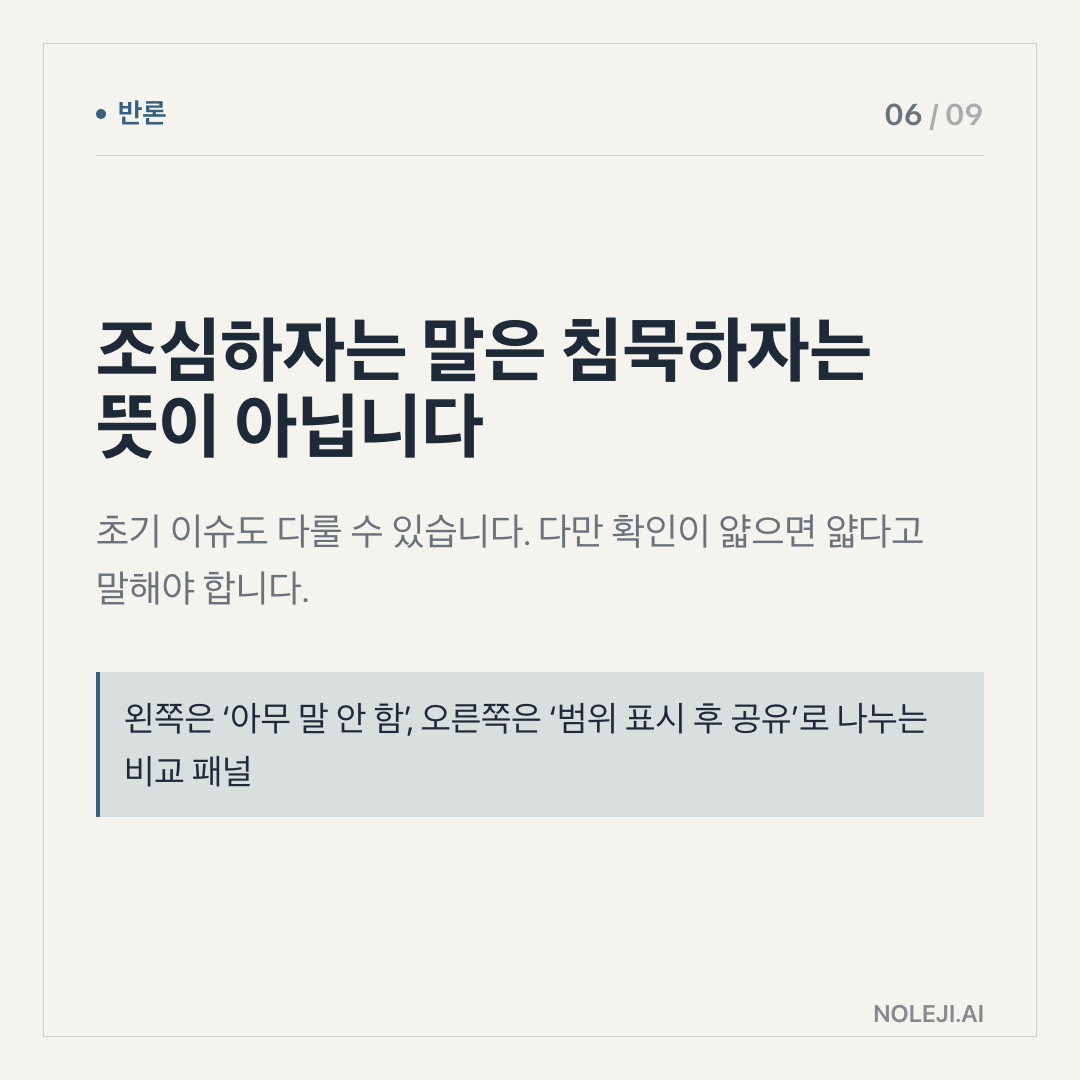
Free slide generation does not remove the work. It moves the work to a less visible place: deciding what the slide should say, what should be left out, and whether the result can survive a real meeting.
My takeaway from the YouTube clip around “이걸 무료로” is this: AI slide tools are useful only when we stop treating them as presentation makers and start treating them as first-draft pressure testers.
I Tried to Find the Product, but the Bigger Pattern Was Easier to See
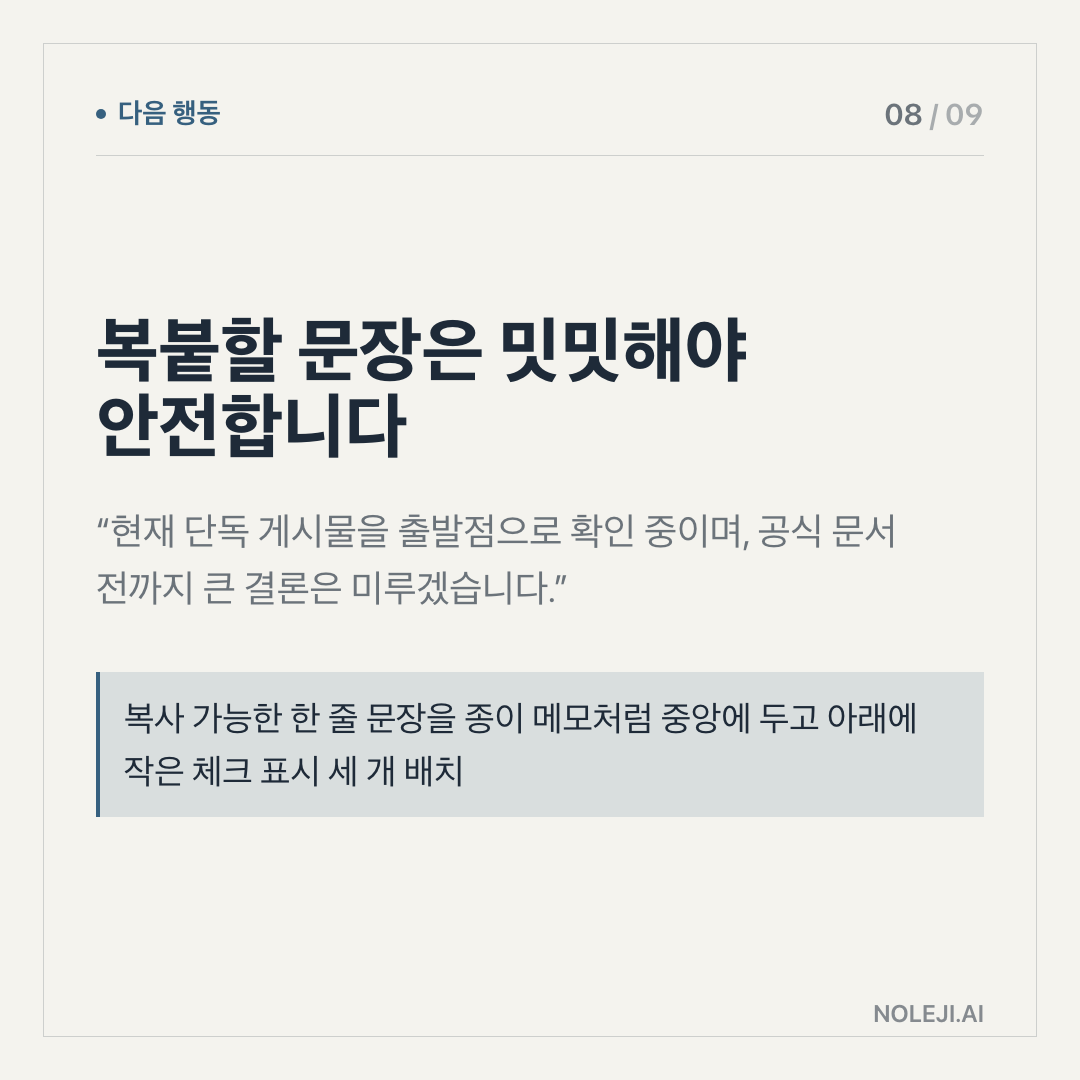
The available evidence here is thin. I have one linked YouTube source, not a full transcript, not a product changelog, and not a verified pricing page. So I’m not going to pretend I know every feature, limit, or condition behind the “free” claim.
What I can work with is the pattern.
Slide tools have become one of the easiest ways for non-developers to feel AI directly. You paste a topic. You get pages. Titles appear. Icons appear. A structure appears. It feels like the hard part has been handled.
I understand the appeal because I have been there. In office work, a blank slide is often more painful than a blank document. A document can ramble for a while. A slide has nowhere to hide. If the argument is weak, the rectangle exposes it.
That is why “AI makes slides for free” sounds bigger than it is. The rectangle is still there.
The Expensive Part Was Never the Template
Here is the part I would argue, even if some people disagree with me: for most office workers, AI slide tools are less valuable as design tools than as thinking tools.
The design help is real. A quick deck can save 20 or 30 minutes of fiddling with spacing, hierarchy, and page order. For a weekly update, a school presentation, a light internal briefing, that matters.
But the bigger value comes before the deck looks polished.
A slide deck forces choices. One page, one point. One chart, one claim. One meeting, one decision. If an AI tool gives you ten slides from a vague request, it quickly shows whether your idea has a spine or only a mood.
This is the difference I now use when judging these tools:
| If you use AI slides as... | What you get | Hidden risk |
|---|---|---|
| A design shortcut | Faster-looking pages | Weak logic dressed up neatly |
| A writing assistant | Better titles and section flow | Generic phrasing that sounds safe |
| A thinking test | A quick view of your argument’s gaps | You still have to make the judgment |
| A meeting prep tool | Faster first draft for discussion | People may trust polish too early |
For a non-developer worker, this matters more than the tool name.
You do not need to understand models, tokens, or automation pipelines to benefit from AI here. You need to ask a sharper question: “What job am I asking this deck to do?”
A sales deck has to reduce doubt. A team update has to make status legible. A proposal deck has to make a choice feel lower-risk. A lecture deck has to help someone remember the sequence.
If you ask AI for “a presentation about remote work,” it will probably give you something acceptable and forgettable. If you ask for “a 7-slide deck that helps a 12-person operations team decide whether to keep Friday remote work, with one slide for risks and one for the manager’s decision,” the tool has a real task.
That is where automation gives time back. Not by replacing your judgment, but by letting you spend less time decorating unfinished thought.
The office analogy I keep coming back to is this: AI slides are like asking a capable junior colleague to draft the first version. You would not send that draft to the client untouched. But you would absolutely use it to see what is missing.
The Part That Can Still Mislead Us
There is a trap here, and I have fallen into it.
A polished AI deck can make a weak idea feel more complete than it is. Good spacing, clean icons, and confident headings create a small illusion of readiness. In a busy workplace, that illusion travels fast.
The “free” angle also needs caution. Free can mean free trial, free tier, free with export limits, free with branding, or free until a usage cap appears. Without a verified product page or transcript, I would not treat the price claim as settled.
There is also a practical limit: many AI-generated decks still sound like they were written for nobody in particular. They often avoid hard tradeoffs. They like balanced phrases. They produce pages that feel reasonable but do not force a decision.
So my rule is simple: if a deck does not make someone’s next action clearer, it is not done.
Test It Today on One Boring Slide Deck
Do not start with your most important presentation. Start with something ordinary: a weekly update, a project recap, a training outline, or a meeting summary.
Use this small test:
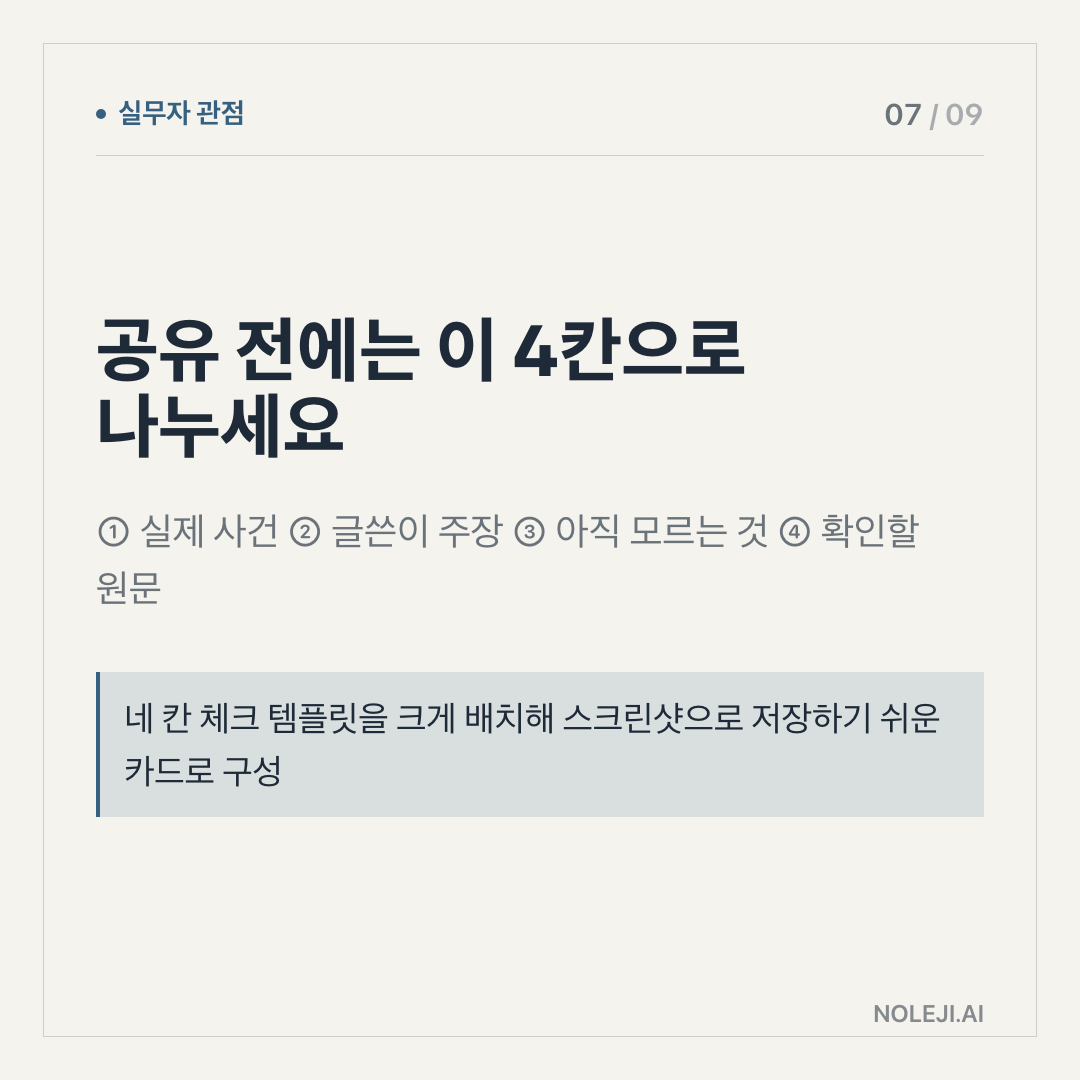
① Write the decision or message in one sentence before opening the tool. ② Ask the AI for 5 to 7 slides, not 20. ③ Remove any slide that does not change what the audience knows or does. ④ Rewrite every title as a claim, not a label. ⑤ Check the final deck by asking: “Would this help a tired person decide faster?”
복붙용 line:
> Turn this into a 7-slide deck for a busy non-technical team. Each slide title must make one clear claim, and the final slide must tell the audience what to decide next.
My next step is to keep a small “AI slide test” template and use it whenever a tool promises fast decks for free. The tool can make pages. I still have to make the point.
다음 편에서는 무료 AI 도구를 고를 때 제가 보는 세 가지 조건을 다룹니다: export limits, editing control, and whether the tool helps you think before it helps you decorate.
Take-aways
- I made a lazy assumption last week.
- When I saw another AI slide tool being framed around “free,” my first reaction was: good, this will save people from spending an evening wrestling with layouts.
- That was too generous.
→ 한국어 버전 →