6 Checks Before You Let a Robot Touch Your Work
6 checks are enough to decide whether GitHub Actions belongs in your workflow or should stay out of it for now. That number matters because automation usually fails before the code runs, not after. The weak point is rarely the button; it is the habit you are trying to hand over.
My argument is simple: GitHub Actions is not a good first automation tool for most non-developers. It becomes useful only after you can describe the work like you would explain it to a careful junior colleague: when to start, what files to touch, what result to produce, and when to stop.
So the question I would ask before using it is not “Can this be automated?”
It is: “Do I understand this task well enough to trust it running without me?”
I Tried to Follow the Clue, but the Source Was Thin
The material I had for this note was narrow: one shared Google link, without enough surrounding context to treat it as a full technical reference. That matters. When the evidence is thin, I do not want to pretend there is a big new industry turn hiding inside one link.
So I treated the topic more practically.
GitHub Actions is already a known automation system inside GitHub. Developers use it to run tests, build apps, publish packages, check pull requests, and schedule repeat work. For a non-developer, the important part is not the brand name. It is the shape of the tool: something happens in a repository, and GitHub runs a set of instructions.
That sounds clean. In real work, it can get messy fast.
Last week I looked at a small publishing-style workflow and asked a plain question: “Which part would I be comfortable letting run at 8 a.m. without checking first?” The answer was smaller than expected. Formatting a file? Maybe. Publishing publicly? No. Sending messages outside the team? Definitely not without a review step.
That is where the useful line appears. GitHub Actions is powerful when the task is already boring. It is risky when the task still needs taste, judgment, permission, or context.
The Tool Is Not the Point; the Boundary Is
If you work outside engineering, it helps to think of GitHub Actions less like “coding” and more like an office routine with a locked checklist.
A calendar reminder says, “Every Monday at 9.” A folder rule says, “When a file lands here.” A checklist says, “Check these three things, then send the final version.”
GitHub Actions combines those ideas inside a GitHub project. It can start when someone pushes a change, opens a pull request, creates a release, or when a schedule says it is time. The result can be a test, a report, a build, a file change, or a deployment step.
The danger is that people often automate the visible action before they define the invisible rule.
For example, “publish the article” sounds like one action. It is not. It may include checking the title, confirming the date, validating links, resizing images, making sure the article is not a draft, and deciding whether the piece is safe to send to readers. Some of those steps are mechanical. Some are editorial. GitHub Actions is good at the first group and bad at the second unless a human gate is built in.
Here is the table I would keep before adopting it:
| Check | Good fit for GitHub Actions | Bad fit without extra review |
|---|---|---|
| Trigger | “Run every weekday at 8 a.m.” | “Run whenever something feels ready” |
| Input | Fixed files, fixed folders, fixed naming | Messy notes, changing briefs, unclear ownership |
| Output | Test result, build file, formatted draft, report | Public post, external email, paid action |
| Failure | Easy to notice and retry | Quietly wrong, publicly visible, hard to reverse |
| Permission | Uses limited access | Needs broad account or production review access details |
| Judgment | Rule-based pass/fail | Taste, reputation, legal, or customer impact |
This is why I would not describe GitHub Actions as a productivity shortcut first. I would describe it as a boundary test.
If you cannot write the boundary, the automation is early.
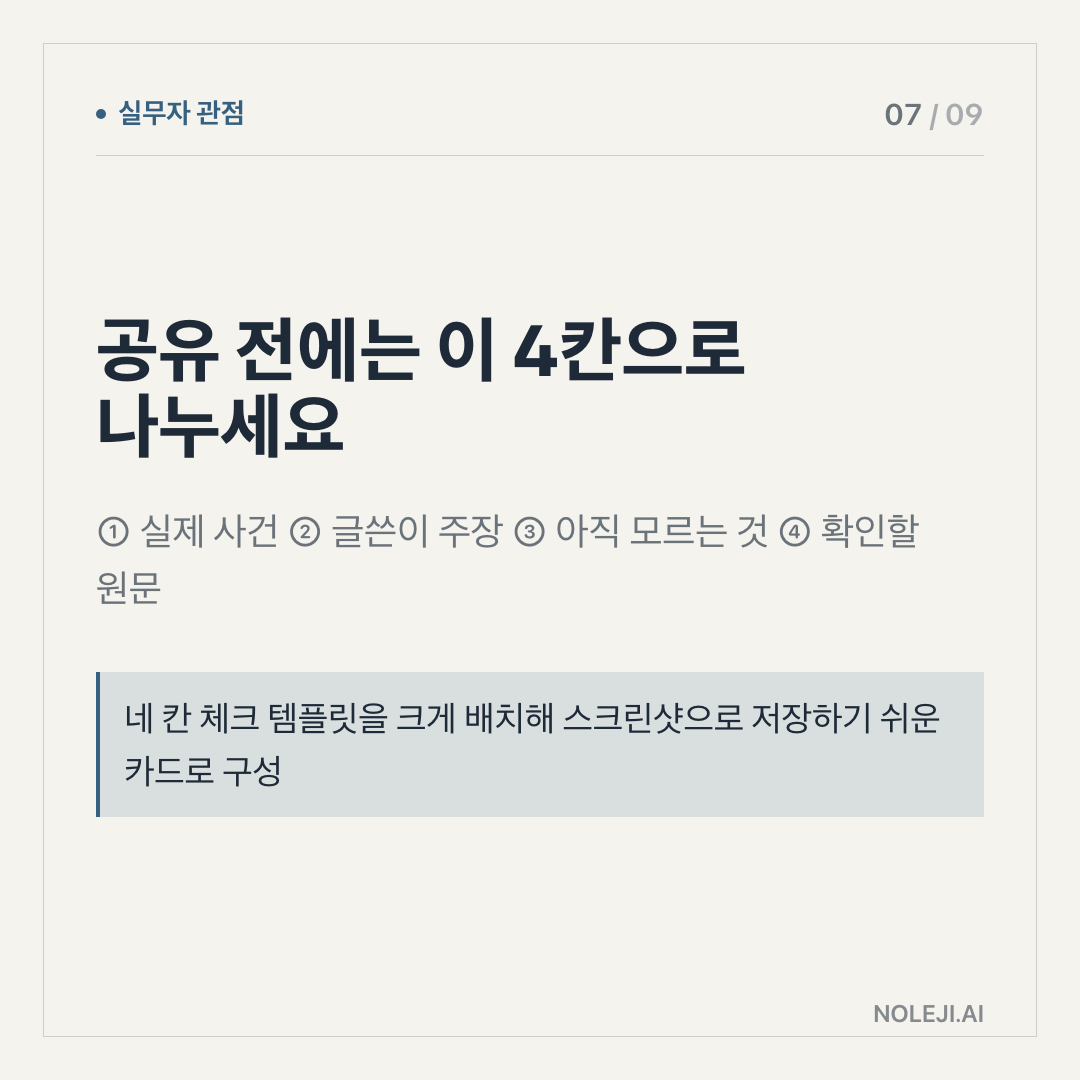
A practical version of that boundary looks like this:
① Name the exact trigger. “Every push” is different from “only after manual approval.”
② Name the thing it is allowed to touch. One folder is safer than the whole project.
③ Name the visible result. A report is easier to trust than an invisible background change.
④ Name the stop condition. If a file is missing, if a check fails, if approval is absent, the workflow should stop.
⑤ Name the owner. Someone must know what happened when it fails at 8:03 a.m.
⑥ Name what must never be automated. Payment, deletion, public publishing, review access details changes, and external sending deserve extra caution.
The most useful sentence may be this one:
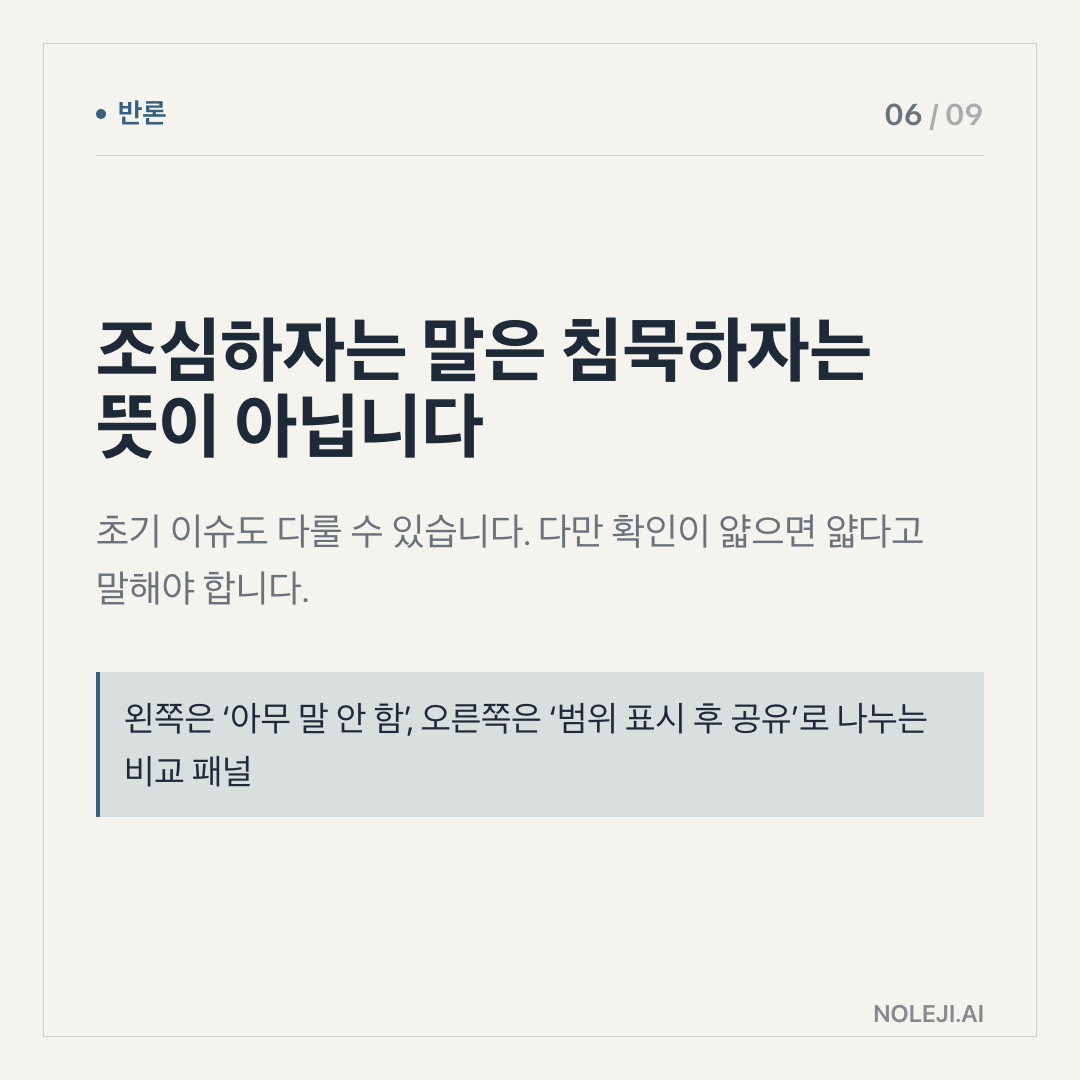
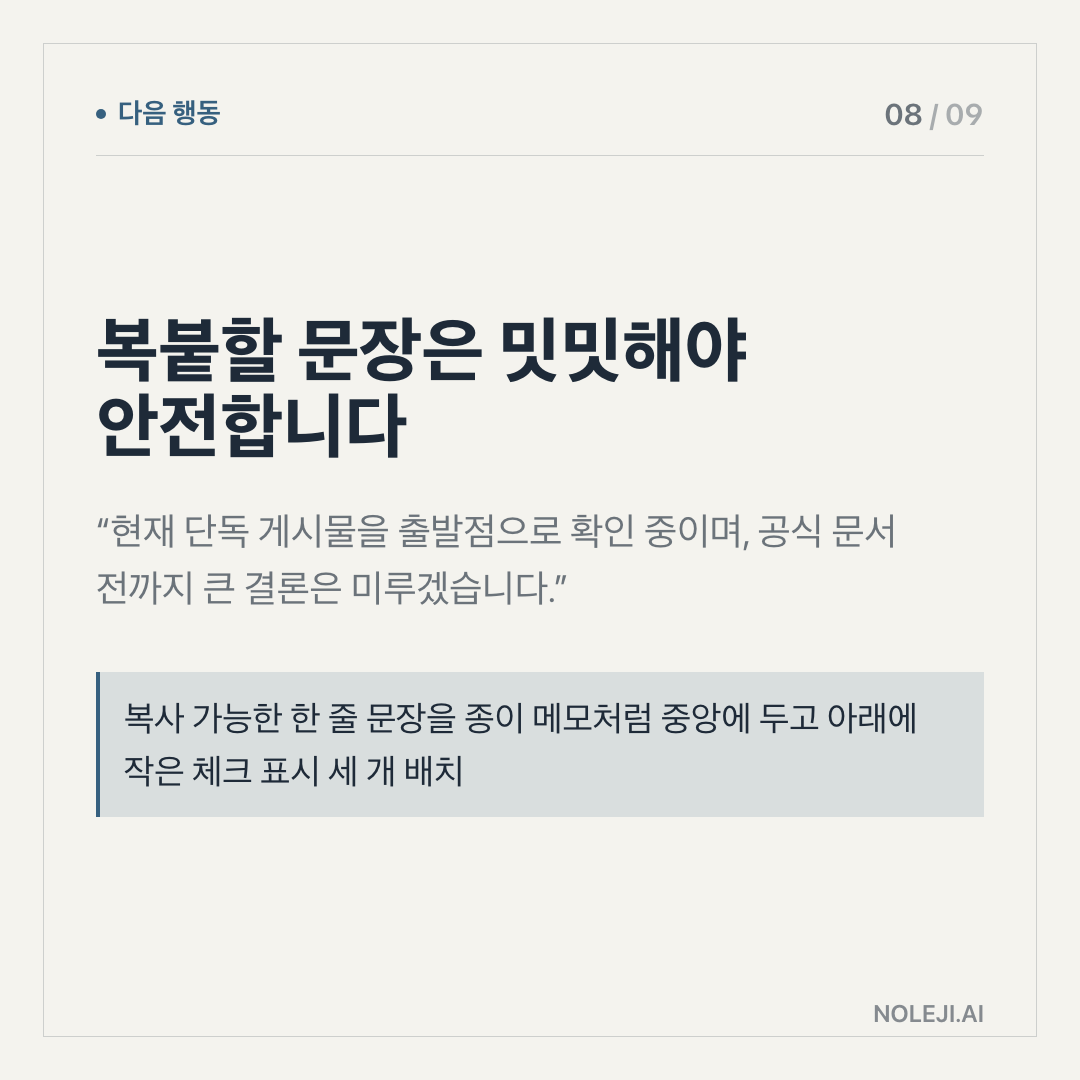
> “This workflow may prepare the work, but it may not publish, delete, pay, or message outside the team without a human approval step.”
That line is boring. It is also the kind of boring that saves time later.
GitHub Actions becomes especially interesting for people who are not full-time developers because more work is moving into files: newsletters, websites, documentation, data exports, dashboards, content calendars, prompts, and reports. Once work lives in files, small systems can watch those files. They can check them, clean them, transform them, and package them.
That does not mean every office worker needs to learn CI/CD terminology. It means the future of work is going to reward people who can turn repeatable judgment into repeatable steps.
There is a difference.
A person who says “make this automatic” is still vague. A person who says “when this draft enters this folder, check these fields, generate this preview, and wait for my approval” is already designing a system.
That second person may never call themselves technical. But they are becoming operationally literate.
The Part I Would Not Overclaim
There is one honest limit here: with only one thin source link in the provided material, I cannot claim that something new changed inside GitHub Actions this week. I also cannot claim a fresh benchmark, adoption number, pricing shift, or product announcement from the evidence given.
So this article should be read as a practical frame, not as breaking news.
There is another limit. GitHub Actions can feel unfriendly if you do not already use GitHub. The words alone can push people away: repository, workflow, runner, YAML, secrets. For a non-developer, that is a lot of door handles before the room even appears.
I still think it is worth understanding, but I would not start there for every person. If your work is still mostly in Google Docs, Notion, email, or spreadsheets, you may get more value first from learning how to name repeatable steps clearly. The tool can come later.
Automation is not freedom when it creates a machine nobody understands.
Try the Smallest Workflow You Would Trust Unsupervised
Before you touch GitHub Actions, write one task in this form:
> “When ___ happens, check ___, produce ___, and stop if ___.”
Use a task that is small enough to be boring. Rename files. Check links. Generate a preview. Run a spelling check. Create a daily status note. Do not begin with public publishing or anything connected to money, deletion, or outside messages.
My next step for readers is simple: save the 6-check table above and use it before saying yes to any new automation idea.
다음 편에서는 이 same question will move one layer closer to daily work: how to describe an automation task so a developer, an AI agent, or a no-code tool can actually build it without guessing.
Take-aways
- 6 checks are enough to decide whether GitHub Actions belongs in your workflow or should stay out of it for now
- My argument is simple: GitHub Actions is not a good first automation tool for most non-developers
- So the question I would ask before using it is not “Can this be automated?”
→ 한국어 버전 →