Which of these do you need Gemini to do this week: summarize information, write a first draft, check files, automate a repeated task, or make a decision with real consequences?
That answer changes what you should check now.
I would not treat Gemini as one big product update to “keep up with.” For most non-developers, the useful question is smaller: which parts of Gemini can already save me time, and which parts still need a human system around them?
My thesis is this: the practical value of Gemini is no longer in asking whether it is smart enough. It is in knowing where you can safely delegate the first 60% of work, and where you still need to keep the last 40% under your own name.
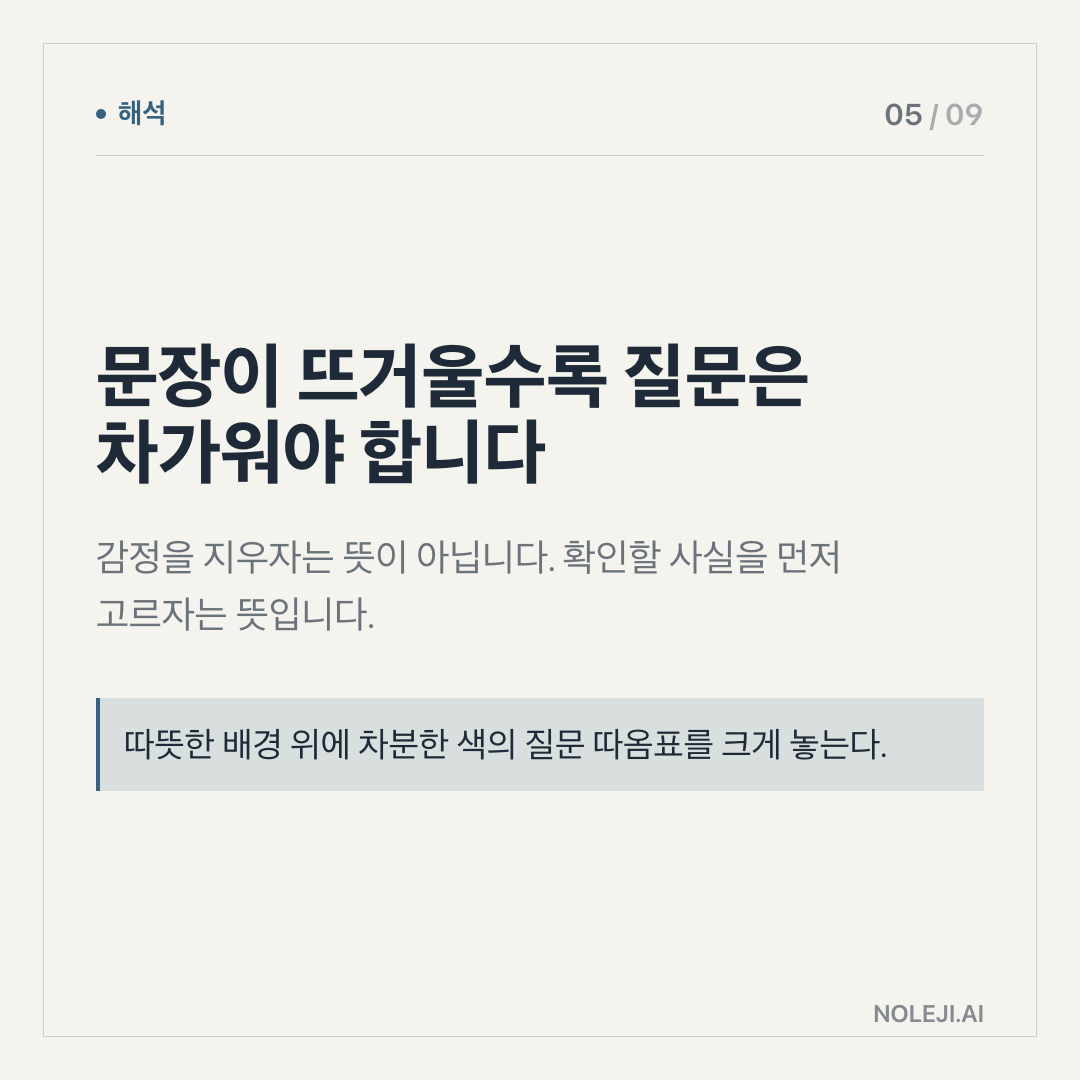
The trap is testing Gemini like a search box
Many people still test AI tools by asking one hard question and judging the answer. I understand why. It feels clean. You type, it replies, you decide whether it is good.
But office work rarely looks like that.
A manager is not asking, “What is the strategy?” in a vacuum. She is asking after reading three PDFs, remembering last quarter’s numbers, worrying about one client, and needing to send something before 5 p.m. A marketer is not asking for “a campaign idea.” He has an old deck, a tired product page, a sales team that keeps using different words, and a budget that will not grow.
So if you test Gemini only as a smarter search box, you miss the actual question: can it help you move through a messy workday with fewer context switches?
This is where I see many non-developer workers make the same mistake I made with earlier AI tools. I asked for polished answers too early. The result sounded fine, but I still had to check every line, rewrite the tone, and rebuild the structure. The tool had produced text. It had not reduced my burden.
The better test is less glamorous: give Gemini one bounded work chore and see whether it shortens the path.
The first thing to check is your delegation line
Because the available source here is thin, I would be careful about making broad claims from it. The manifest points to one Google shared source, and that is enough to say Gemini deserves attention, but not enough to declare how it will perform across your actual tools, files, company policies, and language needs.
That is not a reason to wait. It is a reason to test the right thing.
The first check is your delegation line. By that I mean: which part of your work can leave your head without creating risk?
For me, the useful line is usually this:
| Work type | Check now | Can wait |
|---|---|---|
| Summarizing long material | Yes, if you can compare against the original | Waiting rarely helps |
| Drafting emails or briefs | Yes, but keep the final judgment yours | Full tone automation |
| Finding patterns across notes | Yes, especially with repeated formats | High-stakes interpretation |
| Making client or business decisions | Use as a second reader | Delegating the decision |
| Handling private or sensitive data | Check policy first | Casual experimentation |
That table is intentionally plain. It is closer to how real office work happens.
If Gemini can take a 20-page document and give you a usable first map, that matters. If it can turn a meeting transcript into a cleaner list of owners, dates, and open questions, that matters. If it can compare two drafts and show where the meaning changed, that matters.
But I would not hand it an important decision and say, “Tell me what to do.” That is not caution for caution’s sake. It is because responsibility does not move just because the interface sounds confident.
A non-developer worker needs a different benchmark from a model leaderboard. The question is not, “Is Gemini the strongest model?” The question is, “Can I build a small repeatable system around it by Friday?”
① Pick one repeated task you do at least twice a week. ② Write down what a good output must contain in five bullets. ③ Run Gemini on one real example, not a fake demo. ④ Compare the result against your five bullets. ⑤ Keep only the part that saved time without lowering judgment.
The fifth step is the most important. Do not keep the whole workflow because the tool felt impressive. Keep the part that survived contact with your work.
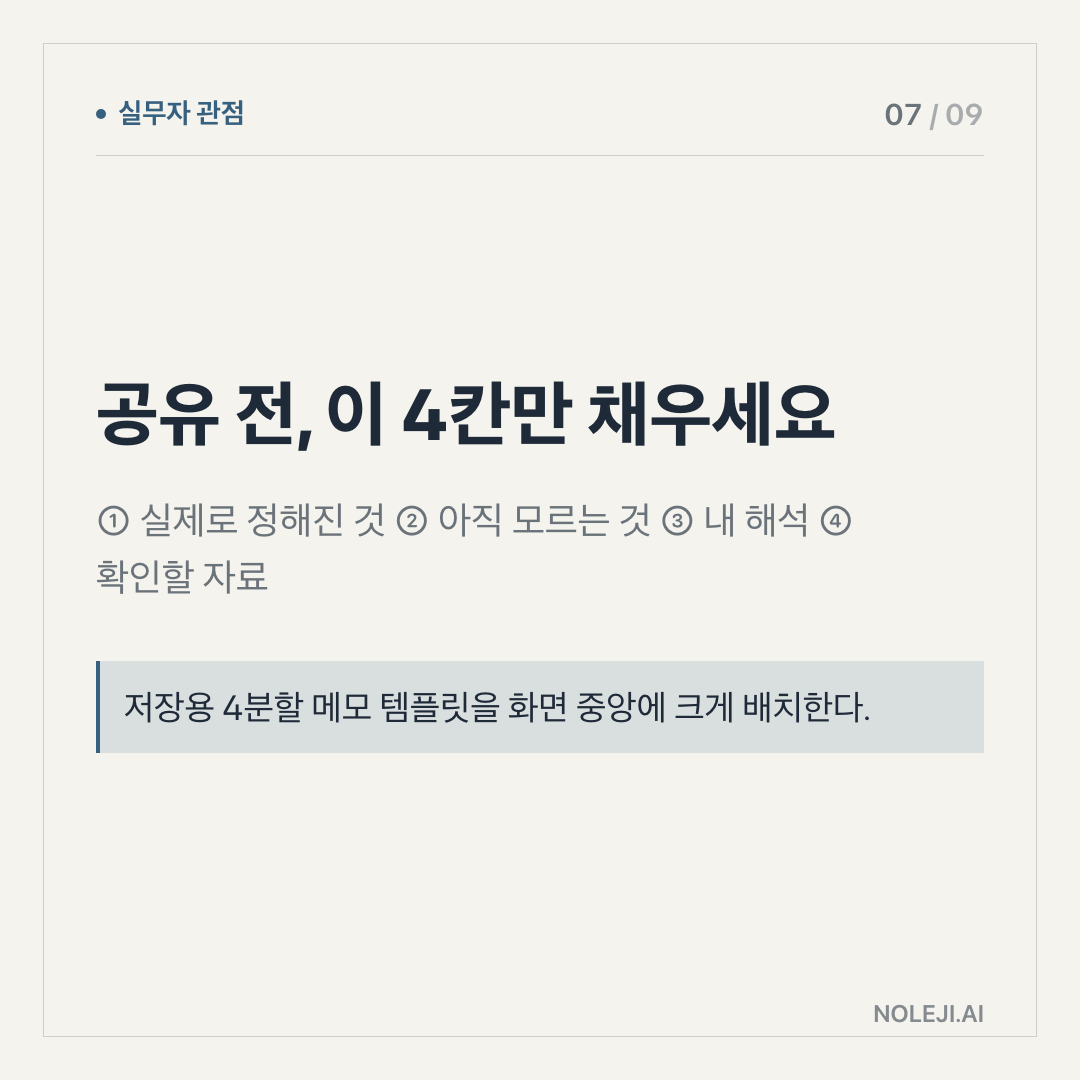
A practical example: instead of asking Gemini to “write a market update,” ask it to extract three changes from a source, separate confirmed facts from interpretation, and leave a section titled “needs checking.” That gives you a draft you can use. It also gives you a place to disagree.
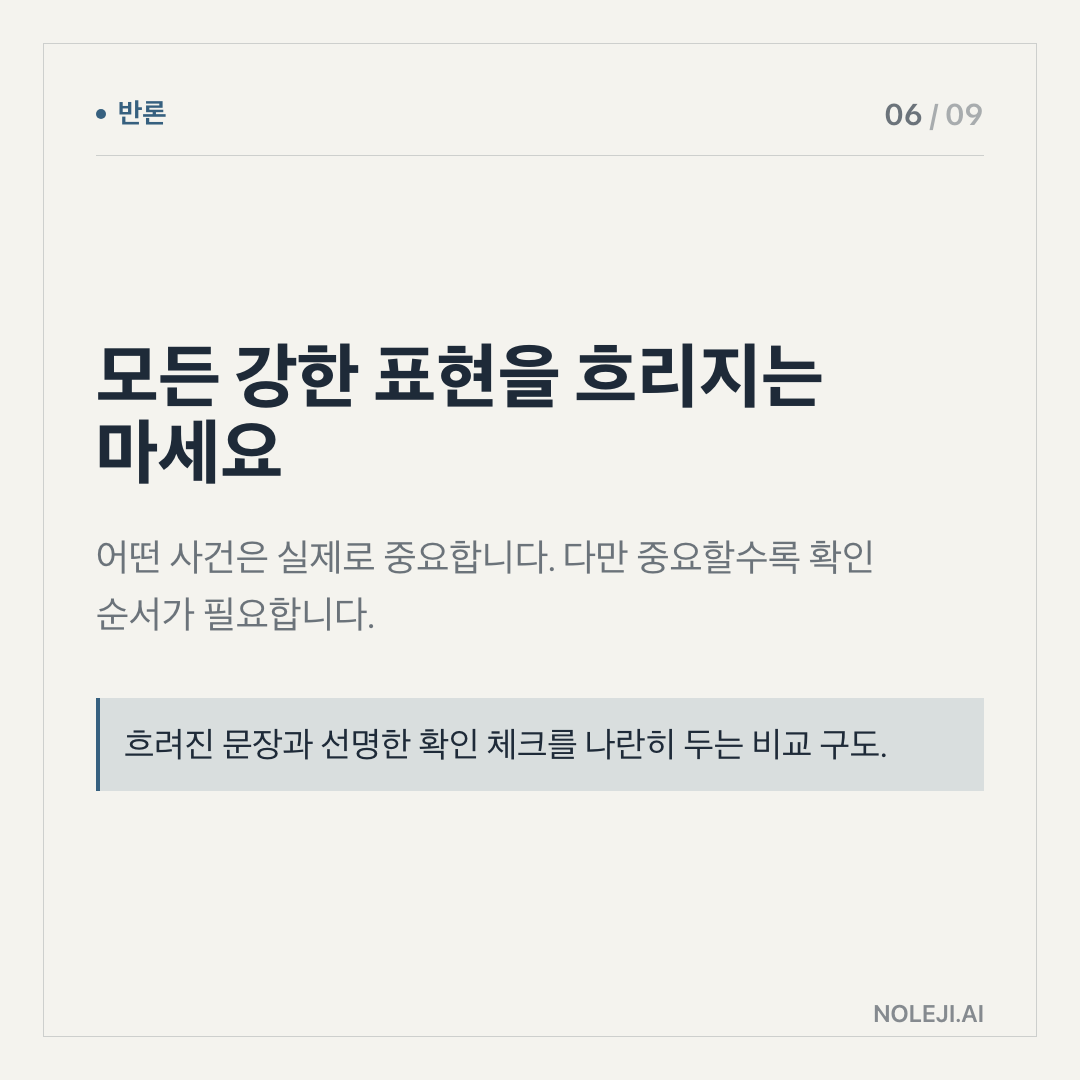
That disagreement is the point. Good AI use is not obedience. It is controlled delegation.
The part that can wait is the prestige race
I would not spend much time this week comparing every Gemini capability against every other AI product unless your job depends on tool selection.
For most workers, the prestige race is a distraction. It creates the feeling of being informed while delaying the habit that actually matters: building a personal operating system for repeated work.
I know this sounds less exciting than following every release note. But the quieter skill is more durable. The person who learns how to give clear inputs, define review rules, and reuse a good workflow will benefit from Gemini, ChatGPT, Claude, or whatever comes next.
The brand may change. The habit transfers.
This is why I am more interested in prompts that look almost boring:
> “Read this and return only: confirmed facts, unclear claims, missing context, and one cautious draft paragraph for a non-technical manager.”
That line is worth saving because it does not ask the tool to sound smart. It asks the tool to separate work into pieces a human can inspect.
Where this approach breaks
There are cases where this does not work well.
If your company has strict data rules, you should not paste internal documents into any AI tool just because the task feels low-risk. Policy comes first. The time you save is not worth creating a data problem.
If the source material is weak, Gemini can still produce a fluent answer. That is useful only if you force it to show uncertainty. With today’s source context, I would use careful language: we have a Google-linked signal, but we do not have enough evidence here to rank Gemini’s real-world performance for every job type.
And if your work depends on taste, trust, or negotiation, AI can help prepare, but it cannot fully represent you. A difficult client email, a performance review, a pricing decision, or a message that may affect someone’s role should not be shipped straight from a model.
I have learned this the slow way. AI can make a sentence smoother while making the responsibility blurrier. When that happens, the writing looks cleaner and the work gets worse.
Try one low-risk workflow before you chase the next update
Today, do not try to “learn Gemini.” That goal is too large.
Try one low-risk workflow:
Choose one document, meeting note, or messy draft from this week. Ask Gemini to return four things only: what changed, what is confirmed, what still needs checking, and what you should do next. Then spend ten minutes judging whether the answer actually saved time.
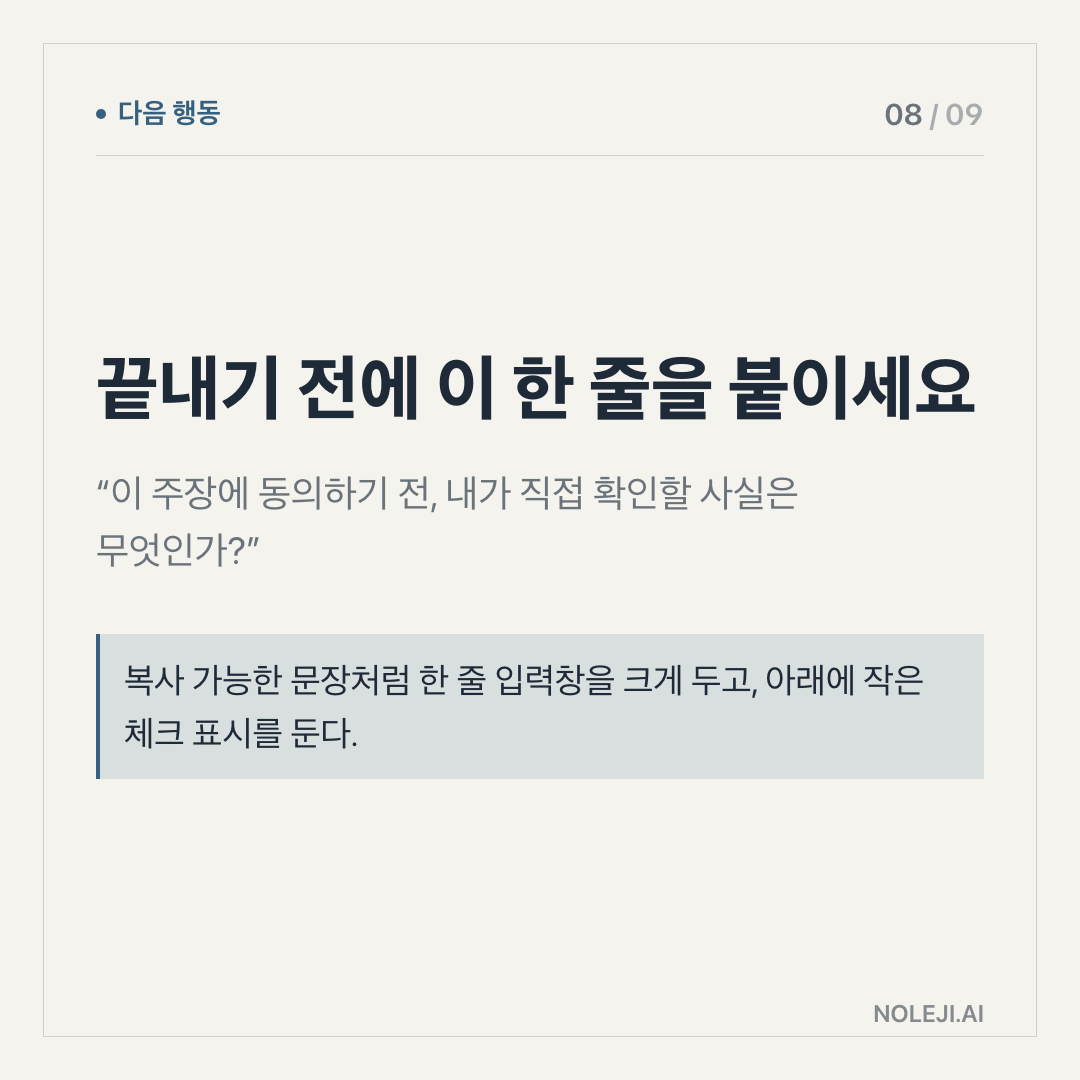
If it did, save the prompt. If it did not, save the failure too. That is how a personal automation system starts: not with a big transformation, but with one repeatable task that gives you back a little attention.
Next step: build a small “AI delegation checklist” for one recurring part of your work and reuse it for a week.
다음 편에서는 Gemini 같은 도구를 쓸 때, “내가 직접 해야 할 판단”과 “AI에게 맡겨도 되는 정리”를 나누는 체크리스트를 더 구체적으로 만들어보겠습니다.
Take-aways
- Which of these do you need Gemini to do this week: summarize information, write a first draft, check files, automate a repeated task, or make a decision with real consequences?
- That answer changes what you should check now.
- I would not treat Gemini as one big product update to “keep up with.” For most non-developers, the useful question is smaller: which parts of Gemini can already save me time, and which parts still need a human system around them?
→ 한국어 버전 →