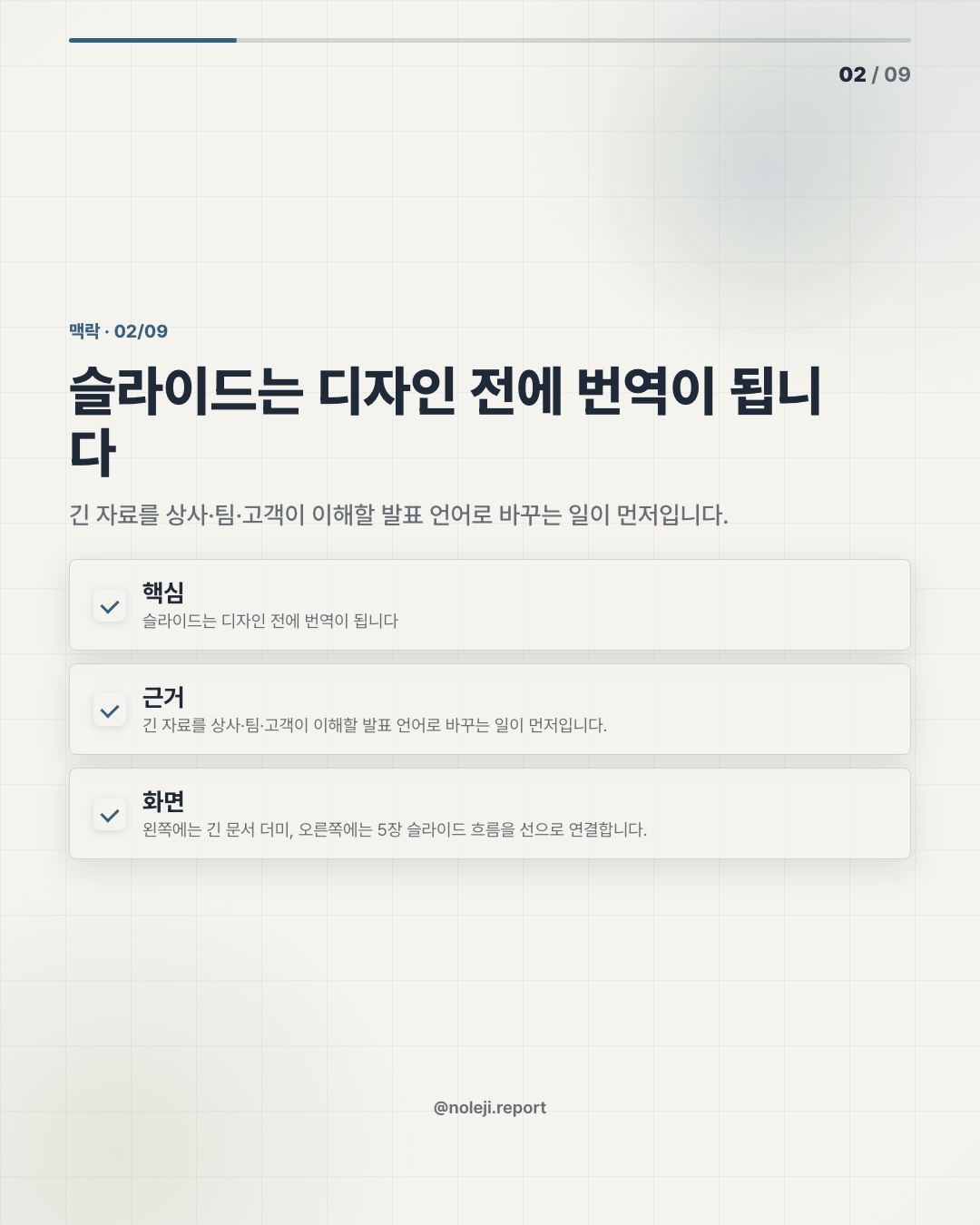
Nine examples and fifty templates sound like a free gift until you open a blank deck at 11:37 p.m. and realize the hard part was never the slides. It was deciding what the slides should say. If NotebookLM Slides is moving from “help me understand these sources” toward “help me turn these sources into a usable presentation,” then the update matters less as a design feature and more as a work habit change. My thesis is simple: for non-technical workers, the real value of AI slide generation is not prettier decks. It is a lower-cost way to build small repeatable systems around thinking.
A blank deck is where office confidence quietly disappears
I have seen capable people lose an hour to the first slide.
Not because they lack ideas. Because a deck forces several jobs at once: reading, prioritizing, structuring, phrasing, designing, and guessing what the audience already knows. That is a lot to ask from someone who still has meetings, email, and a manager asking for “just a quick summary.”
So when a tool promises 9 practical examples and 50 templates around NotebookLM Slides, I do not read it as “now everyone becomes a designer.” I read it as a possible shortcut through the most painful part of knowledge work: turning scattered material into something another human can follow.
“AI will make the slides” is the wrong promise
The common reaction is predictable. People hear “AI slides” and think the job is done.
That is the trap.
A slide deck is not a container for information. It is a sequence of decisions. What comes first? What gets removed? Which number deserves attention? Where does the audience need proof, and where do they need a plain sentence?
If AI simply turns documents into decorative pages, it may save 20 minutes and create two hours of cleanup. I have made that mistake with other AI workflows: feeding in too much material, accepting the first draft because it looked organized, then discovering the logic was soft. The deck looked finished before the thinking was finished.
This is where non-developers need a different mental model. Do not treat NotebookLM Slides as a designer. Treat it like a junior analyst who has read the files and can prepare a first briefing. You still own the judgment.
The useful update is not slides, but a workflow you can repeat
Because the source manifest here does not include official release notes or product documentation, I will not pretend to verify every feature detail. The reliable facts inside this brief are the topic, the product name, and the framing: “NotebookLM Slides,” “9 practical examples,” and “50 templates.” That is enough to talk about the operator signal, but not enough to make a product-spec claim.
And the operator signal is worth taking seriously.
NotebookLM already sits in an interesting place for everyday workers because it starts from sources. That matters. Most AI tools begin with a prompt and ask you to describe what you want. Source-based tools begin with the material you are responsible for: reports, transcripts, notes, PDFs, meeting documents, customer research, policy drafts.
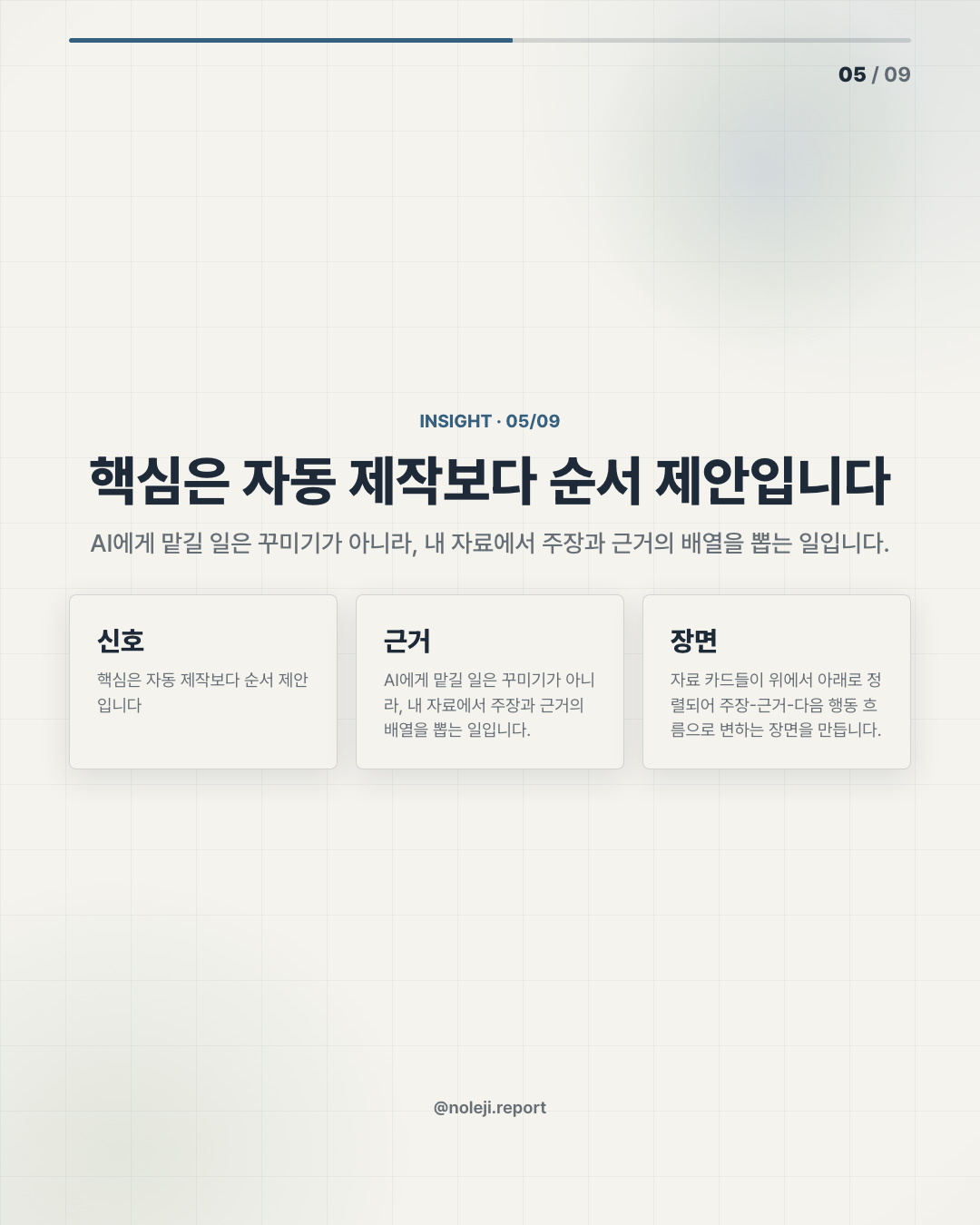
If slides now become a stronger output surface, the practical shift is this: the same source pile can produce a study guide, summary, FAQ, briefing, and deck. That turns AI from a one-off answer machine into a small workbench.
Here is the difference in plain office language:
| Old slide workflow | Better AI-assisted workflow |
|---|---|
| Open PowerPoint first | Collect the source material first |
| Start with layout | Start with audience and decision |
| Copy useful paragraphs | Ask for the argument structure |
| Polish slide by slide | Review the story before design |
| Finish when it looks good | Finish when the next action is clear |
This is why I care more about the 9 examples than the “free” angle. Examples teach usage patterns. Templates reduce hesitation. Together, they can help a non-technical worker build a repeatable routine:
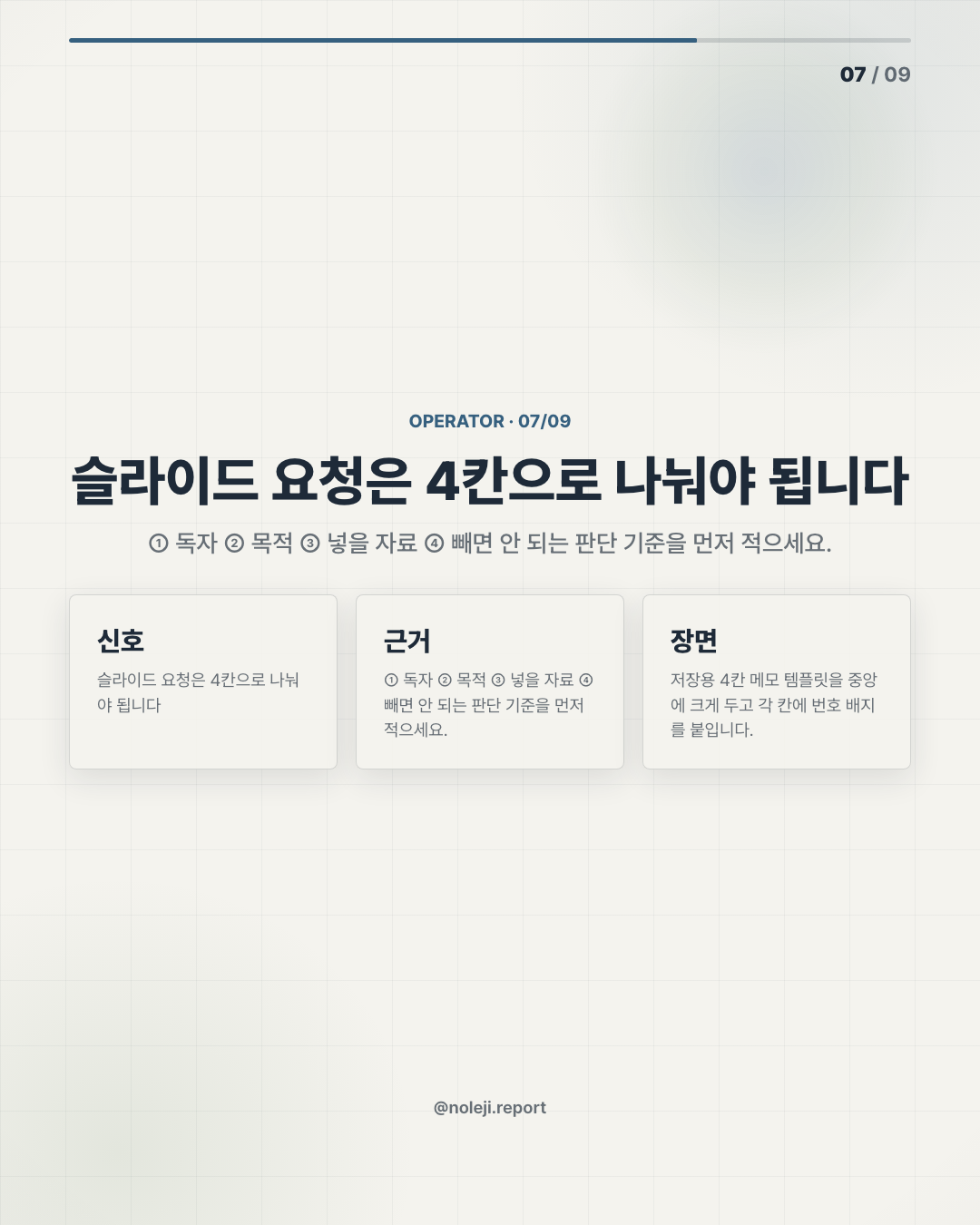
① Put the source documents in one place. ② Ask for the audience: executive, team, client, student, investor. ③ Ask for the deck’s job: decide, explain, persuade, train, update. ④ Generate a first structure before generating slides. ⑤ Cut anything that does not support the deck’s job. ⑥ Only then adjust tone, title, and visual hierarchy.
That sequence sounds simple. It is not how many people work under pressure.
The strongest use cases are not glamorous. They are the annoying recurring ones: weekly project updates, customer interview summaries, internal training decks, policy explainers, competitor scan briefings, research readouts, onboarding materials, meeting-prep decks, and “please summarize this for leadership” requests.
A developer may look at this and ask, “Why not build a full automation pipeline?” Fair question. But most workers do not need a pipeline. They need a reliable 30-minute routine that turns messy material into a deck good enough to discuss.
That is a different kind of productivity. Less dramatic. More durable.
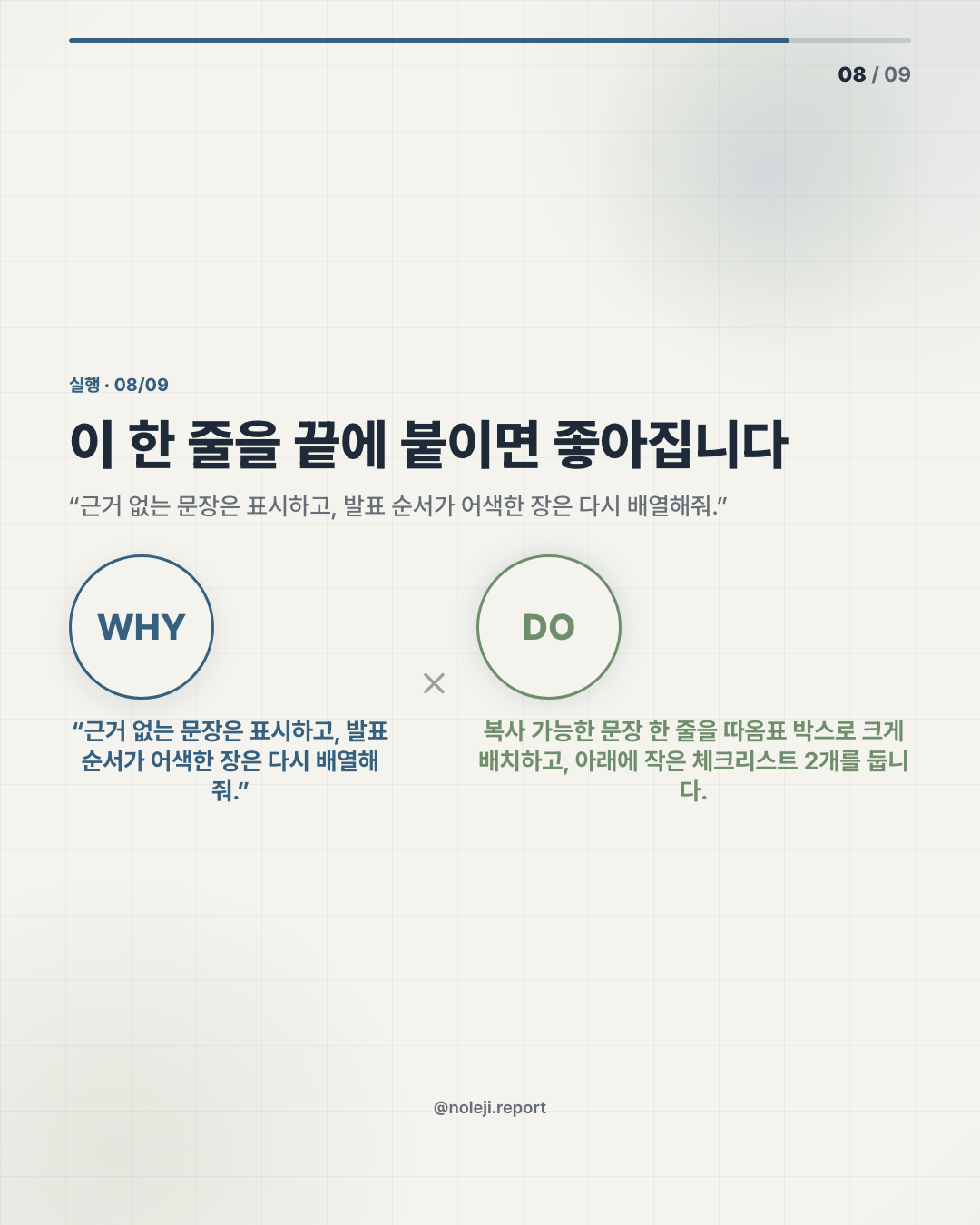
복붙용 prompt line:
> “Using only these sources, create a 7-slide briefing for [audience]. The goal is to help them [decision/action]. Start with the argument, then give me slide titles, one key point per slide, and what evidence supports each point.”
I would save that line before saving any template.
This breaks when the sources are weak or the audience is unclear
There are limits, and they matter.
If the source material is vague, the deck will become vague faster. If the audience is undefined, the slides will feel generic. If you ask for “a professional presentation,” you will probably get something smooth and forgettable.
The bigger risk is false confidence. A deck has visual authority. Once information is arranged into slides, people assume someone has checked it. That assumption can be dangerous in finance, legal, hiring, medicine, public policy, or any setting where a bad summary creates real consequences.
I would also be careful with decks that require taste more than structure: brand storytelling, investor narrative, sensitive internal communication, or strategic positioning. AI can help draft options, but it does not know what your organization can actually say out loud.
So my rule is this: use AI for the first structure and the first compression. Do not outsource the final judgment.
Make one boring deck system before chasing fifty templates
If you want to try this today, do not start with all 50 templates.
Pick one recurring work situation. A weekly team update is enough. Feed the same type of source material each week, use the same prompt pattern, and compare the output across three attempts. Look for where the tool saves time and where you still need to intervene.
My recommended next step: save the prompt line above and use it on one real source bundle this week.
Next in 다음 편: I will turn the 9 example idea into a practical menu for non-technical workers — which deck types are worth automating first, and which ones still need a human editor from slide one.
Take-aways
- Nine examples and fifty templates sound like a free gift until you open a blank deck at 11:37 p.m
- I have seen capable people lose an hour to the first slide.
- Not because they lack ideas
→ 한국어 버전 →